
Appetito Menu Review: Multilingual QR Menus for Restaurants

Appetito Menu stands out in the QR menu space with one key feature: robust multilingual support. If your restaurant serves international tourists, expats, or multilingual communities, this could be exactly what you need.
Here's our complete review of Appetito Menu and how it handles multilingual digital menus.
What is Appetito Menu?
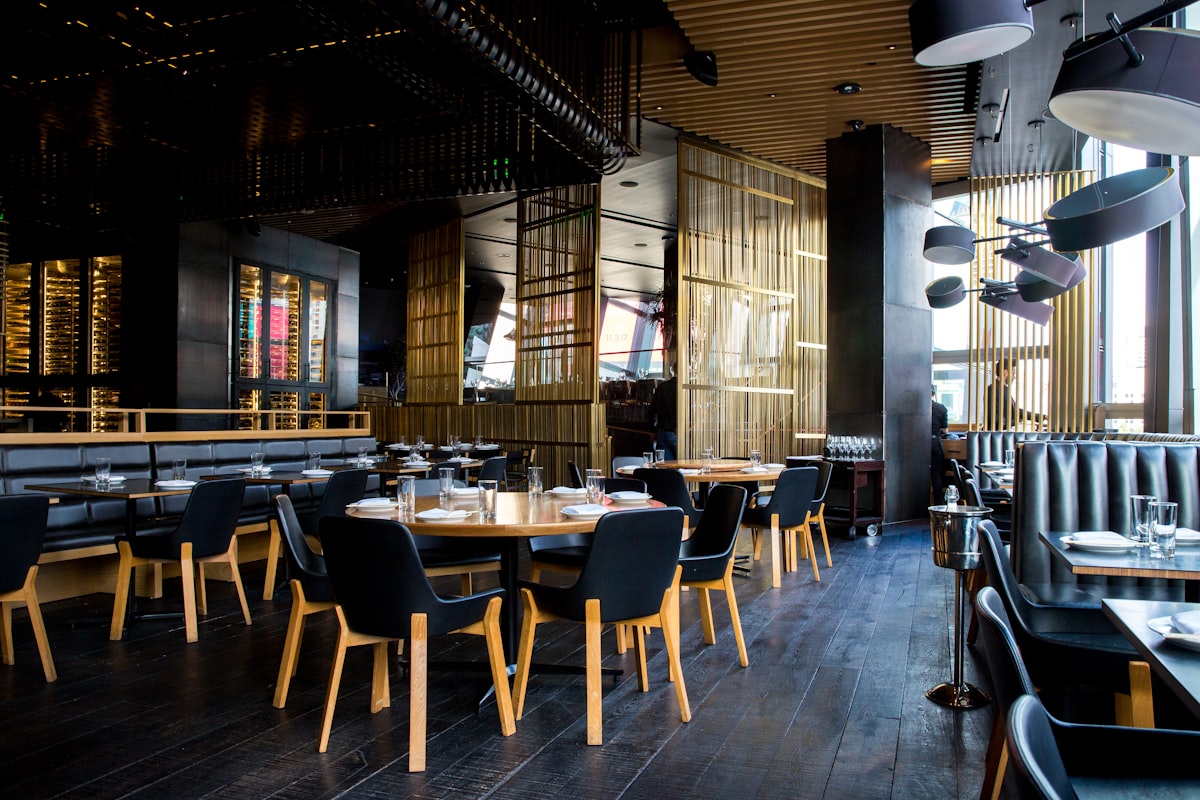 Appetito Menu creates QR code menus that display in customers' preferred languages
Appetito Menu is a QR code menu platform that lets restaurants create digital menus customers access by scanning. What sets it apart is the multi-language functionality — you can build your menu once and translate it into as many languages as you need.
The platform supports:
- Digital menu creation
- QR code generation
- Multiple languages per menu
- Customizable design
- Allergen information
- Product badges (new, bestseller, etc.)
Key Features
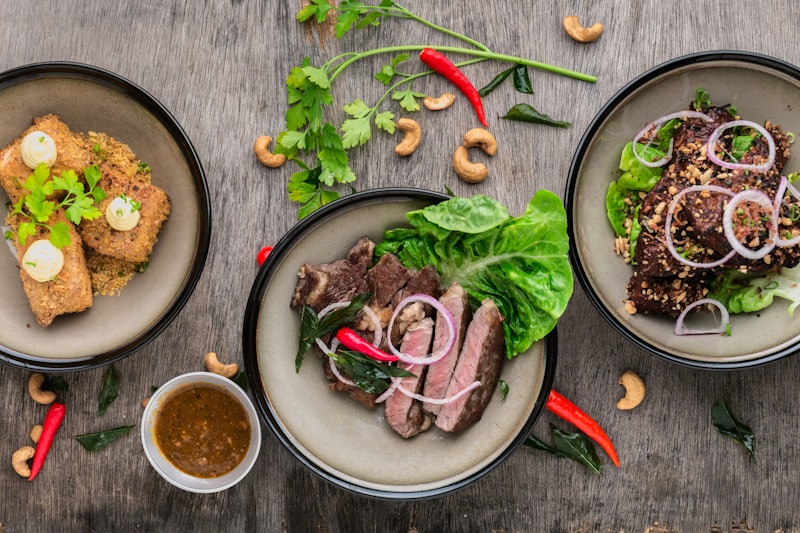 Key features that make Appetito stand out
Multilingual Menu Support
This is Appetito's standout feature:
- Add as many languages as needed
- Build menu once, translate to each
- Automatic language detection based on device
- Manual language switching for customers
How it works:
- Create your menu in your primary language
- Add additional languages (e.g., English, Arabic, Spanish)
- Translate each item and category
- Customers see menu in their device's default language
Easy Menu Builder
 Building your Appetito Menu is straightforward even without technical skills
Creating your menu is straightforward:
- Add categories — Steaks, Drinks, Desserts, etc.
- Add products — Name, description, price
- Add variations — Different sizes, portions
- Upload images — Essential for conversion
- Set allergens — Mark dairy, gluten, etc.
- Add badges — "New," "Bestseller," "Spicy"
No coding or technical skills required.
Design Customization
Appetito offers branding customization:
- Custom banner image at top of menu
- Color scheme matching your brand
- Logo integration
- Font selection
- Layout options
QR Code Generation
Generate printable QR codes:
- Customizable QR code appearance
- Table-specific codes optional
- Download and print-ready
- No reprinting needed for menu changes
Pricing
 Understanding Appetito's pricing structure
Appetito Menu uses a tiered pricing model:
| Plan | Price | Key Features |
|---|---|---|
| Free | $0 | 1 menu, basic features |
| Basic | ~$15/month | Multiple menus, remove branding |
| Pro | ~$30/month | Analytics, priority support |
| Business | Custom | Multi-location, API access |
Note: Prices may vary by region and currency
What's Included Free
- One digital menu
- Basic QR code
- Limited languages
- Appetito branding
What's Paid
- Remove Appetito branding
- Unlimited languages
- Analytics
- Priority support
- Multiple locations
Setup Process
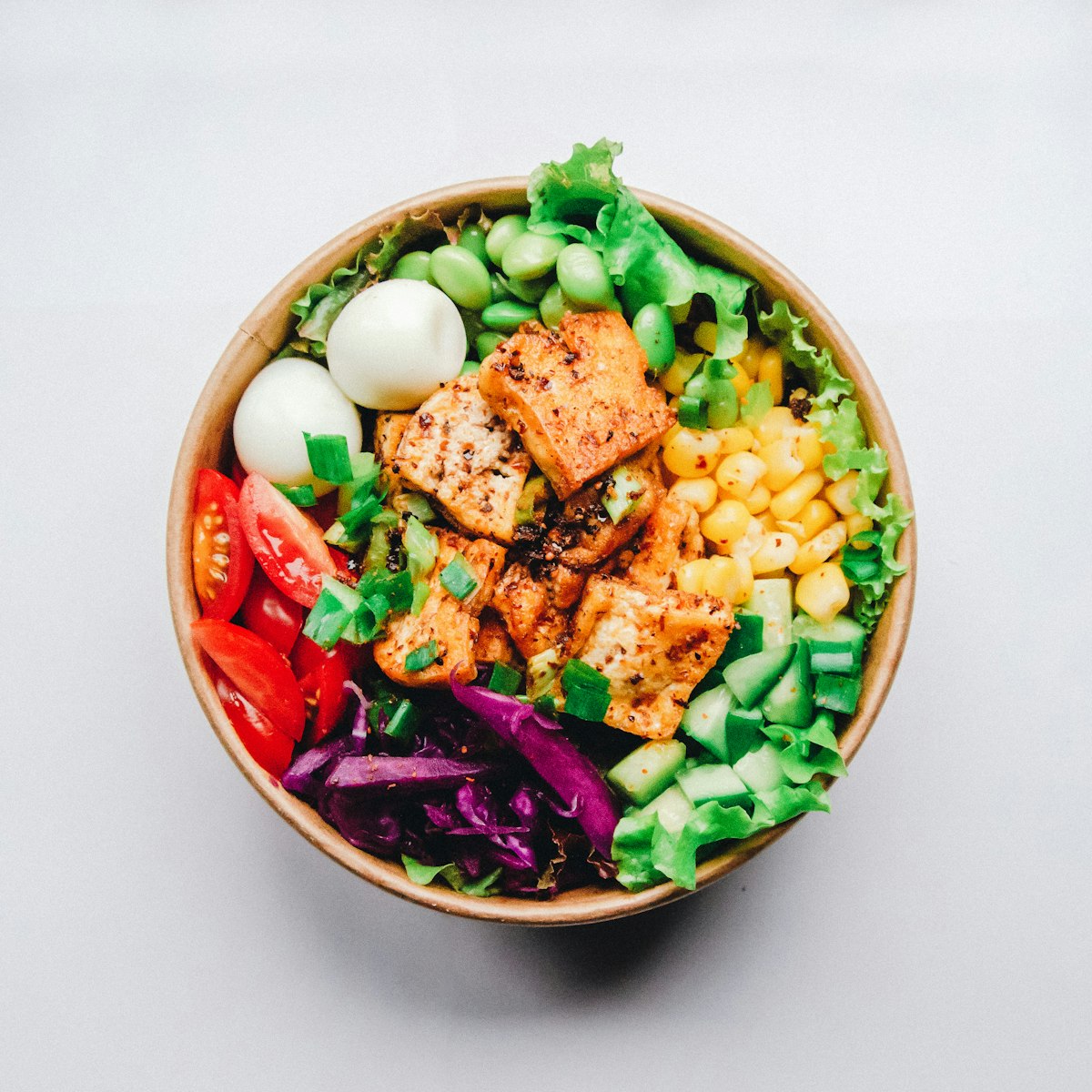 High-quality food photos are essential for any digital menu
Based on the Appetito demonstration, here's how to set up:
Step 1: Create Account
Sign up at the Appetito Menu website:
- Enter restaurant details
- Verify your account
Time: 2 minutes
Step 2: Set Up Your Restaurant
Configure your restaurant profile:
- Name and description
- Opening hours
- Address/location
- Custom banner and colors
Step 3: Build Your Menu
Add categories and items:
For each category:
- Name (in primary language)
- Description (optional)
- Order/position
For each item:
- Name and description
- Price (with variations if needed)
- Photo
- Allergens
- Badges (new, bestseller, etc.)
Tip: Photos are crucial. Items with photos sell significantly better.
Step 4: Add Languages
 Restaurants serving international customers benefit most from multilingual menus
For multilingual support:
- Go to restaurant settings
- Add additional languages
- Translate each category and item
- Save translations
When customers access your menu, they'll see their device's preferred language (if available) or can manually switch.
Step 5: Generate and Print QR Codes
- Navigate to QR Code section
- Download your QR code
- Print and place on tables
QR codes don't need reprinting when you update your menu — changes are instant.
Pros and Cons
 Weighing the advantages and disadvantages
What We Like
✅ Strong multilingual support — Best-in-class for international restaurants
✅ Easy setup — No technical skills required
✅ Design customization — Match your brand
✅ Allergen management — Important for compliance
✅ Real-time updates — Change prices instantly
✅ Product badges — Highlight bestsellers and new items
What We Don't Like
❌ Limited free tier — Branding and feature restrictions
❌ No ordering built-in — Display only, no order placement
❌ No payment processing — Customers can't pay through menu
❌ Basic analytics — Limited data on menu engagement
❌ Regional pricing variations — Not always transparent
Who Should Use Appetito Menu?
 Restaurants that benefit most from Appetito
Ideal Customers
- Tourist-area restaurants serving multiple nationalities
- Hotels and resorts with international guests
- Airport restaurants with diverse customer base
- Expat-heavy locations with multilingual communities
- Cultural restaurants wanting native-language menus
Not Ideal For
- Restaurants wanting ordering — Appetito is display-only
- Single-language operations — Multilingual is the value-add
- Restaurants needing payments — Not included
- Budget-constrained operators — Free tier is limited
Appetito vs. Alternatives
 How Appetito stacks up against the competition
Appetito vs. Fuudey
| Factor | Appetito | Fuudey |
|---|---|---|
| Multilingual | Excellent | Good |
| Ordering | No | Yes |
| Payments | No | Yes |
| Free Tier | Limited | More usable |
| Best For | Display-only, multilingual | Full ordering |
Verdict: Fuudey is better if you need ordering and payments. Appetito is better for multilingual display-only menus.
Appetito vs. Menu Tiger
| Factor | Appetito | Menu Tiger |
|---|---|---|
| Multilingual | Excellent | Good |
| Ordering | No | Yes |
| Customization | Good | Excellent |
| Pricing | Lower | Higher |
Verdict: Menu Tiger offers more features but at higher prices. Appetito is better for multilingual focus.
Appetito vs. QR Menu Creator
| Factor | Appetito | QR Menu Creator |
|---|---|---|
| Multilingual | Excellent | Limited |
| Pricing | Paid for best features | Free |
| Features | More comprehensive | Basic |
Verdict: QR Menu Creator is better for simple, single-language menus. Appetito wins for multilingual needs.
Tips for Multilingual Menu Success
 Thoughtful translations improve the dining experience for international guests
1. Use Professional Translations
Google Translate won't cut it for menu items:
- Hire native speakers for key languages
- Food terminology doesn't translate directly
- Cultural context matters
2. Keep Descriptions Simple
Complex descriptions translate poorly:
- Short, clear descriptions
- Focus on key ingredients
- Avoid idioms and slang
3. Use Photos
Quality food photography transcends language barriers
Photos transcend language:
- Every item should have a photo
- Professional photography worth the investment
- Consistency in style
4. Test with Native Speakers
Before launch:
- Have native speakers review translations
- Check for awkward phrasing
- Verify cultural appropriateness
Alternatives to Consider
 Other options worth exploring
If Appetito isn't the right fit:
- Fuudey: QR ordering + payments (not just display)
- Menu Tiger: More features, higher price
- GloriaFood: Free ordering system
- QR Menu Creator: Free basic menus
For complete QR menu comparison, see our free QR menu generator guide.
Frequently Asked Questions
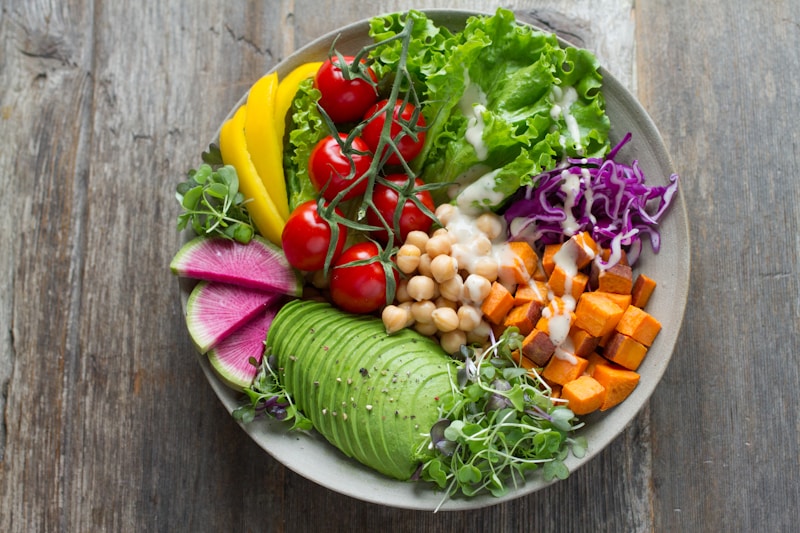 Common questions about Appetito Menu
Does Appetito support my language?
Appetito supports most major languages. Contact them to verify specific language support for less common languages.
Can customers order through Appetito?
No, Appetito is display-only. Customers view the menu but can't place orders through it. Consider Fuudey if you need ordering.
How many languages can I add?
Paid plans support unlimited languages. Free plans are limited.
Does the menu detect customer language automatically?
Yes, menus display in the customer's device language when available. Customers can also manually switch languages.
Can I use Appetito for multiple locations?
Yes, higher-tier plans support multiple locations with shared menus and translations.
Conclusion
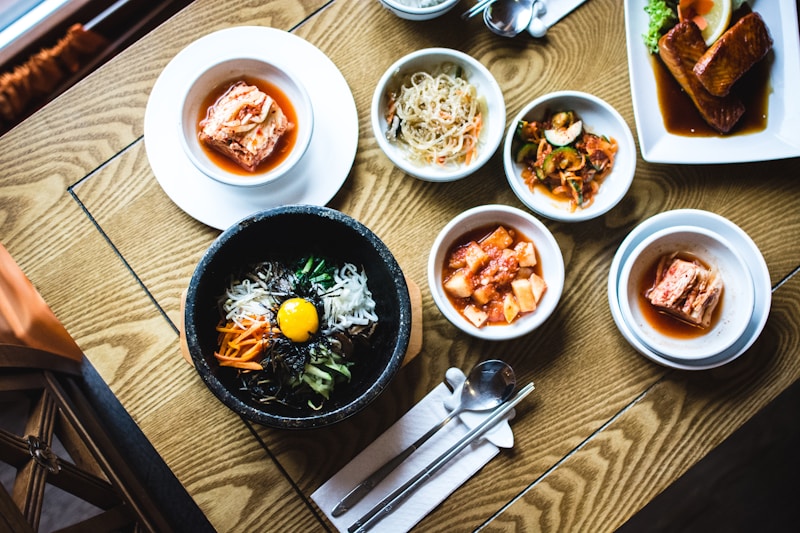 Our final thoughts on Appetito Menu
Appetito Menu excels at one thing: multilingual digital menus. If you serve international customers and need menus in multiple languages, it's one of the best options available.
Our verdict: Choose Appetito if multilingual menus are your priority and you only need display (not ordering). If you need ordering and payments, Fuudey is a better choice. For single-language operations, see our complete QR menu comparison.
The best QR menu solution depends on your specific needs. For restaurants in tourist areas or serving diverse populations, Appetito's multilingual strength is worth the investment.
More Articles
AI-Powered Restaurant Inventory Forecasting: Reduce Waste and Boost Profits
Discover how AI inventory forecasting predicts demand, optimizes orders, and reduces food waste. Machine learning tools for smarter restaurant inventory management.
Best Free QR Code Menu Generator in 2025 (7+ Reviewed)

We tested 8 free QR code menu generators including Fuudey, QR Menu Creator, Menuu, ScanIt.menu, and more. Full comparison with pricing, features, and honest reviews.
Best iPad POS Systems for Restaurants in 2025 (Compared)

Compare the best iPad POS systems for restaurants including Square, TouchBistro, Lightspeed, and Lavu. Features, pricing, and which is right for you.