
Best iPad POS Systems for Restaurants in 2025 (Compared)

iPad POS systems have revolutionized restaurant technology. Gone are the legacy hardware costing $10,000+ — today you can run a professional restaurant on iPads you might already own, with monthly software subscriptions instead of massive upfront investments.
But which iPad POS is right for your restaurant? Here's our comprehensive comparison of the top options in 2025.
Why Choose an iPad POS?
 iPad POS systems offer professional features at a fraction of legacy system costs
Advantages Over Legacy Systems
- Lower upfront cost — iPads cost
$329-449vs.$2,000+for legacy terminals - Familiar interface — Staff already know how to use iPads
- Portable options — Take orders tableside with the same devices
- Regular updates — Software improves without buying new hardware
- Sleek aesthetics — Modern look that matches contemporary restaurant design
Potential Drawbacks
- Durability — iPads aren't as rugged as commercial terminals
- Theft risk — Consumer devices are attractive targets
- Battery management — Need to keep devices charged
- iOS ecosystem — Locked into Apple's hardware
Quick Comparison: Top iPad POS Systems
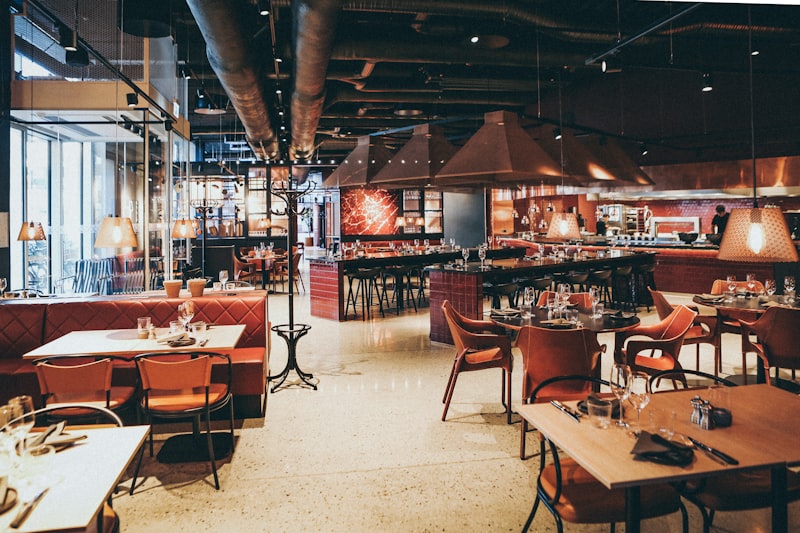 Comparing the leading iPad POS systems for restaurants
| System | Starting Price | Best For | Processing |
|---|---|---|---|
| Square | $0/month | Budget-conscious | 2.6% + $0.10 |
| TouchBistro | $69/month | Full-service | Flexible |
| Lightspeed | $139/month | Multi-location | Required |
| Lavu | $59/month | Customization | Flexible |
| Revel | $99/month | Enterprise | Required |
1. Square for Restaurants — Best for Most
 Square is perfect for cafés, quick-service, and small full-service restaurants
Overall Rating: 4.5/5
Square for Restaurants is the most accessible iPad POS for restaurants of all sizes. The free tier is genuinely usable, and the paid plans add powerful features without breaking the bank.
Pricing
| Plan | Monthly Cost |
|---|---|
| Free | $0/month |
| Plus | $60/month |
| Premium | Custom |
Processing: 2.6% + $0.10 (in-person)
Key Features
- Table management with floor plan
- Online ordering included
- Kitchen display support
- Menu customization
- Staff management
- Inventory tracking
- Integrations marketplace
Pros
- Free tier actually works
- Transparent pricing
- No contracts
- Easy setup
- Works with standard iPads
Cons
- Less feature-rich than specialized systems
- Limited offline functionality
- Processing rates locked
Best for: Cafés, quick-service, small full-service restaurants, food trucks
Read our Square vs Toast comparison
2. TouchBistro — Best for Reliability
 TouchBistro's hybrid architecture keeps running even when internet drops
Overall Rating: 4/5
TouchBistro is built specifically for restaurants and offers something unique: hybrid cloud architecture. Your system runs on a local Mac server while syncing to the cloud, meaning you never go down during internet outages.
Pricing
| Component | Monthly Cost |
|---|---|
| Base Plan | $69/month |
| Additional iPad | $50/month |
| Online Ordering | $50/month |
| Reservations | $229/month |
Processing: Flexible (can use Square, Worldpay, or TouchBistro Payments)
Key Features
- Hybrid offline mode
- Excellent kitchen display system
- Built-in reservations and waitlist
- Staff scheduling
- Customer database
- Tip management
- Floor plan builder
Pros
- Works during internet outages
- Payment processor flexibility
- Strong KDS integration
- Restaurant-specific design
Cons
- Requires Mac Mini server (
$700+) - iPad-only (no Android)
- Add-ons get expensive
Best for: Full-service restaurants, bars, venues prioritizing reliability
3. Lightspeed Restaurant — Best for Inventory
 Lightspeed offers sophisticated inventory tracking at the ingredient level
Overall Rating: 4.5/5
Lightspeed stands out for its ingredient-level inventory management. When you sell a dish, the system automatically deducts all the individual ingredients — not just the finished item. This enables true food cost tracking and waste reduction.
Pricing
| Plan | Monthly Cost |
|---|---|
| Starter | $139/month |
| Essential | $189/month |
| Premium | $319/month |
Processing: Lightspeed Payments required
Key Features
- Ingredient-level inventory
- Multi-location management
- QR code ordering built-in
- Advanced reporting
- Delivery integrations
- Staff performance tracking
- Recipe costing
Pros
- Best-in-class inventory
- Multi-location support
- Clean, intuitive interface
- Strong analytics
Cons
- More expensive than competitors
- Requires their payment processing
- iOS only
Best for: Multi-location restaurants, inventory-focused operations, restaurant groups
4. Lavu — Best for Customization
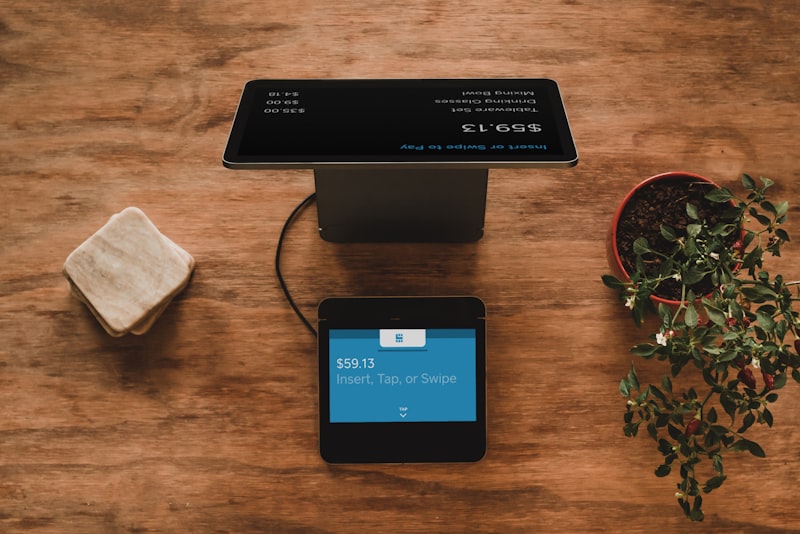 Lavu offers extensive customization options
Overall Rating: 3.5/5
Lavu offers extensive customization options, making it suitable for restaurants with unique operational needs. The open API and flexible modifier system allow for highly tailored setups.
Pricing
| Plan | Monthly Cost |
|---|---|
| Starter | $59/month |
| Growth | $129/month |
| Optimize | $279/month |
Processing: Multiple options available
Key Features
- Highly customizable interface
- Open API for integrations
- Multi-language support
- Dual pricing (happy hour, etc.)
- Advanced modifier logic
- Self-ordering kiosk mode
- Offline functionality
Pros
- Payment processor flexibility
- Deep customization options
- Good for international restaurants
- Strong offline mode
Cons
- Steeper learning curve
- Interface less polished than competitors
- Support quality varies
Best for: Restaurants needing custom workflows, international operations
5. Revel Systems — Best for Enterprise
 Revel Systems powers enterprise restaurants
Overall Rating: 4/5
Revel is designed for larger restaurant operations and chains. It offers enterprise-grade features, though at enterprise-grade prices.
Pricing
| Plan | Monthly Cost |
|---|---|
| Standard | $99/month per terminal |
| Enterprise | Custom pricing |
Processing: Revel Payments required (or integrated alternatives)
Key Features
- Enterprise reporting
- Franchise management
- Advanced employee scheduling
- Inventory with vendor management
- CRM and loyalty
- API for custom integrations
- Multi-location dashboards
Pros
- Enterprise-ready features
- Strong multi-location tools
- Comprehensive reporting
- Robust security
Cons
- Overkill for small restaurants
- Higher price point
- Can be complex to set up
Best for: Restaurant chains, franchises, large operations
Choosing the Right iPad POS
 Match your POS choice to your restaurant type and operational complexity
Decision Framework
Choose Square if:
- You're on a tight budget
- You want simplicity
- You run a café, QSR, or small restaurant
- You want month-to-month flexibility
Choose TouchBistro if:
- Reliability is critical (can't afford downtime)
- You want payment processor flexibility
- You run a full-service restaurant or bar
- You're comfortable with Mac ecosystem
Choose Lightspeed if:
- Food cost control is a priority
- You have multiple locations
- You want advanced analytics
- You're willing to pay for premium features
Choose Lavu if:
- You need heavy customization
- You have unique operational requirements
- You want payment processor options
- You operate internationally
Choose Revel if:
- You're a chain or franchise
- You need enterprise reporting
- You have multiple locations with complex needs
- Budget is less of a concern
iPad Hardware Recommendations
Choosing the right iPad hardware
Which iPad to Buy?
For restaurant POS use, we recommend:
| Model | Price | Best For |
|---|---|---|
| iPad (10th gen) | $449 | General restaurant use |
| iPad Pro 11" | $799 | High-volume, demanding use |
| iPad mini | $499 | Handheld tableside ordering |
Tips:
- Get WiFi-only models (no need for cellular)
- 64GB storage is sufficient for POS use
- Consider AppleCare+ for coverage
Essential Accessories
- iPad stand/enclosure:
$50-150(Heckler, Square Stand) - Card reader:
$49-299depending on system - Receipt printer:
$200-400 - Cash drawer:
$50-150 - Kitchen display:
$300-500
Common Mistakes to Avoid
 Avoid these common iPad POS mistakes
1. Underestimating Training Time
Even intuitive iPad POS systems require staff training. Budget 1-3 days for proper onboarding.
2. Not Testing Offline Mode
Test what happens when your internet goes down. Some systems handle it better than others.
3. Ignoring Integration Needs
Consider what else you need to connect: accounting, delivery apps, reservations, loyalty. Check compatibility before committing.
4. Choosing Based on Price Alone
The cheapest option isn't always the best value. Consider total cost including add-ons, processing, and time saved.
5. Forgetting About Support
When something breaks during dinner rush, you need help fast. Evaluate support quality and hours.
Alternatives to Full iPad POS
 Alternatives to full POS systems
If you don't need a complete POS system, consider:
- Fuudey: QR ordering and payments without POS hardware
- GloriaFood: Free online ordering system
- Square Online: E-commerce for pickup/delivery only
These options work well for simpler operations or as supplements to existing systems.
Frequently Asked Questions
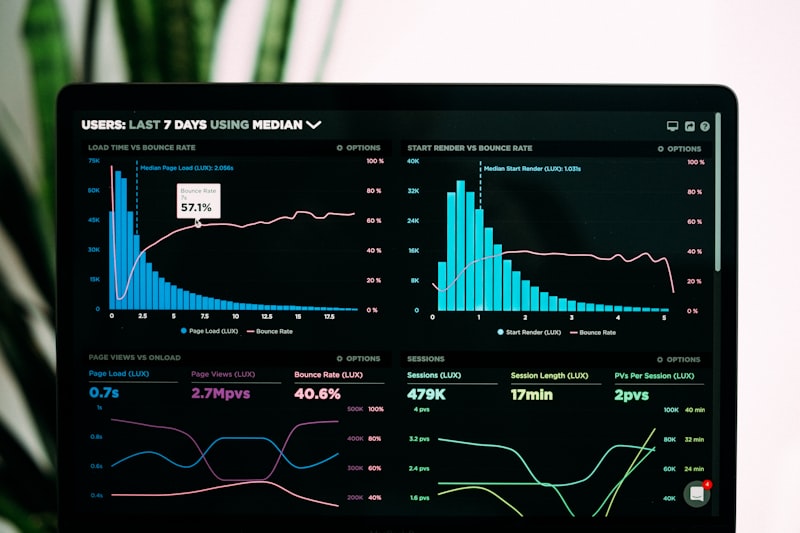 Common questions about iPad POS systems
Can I use any iPad for restaurant POS?
Most systems support recent iPad generations (6th gen and newer). Check specific system requirements before purchasing.
Do I need to buy a new iPad?
If you have a recent iPad (2-3 years old), it likely works. Older devices may not support the latest POS software.
What happens if my iPad breaks?
Most systems let you quickly log in on a replacement device. Your data is in the cloud. This is an advantage over proprietary terminals.
Are iPad POS systems secure?
Yes, when properly configured. Use strong passwords, enable two-factor authentication, and keep iOS updated.
Can I use an Android tablet instead?
Square and some other systems support Android. TouchBistro, Lightspeed, and Revel are iPad-only.
Conclusion
iPad POS systems bring professional restaurant technology within reach
The best iPad POS for your restaurant depends on your specific needs:
- Best overall: Square for Restaurants — great balance of features and price
- Best for reliability: TouchBistro — hybrid mode keeps you running
- Best for inventory: Lightspeed — ingredient-level tracking
- Best for customization: Lavu — flexible for unique needs
- Best for enterprise: Revel — built for chains
All five options represent solid choices that can professionalize your restaurant operations. The key is matching the system's strengths to your specific requirements.
For simpler operations focused on QR ordering, you might not need a full POS at all — Fuudey and similar solutions can handle digital menus and payments without the complexity.
More Articles
AI-Powered Restaurant Inventory Forecasting: Reduce Waste and Boost Profits
Discover how AI inventory forecasting predicts demand, optimizes orders, and reduces food waste. Machine learning tools for smarter restaurant inventory management.
Appetito Menu Review: Multilingual QR Menus for Restaurants

Complete Appetito Menu review covering multilingual QR menu features, pricing, setup process, and how it compares to Fuudey, Menu Tiger, and alternatives.
Best Free QR Code Menu Generator in 2025 (7+ Reviewed)

We tested 8 free QR code menu generators including Fuudey, QR Menu Creator, Menuu, ScanIt.menu, and more. Full comparison with pricing, features, and honest reviews.