
Best POS Systems for Small Restaurants (2025 Budget Guide)

Small restaurants don't need enterprise-level POS systems. You need something reliable, affordable, and easy to use — without the complexity and cost of solutions designed for multi-location chains.
Here are the best POS systems for small restaurants in 2025, ranked by value and simplicity.
What Small Restaurants Actually Need
 Small restaurants need simple, affordable POS systems without enterprise complexity
Essential Features
- Order entry and checkout
- Basic inventory tracking
- Simple reporting
- Payment processing
- Receipt printing
Nice-to-Have Features
- Online ordering
- Basic employee management
- Customer database
- Loyalty program
What You Don't Need
- Multi-location management
- Advanced labor analytics
- Complex inventory forecasting
- API integrations
- Enterprise reporting
Top POS Systems for Small Restaurants
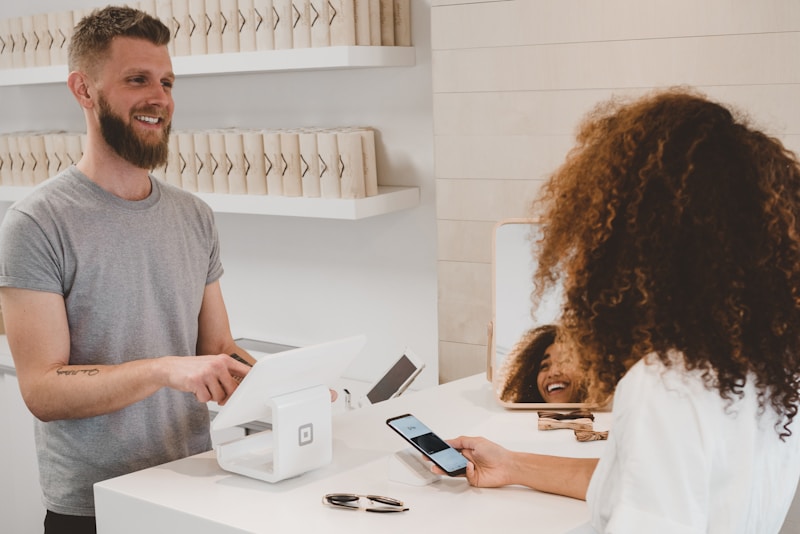 The best POS systems for small restaurant operations
1. Square for Restaurants — Best Free Option
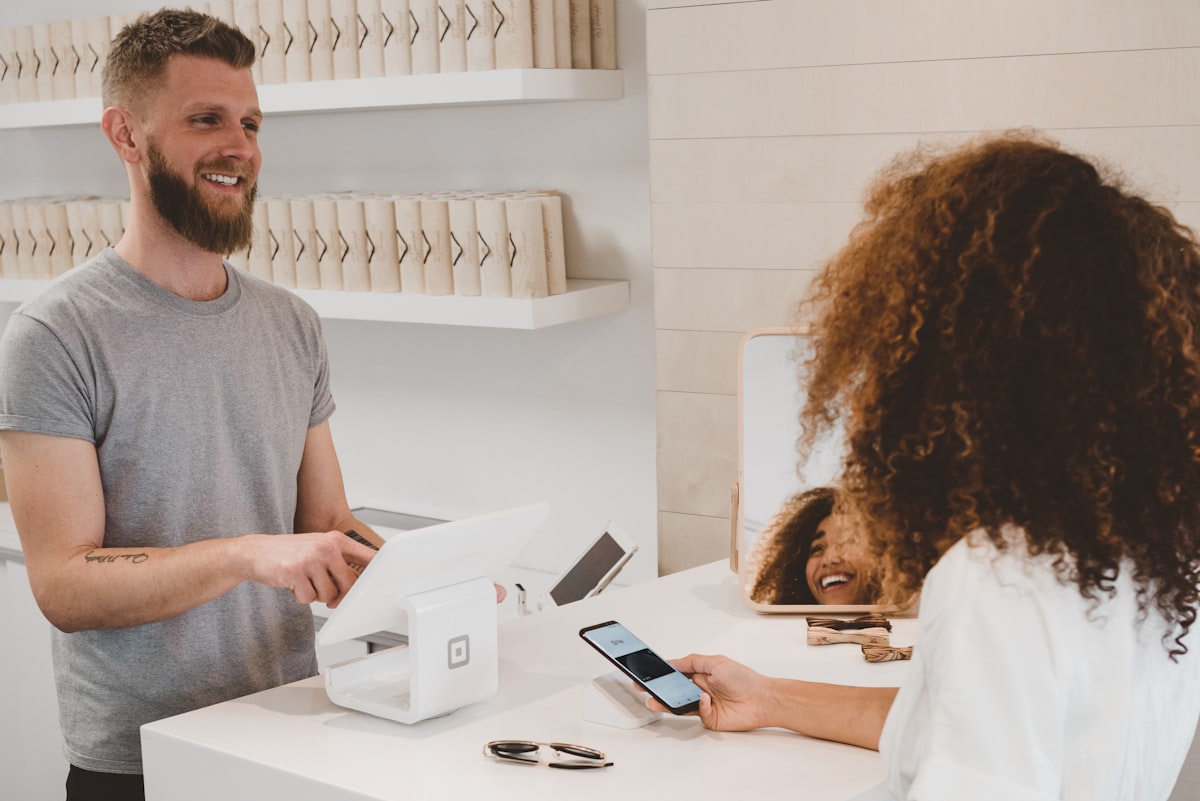 Square's free tier is genuinely usable for small restaurant operations
Starting Price: Free (no monthly fee)
Processing: 2.6% + $0.10 per transaction
Square offers the best free POS for small restaurants. Unlike other "free" options with severe limitations, Square's free tier is actually usable for ongoing operations.
What's Included Free:
- Unlimited items and transactions
- Basic reporting
- Payment processing
- Online ordering (basic)
- Works on iOS and Android
- No long-term contract
Paid Upgrade (Plus: $60/month):
- Table management
- Course management
- Advanced employee features
- Team Plus management
Hardware:
- Use your own iPad/tablet (free)
- Square Stand:
$149 - Square Reader (contactless):
$49 - Kitchen printer: ~
$300
Total Starter Cost: As low as $49 (reader only with your device)
Best for: Very small restaurants, cafés, food trucks, owners on tight budgets
Read our Toast vs Square comparison
2. Toast Starter Kit — Best Free Full-Service
Starting Price: Free (Starter Kit)
Processing: 2.99% + $0.15 (higher than paid plans)
Toast's Starter Kit offers a free entry point for restaurants wanting their ecosystem without upfront costs.
What's Included Free:
- Basic POS software
- Toast hardware provided
- Payment processing
- Online ordering
- Basic menu management
The Catch:
- Higher processing rates (2.99% vs 2.49%)
- Toast-proprietary hardware only
- Limited features
- Paid upgrades needed for most restaurants
Best for: Restaurants who want Toast but can't afford upfront costs
3. Clover — Best Local Support
 Clover is sold through local resellers who can provide hands-on support
Starting Price: $0-60/month (varies by reseller)
Processing: 2.3-3.5% (varies by reseller)
Clover works through local resellers, which can be an advantage for small restaurants wanting local, hands-on support.
Key Features:
- Professional hardware
- Flexible software
- Local reseller support
- Restaurant apps available
Important Warning:
- Always buy hardware outright (never lease)
- Get multiple quotes from different resellers
- Watch out for hidden fees
Best for: Restaurants wanting local, in-person support
4. TouchBistro — Best Reliability
Starting Price: $69/month
Processing: Varies (flexible processor choice)
TouchBistro's hybrid architecture means your POS keeps working even when internet goes down — critical for small restaurants that can't afford outages.
Key Features:
- Works offline (hybrid mode)
- iPad-based
- Payment processor flexibility
- Built-in reservations
- Good for full-service
Hardware Requirement:
- Mac Mini server (~
$700one-time) - iPad(s)
- Card reader
Best for: Full-service restaurants prioritizing reliability
5. SpotOn — Best Value Overall
Starting Price: $25/month
Processing: 1.99% + $0.20
SpotOn offers competitive pricing with lower processing rates than Square or Toast.
Key Features:
- Lower processing fees
- Restaurant-focused features
- Online ordering included
- Marketing tools
- Loyalty built-in
Best for: Small restaurants doing high transaction volume
Quick Comparison
 Side-by-side comparison of small restaurant POS options
| POS | Monthly | Processing | Hardware | Best For |
|---|---|---|---|---|
| Square Free | $0 | 2.6% + $0.10 | $49-149 | Tightest budget |
| Square Plus | $60 | 2.6% + $0.10 | $49-149 | Full-service |
| Toast Starter | $0 | 2.99% + $0.15 | Free | Toast ecosystem |
| Clover | $0-60 | Varies | $299-749 | Local support |
| TouchBistro | $69 | Varies | $700+ | Reliability |
| SpotOn | $25 | 1.99% + $0.20 | Varies | Low processing |
Total Cost Examples
Smallest Setup (Café/Counter)
 A simple café can start with just a tablet and card reader
Square Free + BYOD:
- Monthly:
$0 - Hardware:
$49(Square Reader) - First year:
$49+ processing
Estimated monthly (at $10,000 revenue):
- Processing: ~
$270 - Total: ~
$270/month
Small Full-Service Restaurant
Square Plus:
- Monthly:
$60 - Hardware:
$500-800(register + KDS + printer) - First year:
$1,220-1,520+ processing
Estimated monthly (at $30,000 revenue):
- Software:
$60 - Processing: ~
$810 - Total: ~
$870/month
Comparison: Small Restaurant Annual Costs
| POS | Year 1 Total | Ongoing (Year 2+) |
|---|---|---|
| Square Free | ~$3,500 | ~$3,200 |
| Square Plus | ~$4,700 | ~$4,000 |
| Toast Starter | ~$4,000 | ~$4,000 |
| TouchBistro | ~$5,500 | ~$4,500 |
Estimates assume $30,000/month in card transactions
What About "Free" POS Scams?
 Be cautious of "free" offers that hide costs in processing or leases
Red Flags
-
Hardware leases — Never lease POS hardware. You'll pay 2-3x the cost and can't keep it.
-
Extremely low monthly fees — If software is cheap, processing rates are likely high.
-
Long contracts — Avoid multi-year commitments, especially for new restaurants.
-
"Free" terminals — Often tied to unfavorable processing agreements.
Questions to Ask
- What are the total monthly costs including processing?
- Can I buy hardware outright?
- What are the cancellation terms?
- Are there hidden fees (batch fees, statement fees, PCI fees)?
Do You Even Need a POS?
 When a simple alternative might work better
For the simplest operations, you might not need a full POS:
QR Ordering Alternative
Fuudey and similar QR ordering solutions let customers:
- View menu on their phone
- Place orders
- Pay directly
When it works:
- Very simple operations
- Limited menu
- Tech-savvy customers
- Want to avoid POS hardware costs
Square's Basic App
Square's basic (non-restaurant) app is free and handles:
- Card payments
- Basic item library
- Simple reporting
For very simple needs, you might not need the restaurant-specific version.
Implementation Tips
 Tips for successfully implementing your POS
1. Start Simple
Don't overbuild. Start with the basics and add features as needed.
2. Use Your Own Hardware
If possible, use your own iPad/tablet instead of buying proprietary hardware. Saves money and adds flexibility.
3. Skip Add-Ons Initially
Loyalty programs, advanced analytics, and integrations can wait. Focus on core functionality first.
4. Test During Slow Hours
Don't go live during Friday dinner rush. Practice during slow periods first.
5. Keep Paper Backup
Have a plan for when technology fails. A simple paper backup prevents complete shutdown.
Frequently Asked Questions
 Common questions about POS for small restaurants
What's the cheapest restaurant POS?
Square for Restaurants Free is the cheapest viable option — $0/month with processing at 2.6% + $0.10.
Can I use my own tablet?
With Square, yes. With Toast and some others, no — you must use their hardware.
Do I need a kitchen display system?
Not necessarily. Many small restaurants work fine with printed tickets. KDS is a nice-to-have, not essential.
What about cash-only restaurants?
Square and most POS systems still help with order management. But if you're truly cash-only with no cards, you might just need a cash register.
How long does setup take?
For a simple Square setup: 1-2 hours. For more complex systems: 1-2 days.
Conclusion
Small restaurants thrive with simple, affordable POS solutions
Small restaurants don't need expensive, complex POS systems. The best choice depends on your specific situation:
Our recommendations:
- Tightest budget: Square for Restaurants (Free)
- Full-service on budget: Square Plus (
$60/month) - Want local support: Clover (with research)
- Reliability priority: TouchBistro
- High volume: SpotOn (lower processing)
For the simplest operations, consider QR ordering without a traditional POS.
Start simple, grow as needed, and don't get locked into expensive contracts. Your POS should make your life easier, not drain your budget.
More Articles
AI-Powered Restaurant Inventory Forecasting: Reduce Waste and Boost Profits
Discover how AI inventory forecasting predicts demand, optimizes orders, and reduces food waste. Machine learning tools for smarter restaurant inventory management.
Appetito Menu Review: Multilingual QR Menus for Restaurants

Complete Appetito Menu review covering multilingual QR menu features, pricing, setup process, and how it compares to Fuudey, Menu Tiger, and alternatives.
Best Free QR Code Menu Generator in 2025 (7+ Reviewed)

We tested 8 free QR code menu generators including Fuudey, QR Menu Creator, Menuu, ScanIt.menu, and more. Full comparison with pricing, features, and honest reviews.