
Best Restaurant POS Systems Compared (2026): Lightspeed vs Square vs Toast vs TouchBistro
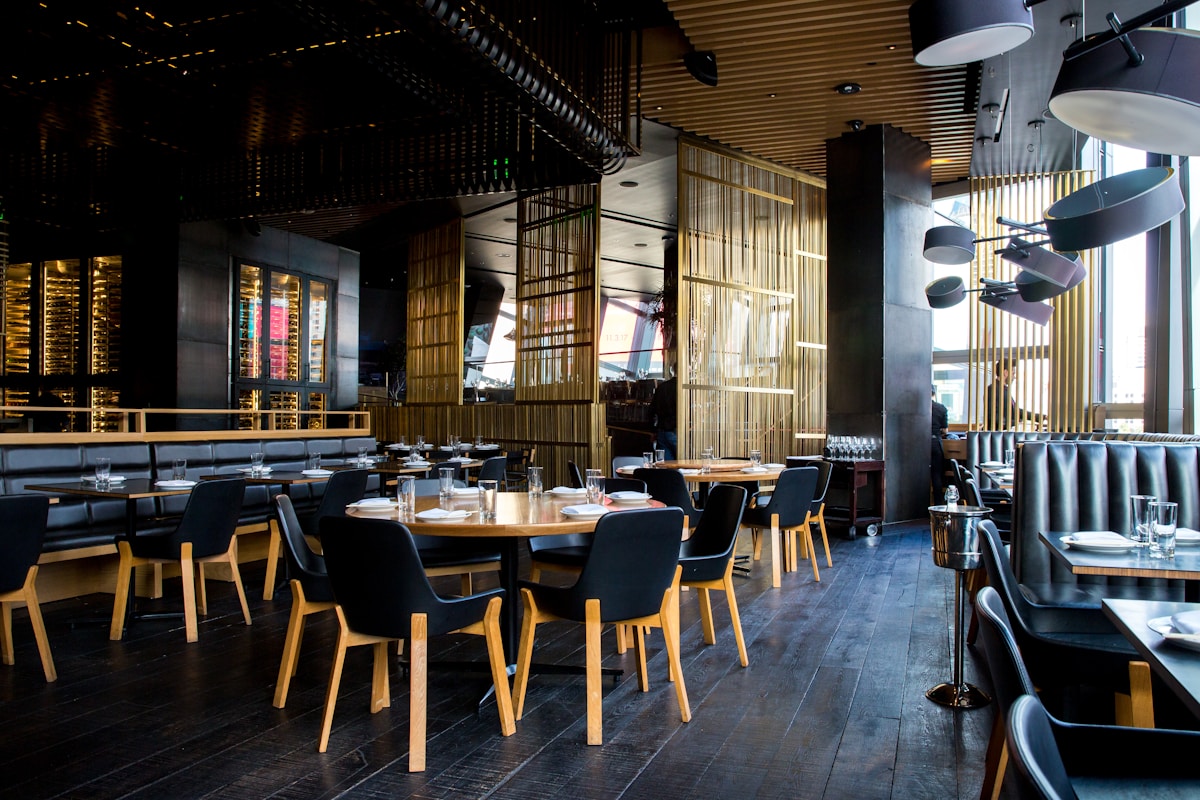
Choosing the right POS system can make or break your restaurant. We tested the top four restaurant POS platforms to help you pick the best one for your business.
Why Your POS System Choice Matters
 The right POS system centralizes order management, payments, and customer data
The right POS system simplifies your entire operation by centralizing order management, payment processing, and customer management into a single platform. But with dozens of options claiming to be "the best," finding the right fit is overwhelming.
We've tested the major POS providers and ranked them based on table and menu management, payment processing, online ordering, employee management, marketing features, and overall cost. This aligns with what Nation's Restaurant News recommends when evaluating restaurant technology.
Here's our honest breakdown, ranked from best to fourth place.
Quick Comparison: Restaurant POS Systems
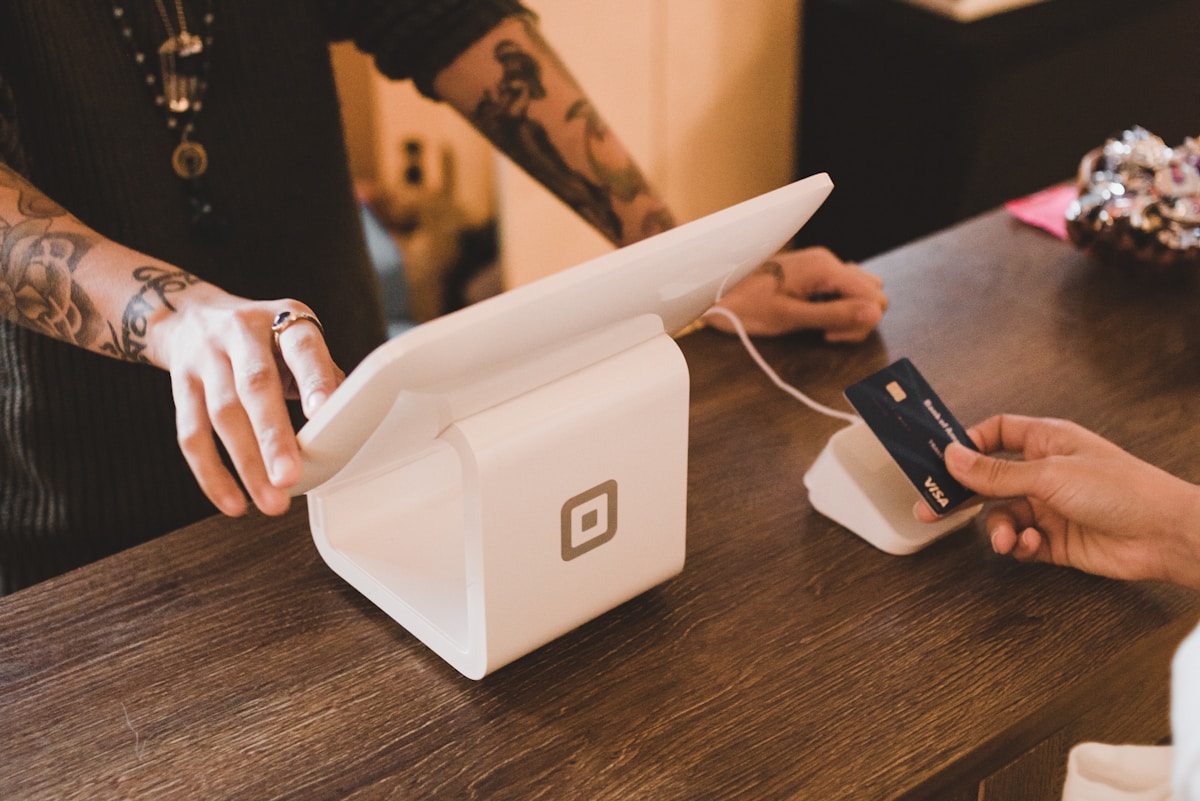 Payment processing is a core feature — but watch for hidden fees
| Feature | Lightspeed | Square | Toast | TouchBistro |
|---|---|---|---|---|
| Starting Price | $139/mo | $0/mo | $0/mo | $69/mo |
| Transaction Fee | 2.6% + 10¢ | 2.6% + 10¢ | 2.49% + 15¢ | 2.6% + 10¢ |
| QR Ordering | ✓ Yes | ✓ Yes | ✓ Yes | ✗ Add-on |
| Inventory Mgmt | ✓ Advanced | ✓ Basic | ✓ Yes | ✓ Yes |
| Multi-Location | ✓ Yes | ✓ Yes | ✓ Yes | ✓ Yes |
| iPad Support | ✓ iOS Only | ✓ iOS/Android | ✓ Android | ✓ iPad Only |
| Best For | Full-service | Small/Mobile | Mid-size | Cafes/Bars |
1. Lightspeed — Best Overall Restaurant POS
Lightspeed ranks #1 for its comprehensive feature set and intuitive design
Best for: Full-service restaurants wanting premium features
Lightspeed ranks number one for good reason. According to Restaurant Business Online, it offers the most comprehensive feature set of any restaurant POS tested, with an incredibly intuitive interface that staff can learn quickly.
Key Features
The customizable floor plan feature lets you manage table layouts visually. Staff can switch between tables when placing multiple orders, view open tables awaiting guests, and maximize table turnover.
Lightspeed's inventory management operates at the ingredient level — as each dish is ordered, ingredients are automatically deducted. The system sends notifications when it's time to reorder and can create vendor orders automatically.
QR code ordering lets customers order and pay directly from their smartphones. You can create unique QR codes for different menus and areas, enabling a contactless dining experience.
Pricing
| Plan | Monthly Cost |
|---|---|
| Starter | $139/mo |
| Standard | $199/mo |
| Advanced | $319/mo |
Important: Loyalty and gift cards are only available as add-ons on lower-tier plans. Transaction processing is 2.6% + 10¢ per transaction.
Pros
- Most feature-rich POS system tested
- Ingredient-level inventory tracking
- Built-in QR code ordering
- Multi-location support
- Extensive third-party integrations
Cons
- Must use Lightspeed's payment processor
- Only available for iOS devices
- Higher price point than competitors
2. Square — Best Free Restaurant POS
 Square's free tier makes it perfect for small restaurants and food trucks
Best for: Small businesses, food trucks, tight budgets
Square is the most accessible restaurant POS system, thanks to its genuinely free tier. Started by Twitter co-founder Jack Dorsey, Square has become one of the most popular POS options for restaurants of all sizes.
Key Features
Orders go directly from front-of-house to kitchen display systems. Square handles multiple order types — dine-in, takeout, and delivery — from one interface. The floor plan designer matches your actual restaurant layout.
Team management is built-in: set roles and permissions, track labor vs. sales, and manage tips and commissions. Square's reporting features give you business insights at your fingertips.
Tap to Pay on iPhone means you don't need additional hardware to accept payments — just download the app and start processing cards.
Pricing
| Plan | Monthly Cost |
|---|---|
| Free | $0/mo |
| Plus | $29/mo |
| Premium | Custom |
Transaction fees: 2.6% + 10¢ for in-person, 2.9% + 30¢ for online orders.
Pros
- Genuinely free tier with core features
- Easy setup — zero downtime
- Works on iOS and Android
- Tap to Pay on iPhone
- Transparent pricing
Cons
- Limited customization on free plan
- Payroll, loyalty, invoicing are paid add-ons
- Card payments only work in certain countries
- Advanced features cost extra
3. Aloha by NCR — Best for Security & Fraud Prevention
 NCR Aloha is trusted by over 100,000 restaurants for its security features
Best for: Established restaurants concerned about fraud and theft
Aloha is part of the NCR family — a major player in restaurant tech with over 100,000 restaurants using their products. If fraud prevention is your top concern, Aloha stands out from the competition.
Key Features
Mobile tablet ordering gets orders to kitchen staff instantly. Split checks easily, and the quick communication feature keeps front-of-house and kitchen connected during busy shifts.
Custom branding lets you use your own colors and logos across in-house and online menus. Upload photos of menu items alongside your logo for consistent brand experience.
Aloha Restaurant Guard is a dedicated fraud prevention tool that monitors terminals for suspicious activity. With restaurants losing about 20% of cash to theft, this feature can protect your profits.
The tip sharing and distribution feature lets employees split tips after shifts, going straight into paychecks. Inventory management includes automatic reordering when stock runs low.
Pricing
NCR doesn't publish monthly pricing — you'll need to contact their sales team. Transaction fees are 2.6% + 10¢ per swipe.
Important: Online ordering costs extra, which many customers feel should be included.
Pros
- Dedicated fraud prevention software
- Used by 100,000+ restaurants
- Tip sharing built-in
- 200+ third-party integrations
- Automatic inventory reordering
Cons
- Complex setup — not ideal for startups
- No published pricing
- Online ordering costs extra
- May be expensive for small operations
4. TouchBistro — Best for Cafes and Quick-Service
 TouchBistro's hybrid system keeps running even when internet drops
Best for: Small to medium full-service restaurants, cafes, bars
TouchBistro is a hybrid POS system — combining cloud flexibility with local server reliability. Even if your internet drops during peak hours, your restaurant keeps operating.
Key Features
Customer-facing displays and kitchen display systems keep everyone on the same page. Visual table and floor plan management lets you take orders, transfer customers, and manage your floor with an intuitive interface.
Reservations and waiting lists sync with your POS and kitchen displays. Guests can view your menu and join your loyalty program before they arrive.
Order with Google lets customers place orders directly from Google Search — they don't even need to visit your website.
Payment processing integrates with third-party processors like Square and Worldpay. The inventory management system tracks ingredient levels, reduces food waste, and identifies your most profitable menu items.
Pricing
| Service | Monthly Cost |
|---|---|
| Base POS | $69/mo |
| Online Ordering | +$50/mo |
| Loyalty | +$25/mo |
| Marketing | +$99/mo |
| Gift Cards | +$25/mo |
| Reservations | +$229/mo |
Transaction fees: 2.6% + 10¢ per transaction.
Pros
- Hybrid system works offline
- Strong kitchen display system
- Visual floor plan management
- Google ordering integration
- Flexible payment processor options
Cons
- iPad only — no Android support
- Add-ons get expensive quickly
- Base price doesn't include key features
- Total cost can skyrocket
What About Fuudey for QR Ordering?
 Modern restaurants often combine POS systems with QR ordering solutions
If you're looking specifically for QR code ordering rather than a full POS replacement, Fuudey offers a free tier that integrates with your existing system. Unlike the POS platforms above, Fuudey focuses purely on contactless ordering and digital menus.
For restaurants that already have a POS they like, adding Fuudey for QR ordering can be more cost-effective than upgrading to a new all-in-one system. See our comparison of free QR menu generators for more options.
How to Choose the Right Restaurant POS
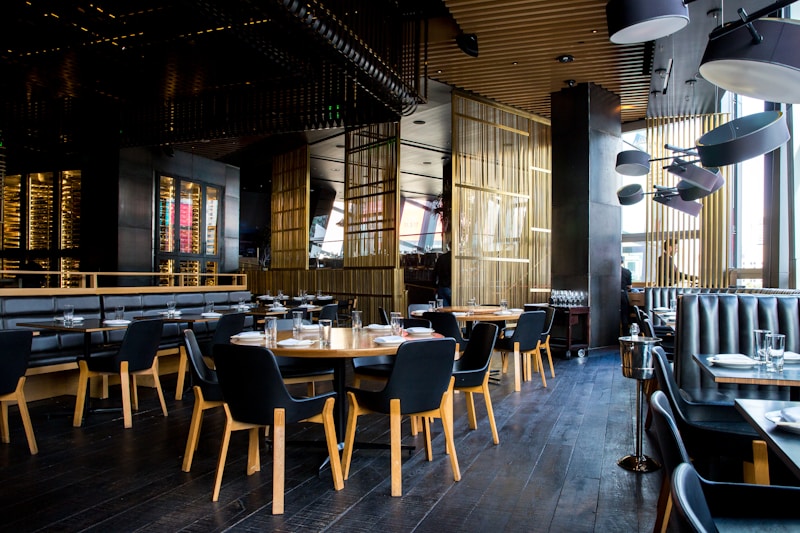 Key factors for selecting the perfect POS system
Consider these factors when making your decision:
- Restaurant size — Square's free tier works for small operations; Lightspeed better suits larger venues
- Budget — Factor in transaction fees, not just monthly costs
- Device preference — Some systems are iOS-only
- Must-have features — Don't pay for features you won't use
- Fraud concerns — Aloha's security features may justify higher cost
- Offline reliability — TouchBistro's hybrid approach prevents downtime
Frequently Asked Questions
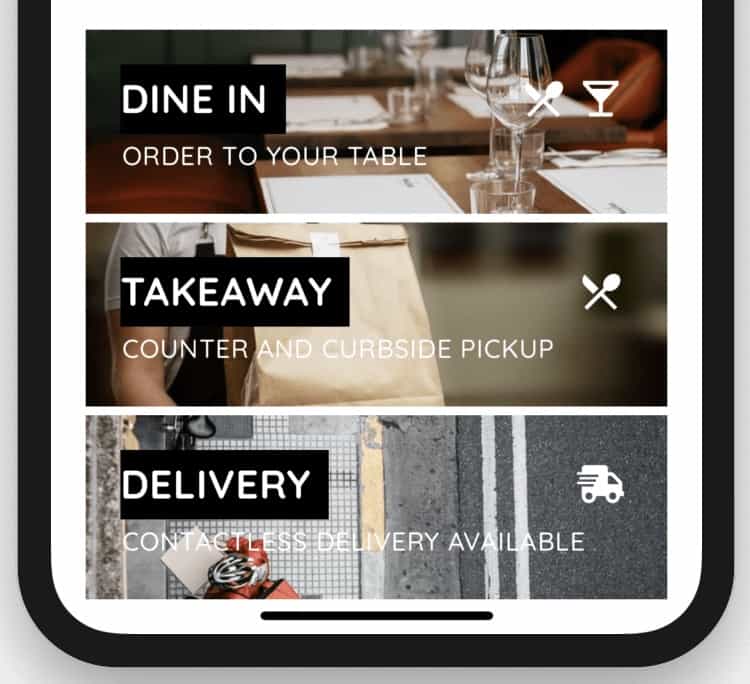 Common questions about choosing a restaurant POS system
What is the best POS system for a small restaurant?
Square is the best choice for small restaurants due to its free tier, easy setup, and transparent pricing. You can start processing payments immediately without monthly fees.
Which POS system has the lowest transaction fees?
Toast offers the lowest standard rate at 2.49% + 15¢ per transaction, compared to 2.6% + 10¢ from most competitors. However, always negotiate — rates can vary based on volume.
Can I use my existing payment processor with these POS systems?
TouchBistro and Square allow third-party payment processors. Lightspeed and Toast require using their integrated payment processing.
Is Toast POS worth it in 2026?
Toast has faced controversy over adding a 99¢ fee to customer orders without restaurant consent, as reported by Fox Business. Research this issue before committing — see our detailed Toast review for more information.
Which POS works best with QR code menus?
Lightspeed has built-in QR ordering. For other systems, you can add a dedicated QR menu platform like Fuudey, Menu Tiger, or GloriaFood.
Conclusion
 The right POS system streamlines operations and improves customer experience
Our top pick is Lightspeed for its powerful features, intuitive design, and built-in QR ordering. It's the most complete solution for restaurants that want premium functionality.
Square is perfect for small businesses or those on tight budgets — you genuinely can start for free.
Aloha by NCR suits established restaurants wanting comprehensive security and fraud prevention.
TouchBistro works best for cafes, bars, and quick-service spots that need reliable offline operation and strong kitchen display features.
Still unsure? Most of these platforms offer free trials or demos. Test them with your actual menu and workflow before committing to a long-term contract.
More Articles
AI-Powered Restaurant Inventory Forecasting: Reduce Waste and Boost Profits
Discover how AI inventory forecasting predicts demand, optimizes orders, and reduces food waste. Machine learning tools for smarter restaurant inventory management.
Appetito Menu Review: Multilingual QR Menus for Restaurants

Complete Appetito Menu review covering multilingual QR menu features, pricing, setup process, and how it compares to Fuudey, Menu Tiger, and alternatives.
Best Free QR Code Menu Generator in 2025 (7+ Reviewed)

We tested 8 free QR code menu generators including Fuudey, QR Menu Creator, Menuu, ScanIt.menu, and more. Full comparison with pricing, features, and honest reviews.