
Contactless Payment Solutions for Restaurants: Complete Guide
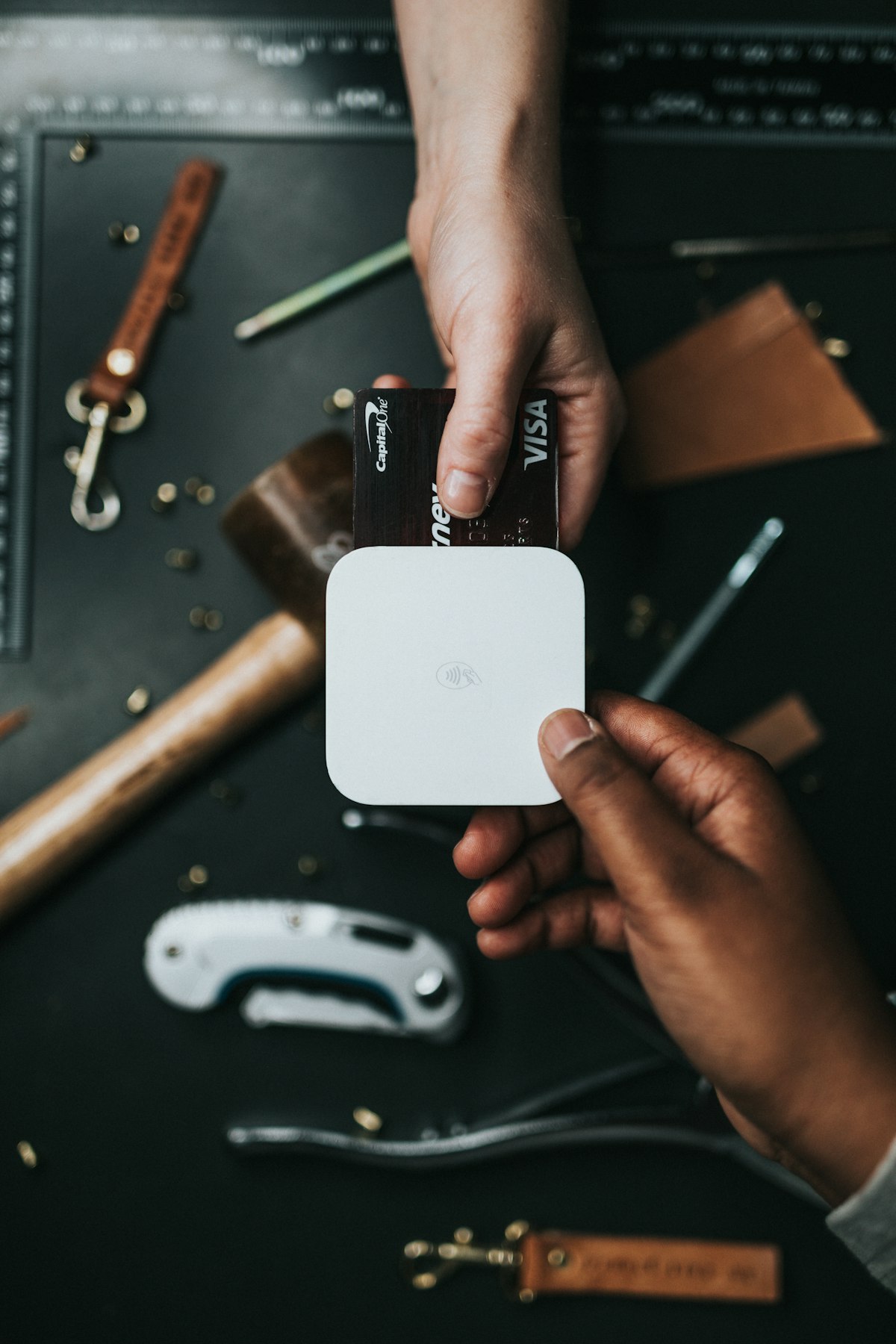
Contactless payments have become the default expectation for restaurant customers. Whether it's tapping a card, using Apple Pay, or scanning a QR code, customers want fast, touch-free payment options.
Here's everything you need to know about implementing contactless payments in your restaurant.
Types of Contactless Payments
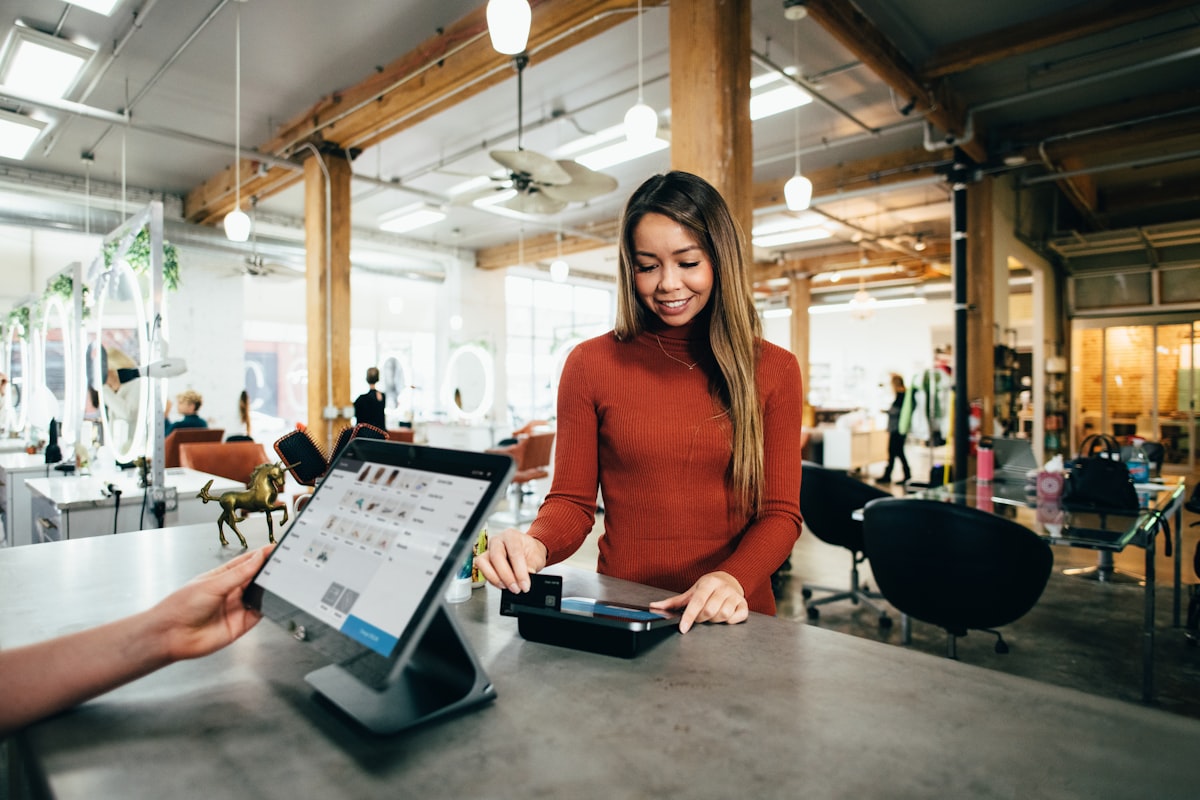 Contactless payments come in several forms — tap cards, mobile wallets, and QR codes
NFC Tap Payments
Near Field Communication (NFC) enables "tap to pay":
Card-based:
- Contactless credit/debit cards
- Tap the card on the terminal
- No PIN for small transactions
Mobile wallets:
- Apple Pay
- Google Pay
- Samsung Pay
- Tap phone on terminal
QR Code Payments
Customers scan a QR code with their phone:
At-table payments:
- QR code on table or check
- Customer pays on their device
- No terminal interaction needed
Popular solutions:
- Square
- PayPal QR
- Venmo
- Restaurant-specific apps
Pay-at-Table Devices
Bring the terminal to the customer:
Examples:
- Toast Go
- Square Terminal
- Clover Flex
- Handheld card readers
Hardware Options
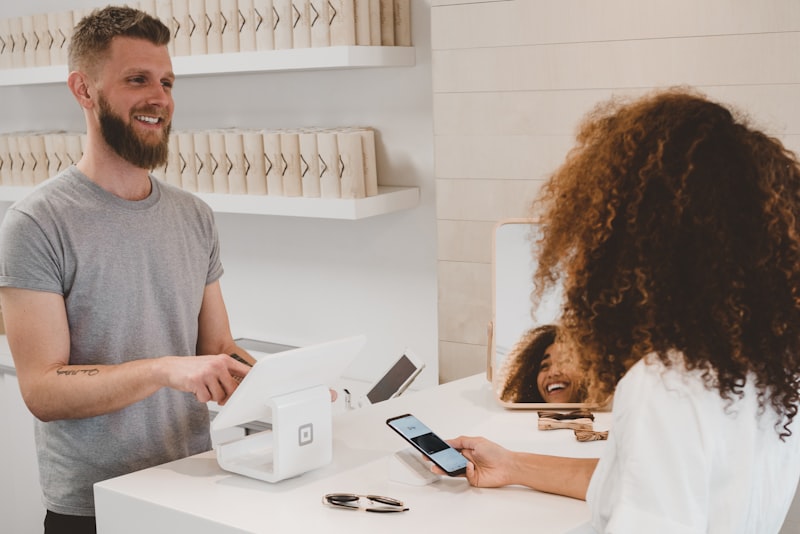 Payment terminals with contactless support
Built-In Contactless Terminals
Most modern POS terminals include NFC:
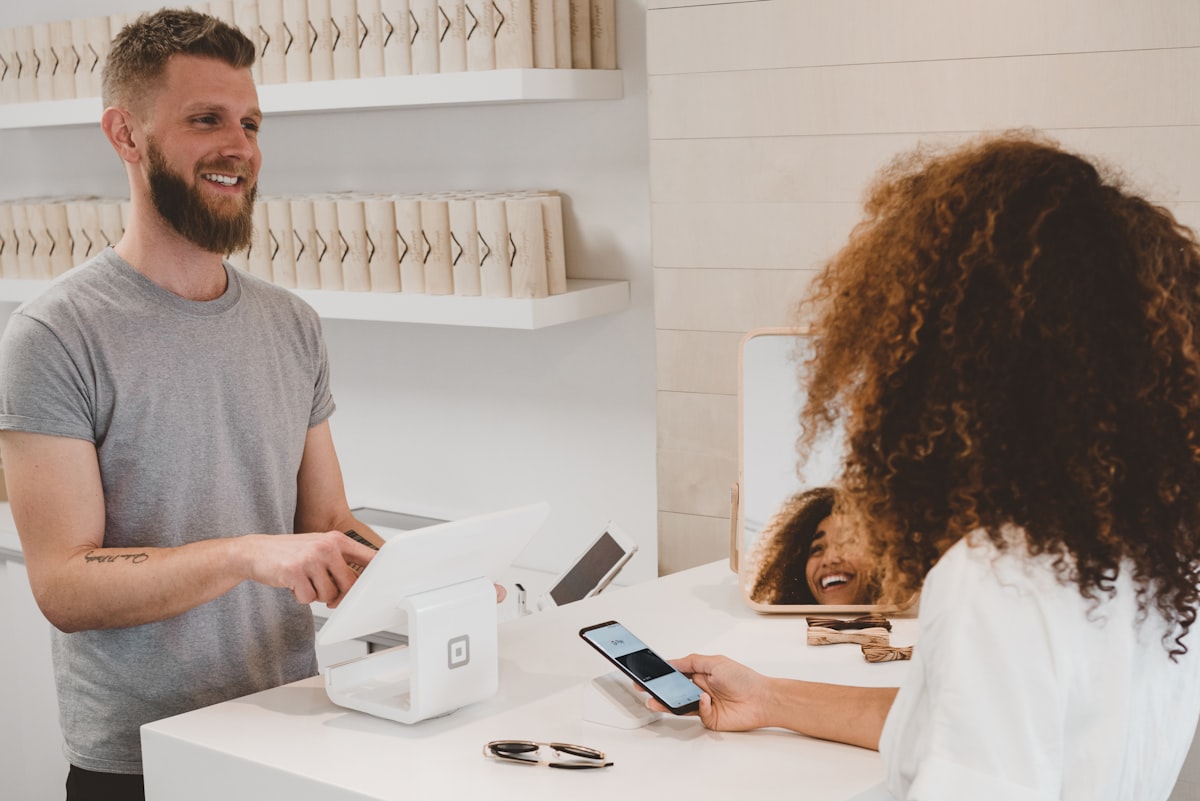 Modern terminals support tap payments, chip cards, and mobile wallets
| Terminal | Price | NFC Included |
|---|---|---|
| Square Terminal | $299 | Yes |
| Clover Mini | $749 | Yes |
| Toast Terminal | $799+ | Yes |
| Ingenico | $200-400 | Yes |
| Verifone | $200-400 | Yes |
Mobile Card Readers
Add contactless to any smartphone/tablet:
| Reader | Price | Works With |
|---|---|---|
| Square Reader | $49 | Square |
| PayPal Zettle | $29 | PayPal |
| Stripe Reader M2 | $59 | Stripe |
| SumUp Air | $39 | SumUp |
Handheld POS Devices
All-in-one portable payment:
| Device | Price | Features |
|---|---|---|
| Square Terminal | $299 | Built-in printer |
| Toast Go 2 | $409 | Restaurant-specific |
| Clover Flex | $599 | Barcode scanner |
Processing Rates
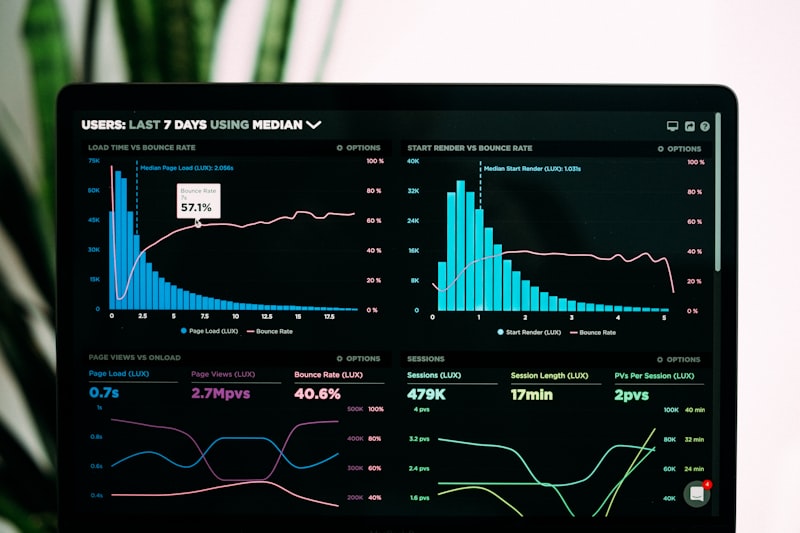 Understanding payment processing fees
Contactless transaction fees are typically the same as chip/swipe:
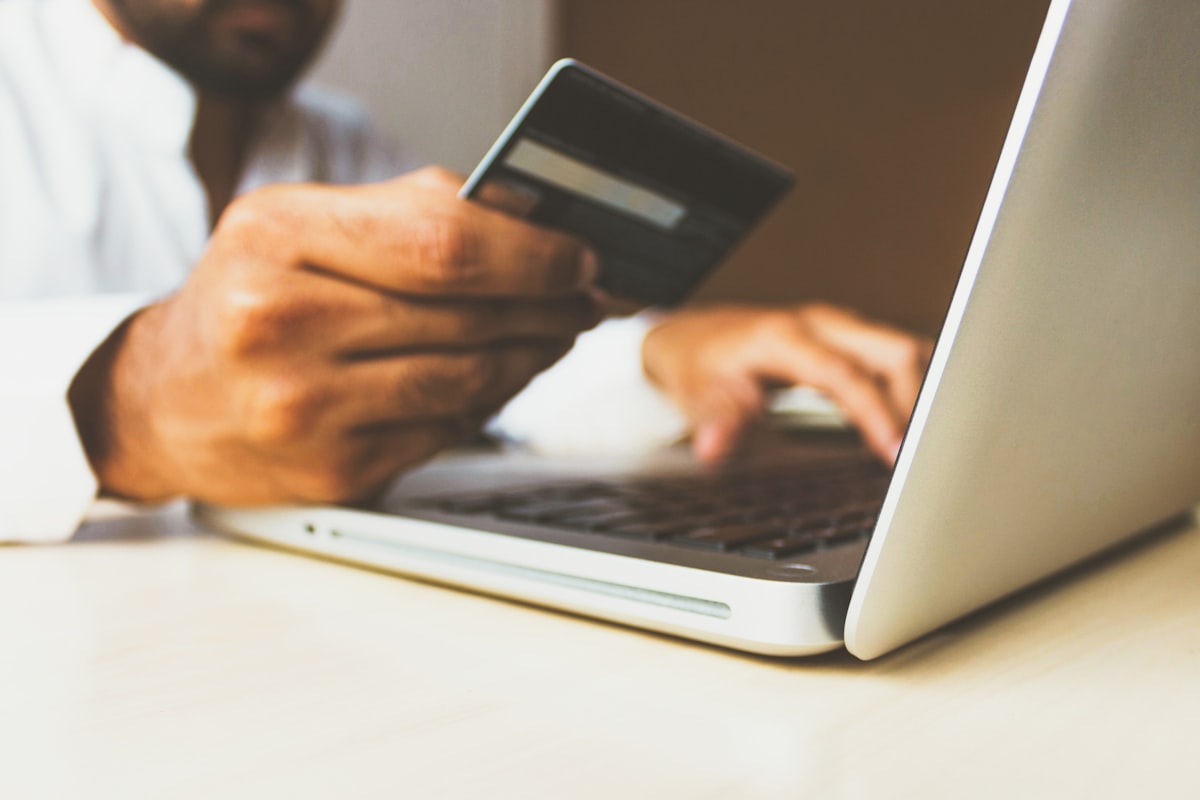 Mobile wallets like Apple Pay and Google Pay use the same processing rates as cards
| Processor | Card-Present Rate |
|---|---|
| Square | 2.6% + $0.10 |
| Toast | 2.49-2.99% + $0.15 |
| Stripe | 2.9% + $0.30 |
| PayPal | 2.29-2.99% |
Note: Mobile wallet transactions (Apple Pay, Google Pay) process at card-present rates, not the higher online rates.
QR Code Payment Solutions
 QR code payment options
Square QR Payments
Square allows QR codes for payment:
- Generate QR code for invoice
- Customer scans and pays
- Links to Square checkout
Best for: Square users
Pay-at-Table QR Solutions
Several platforms enable pay-at-table via QR:
- Fuudey: QR ordering + payments
- Presto: Pay-at-table tablets/QR
- me&u: QR ordering and payments
- Sunday: Pay-by-QR focus
Restaurant-Specific QR
Toast, Square, and others offer branded QR payment experiences integrated with their POS.
Benefits of Contactless Payments
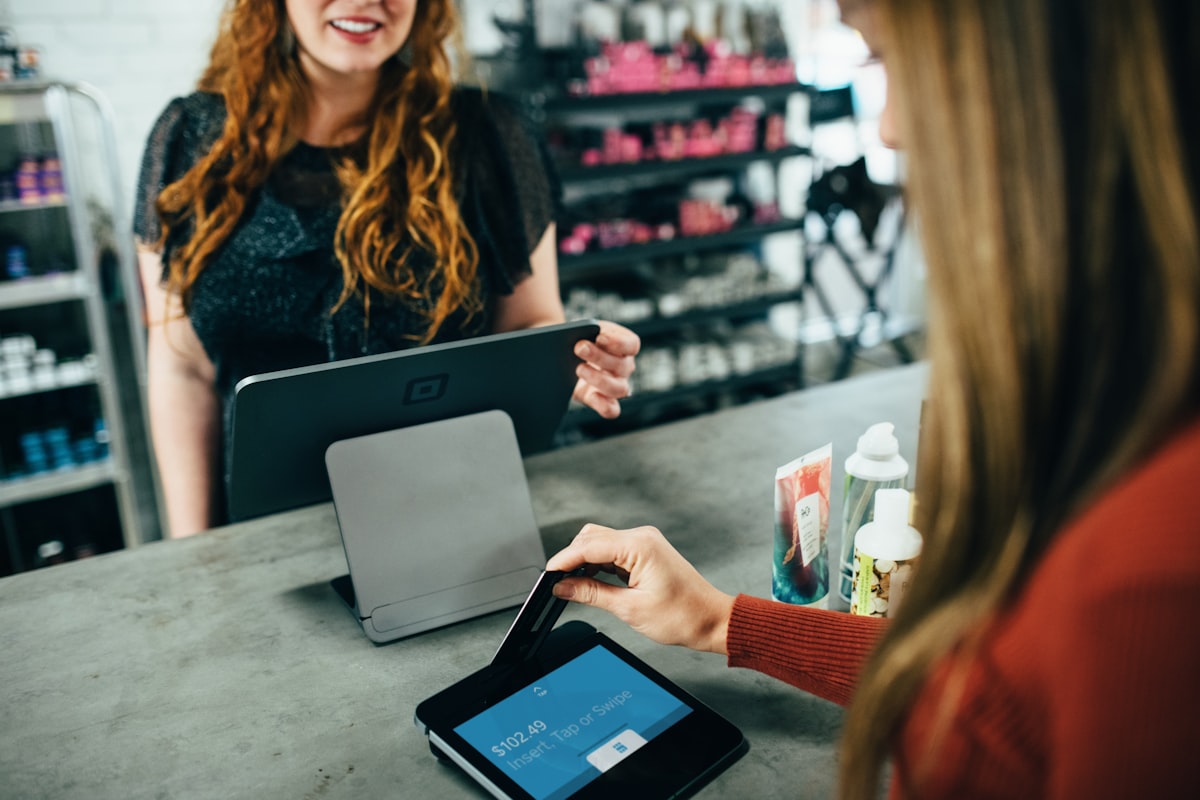 Contactless speeds up transactions and improves the customer experience
Speed
Contactless transactions complete in 1-2 seconds vs. 3-5 seconds for chip cards. During rush periods, this adds up.
Customer Preference
Studies show:
- 60%+ of customers prefer contactless
- Higher satisfaction scores
- Perceived as more modern
Hygiene
Post-pandemic, many customers prefer not to touch shared terminals. Contactless reduces contact points.
Reduced Fraud
NFC transactions are more secure:
- Dynamic encryption
- Tokenized data
- Device authentication
Table Turn Improvement
Pay-at-table solutions can reduce payment time by 50%+, improving table turn rates.
Implementation Guide
 Step-by-step implementation guide
Step 1: Assess Current Setup
Check your terminals:
- Do they support NFC? (Look for the contactless symbol)
- How old are they? (Pre-2015 likely need replacement)
- Are they compatible with your POS?
Check your POS:
- Does your software support contactless?
- Are updates available?
Step 2: Choose Your Approach
 Choose payment hardware that matches your service style and POS system
Option A: Counter service
- NFC-enabled counter terminal
- Quick tap-and-go transactions
- Standard implementation
Option B: Tableside payment
- Handheld devices (Toast Go, Square Terminal)
- Bring payment to the customer
- Reduces end-of-meal friction
Option C: QR-based payment
- QR codes at tables
- Customers pay on their phones
- No terminal interaction needed
Option D: Hybrid
- Multiple options for customer preference
- Counter terminals + tableside + QR
Step 3: Train Staff
Key training points:
- How to initiate contactless transactions
- Troubleshooting common issues
- When to offer alternative payment methods
- Explaining options to customers
Step 4: Communicate to Customers
Let customers know you accept contactless:
- "Tap to pay accepted here" signage
- Mention mobile wallets by name
- Train staff to offer contactless as default
Common Issues and Solutions
 Common issues and solutions
"Card not reading"
Causes:
- Card held too long (remove quickly)
- Card positioned incorrectly
- Terminal needs restart
Solution: Brief tap, not prolonged hold. Restart terminal if persistent.
"Transaction declined"
Causes:
- Card limit exceeded for contactless
- Customer's bank restrictions
- Terminal connectivity
Solution: Fall back to chip insert or try swiping.
"Apple Pay not working"
Causes:
- Customer device issue
- Terminal NFC not activated
- Distance too far
Solution: Ensure terminal has NFC enabled, ask customer to hold closer.
Security Considerations
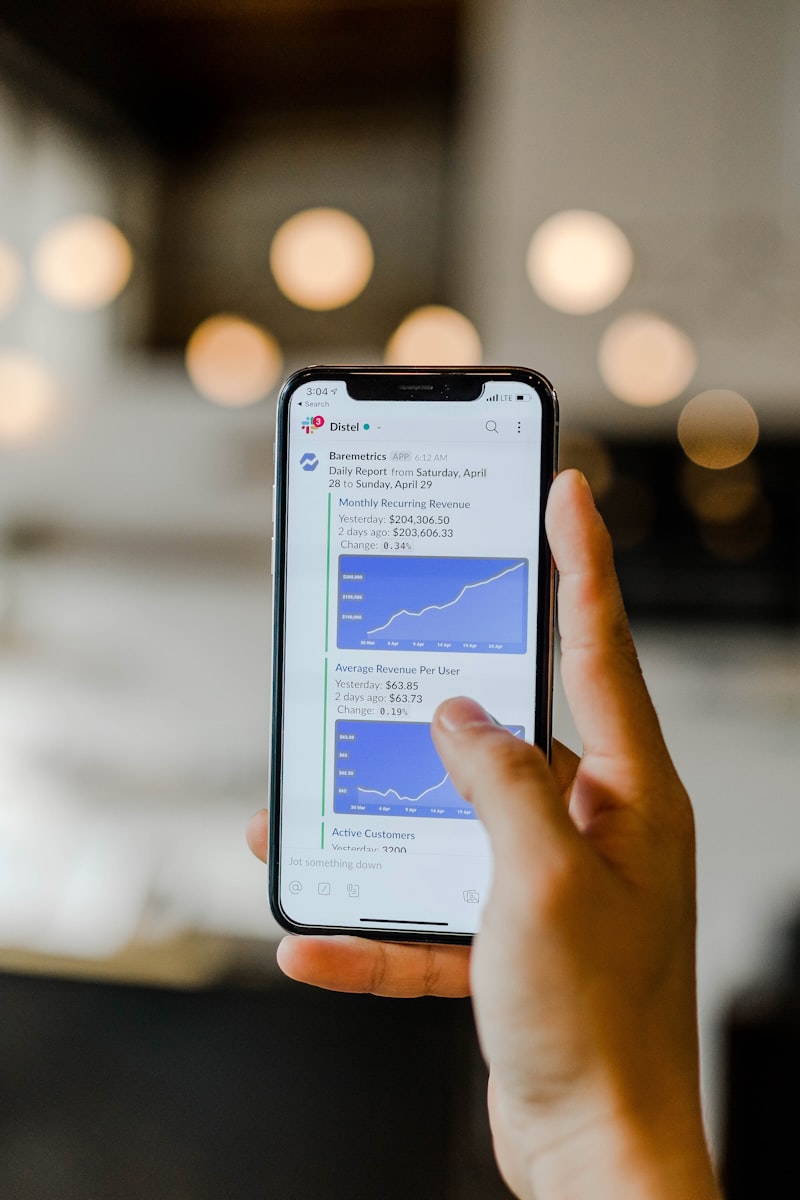 Security features of contactless payments
Contactless Is Secure
Despite perception, contactless is more secure than chip cards:
- Dynamic codes per transaction
- Tokenization (real card number never transmitted)
- Distance limitation (must be within 4cm)
- Transaction limits for extra protection
PCI Compliance
Contactless payments follow the same PCI DSS requirements:
- Secure terminal configuration
- Network protection
- Access controls
- Regular updates
Fraud Prevention
Built-in protections:
- Single-transaction tokens
- Device authentication (Face ID, fingerprint)
- Amount limits for PIN-free transactions
Costs Overview
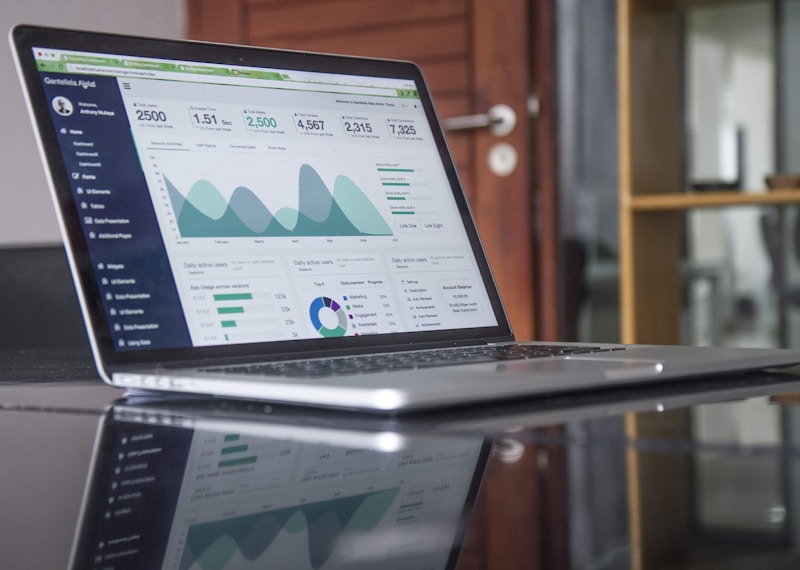 Understanding the true costs of contactless payment solutions
| Component | One-Time Cost | Ongoing Cost |
|---|---|---|
| NFC Terminal | $200-800 | Included in processing |
| Mobile Reader | $30-60 | Included in processing |
| Handheld Device | $300-600 | Sometimes monthly fee |
| QR Payment Software | $0-50/month | Processing fees |
| Processing | N/A | 2.4-3% per transaction |
Frequently Asked Questions
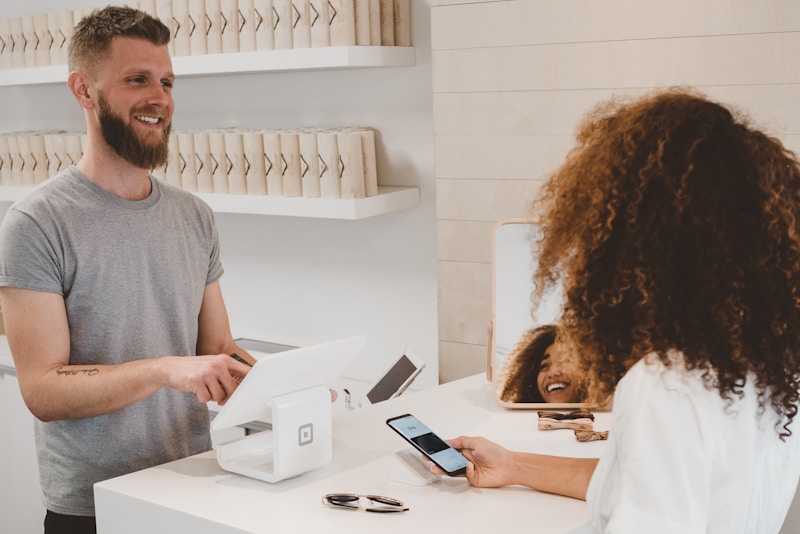 Common questions about contactless payment solutions
Do contactless payments cost more to process?
No. Most processors charge the same rate for contactless as chip/swipe transactions.
Do I need a new terminal for contactless?
If your terminal is more than 5 years old, likely yes. Check for the contactless symbol (four curved lines) on your current terminal.
Are mobile wallets different from tap cards?
Technically yes (phone vs. card), but both use NFC. Processing and rates are identical.
What's the transaction limit for contactless?
Varies by country and bank. In the US, limits have increased significantly (often $100+ or no limit). Higher amounts may require PIN.
Can I accept contactless without a POS system?
Yes, with mobile readers like Square Reader. You'll still need a smartphone/tablet and merchant account.
Conclusion
Contactless payments are now essential for modern restaurant operations
Contactless payments are no longer optional — customers expect them. The good news: implementation is straightforward and often requires only a terminal upgrade or adding a mobile reader.
Our recommendations:
- Counter service: NFC-enabled terminal (included in most modern POS)
- Tableside payments: Handheld devices
- QR payments: Fuudey or POS-native solutions
- Budget option: Mobile reader (
$30-60)
For complete restaurant technology guidance, see our tech stack guide and POS comparisons.
More Articles
AI-Powered Restaurant Inventory Forecasting: Reduce Waste and Boost Profits
Discover how AI inventory forecasting predicts demand, optimizes orders, and reduces food waste. Machine learning tools for smarter restaurant inventory management.
Appetito Menu Review: Multilingual QR Menus for Restaurants

Complete Appetito Menu review covering multilingual QR menu features, pricing, setup process, and how it compares to Fuudey, Menu Tiger, and alternatives.
Best Free QR Code Menu Generator in 2025 (7+ Reviewed)

We tested 8 free QR code menu generators including Fuudey, QR Menu Creator, Menuu, ScanIt.menu, and more. Full comparison with pricing, features, and honest reviews.