
Digital Menu Boards for Restaurants: Complete Setup Guide (2025)
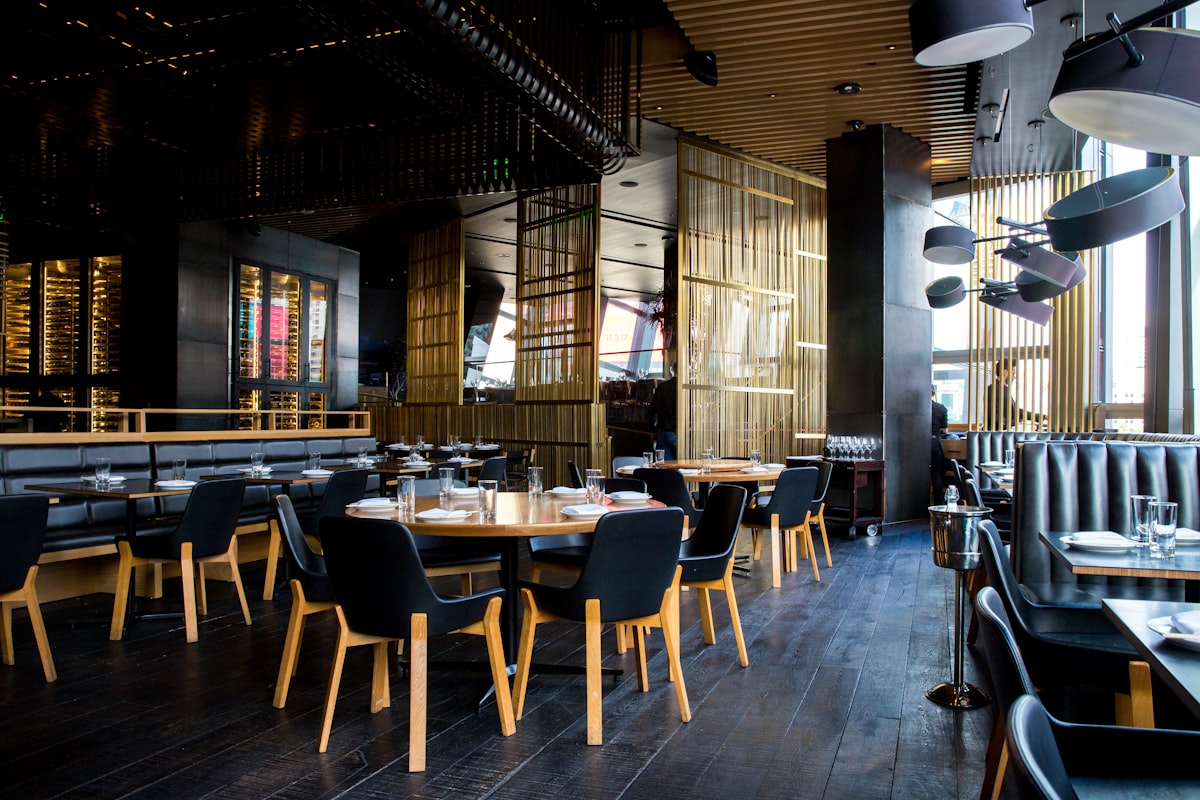
Digital menu boards have transformed how restaurants communicate with customers. Dynamic content, easy updates, and modern aesthetics give digital menus significant advantages over static printed boards.
Here's everything you need to know about implementing digital menu boards in your restaurant.
What Are Digital Menu Boards?
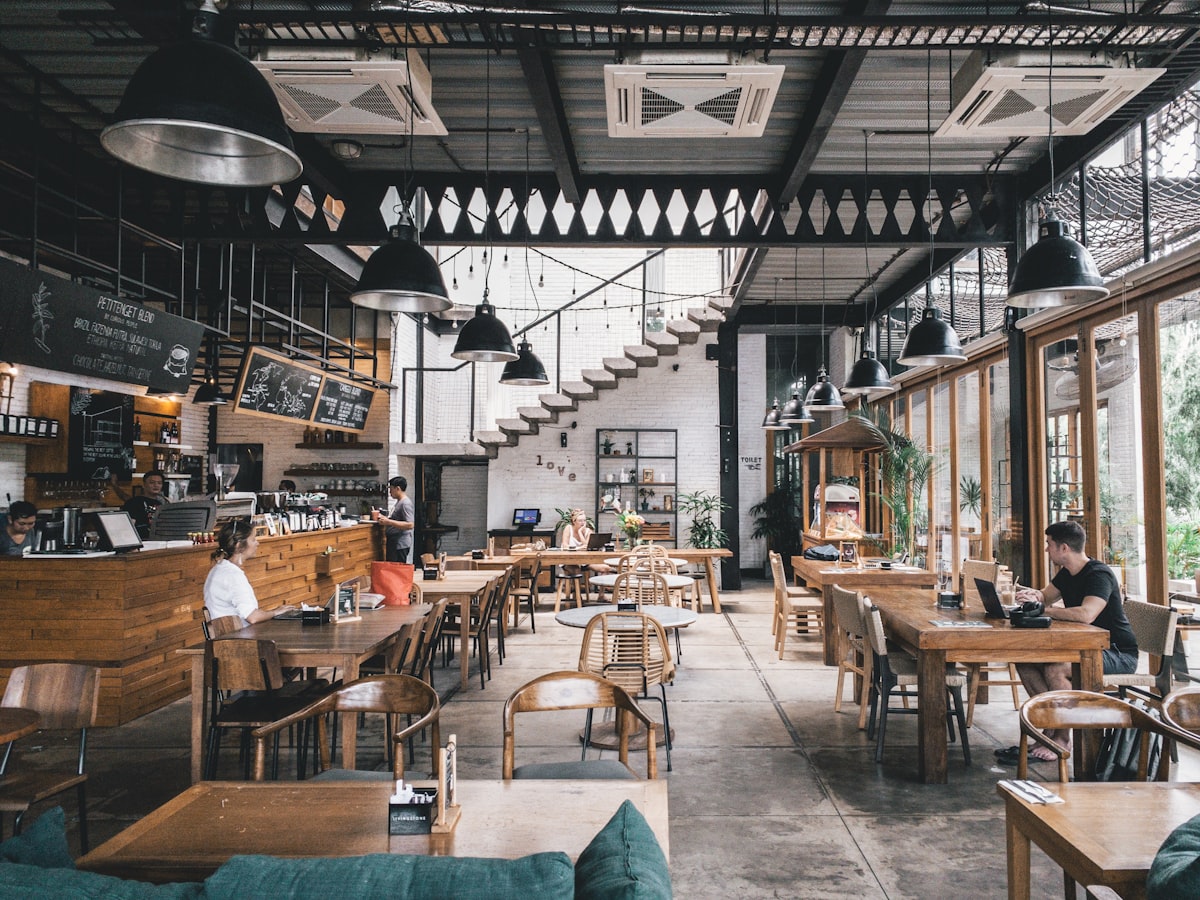 Digital menu boards replace static printed menus with dynamic, updatable displays
Digital menu boards are electronic displays that show your menu, pricing, promotions, and other content. Unlike printed menus:
- Update instantly from anywhere
- Schedule content by time of day
- Display motion and video
- Showcase promotions dynamically
- A/B test different layouts
Common placements include behind the counter (QSR), at order kiosks, and in drive-thru lanes.
Benefits of Digital Menu Boards
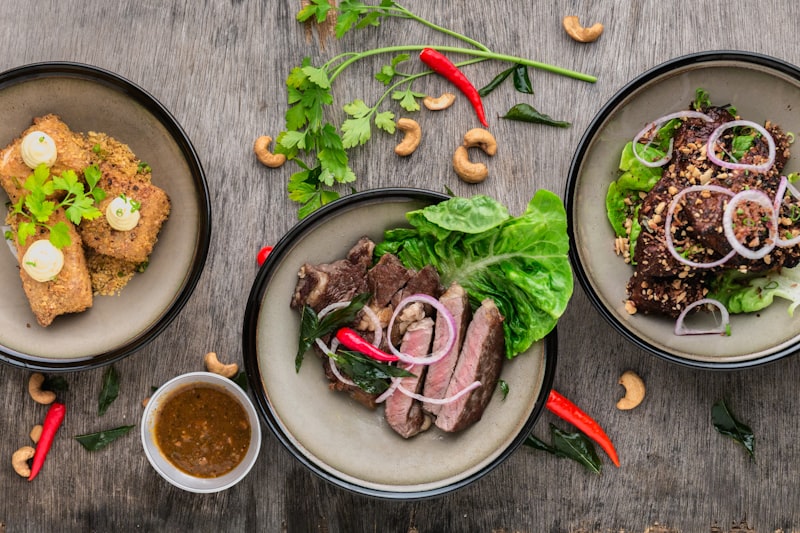 Key advantages of digital menu boards
1. Easy Updates
With printed boards, a price change means reprinting and reinstalling. With digital:
- Change prices in seconds
- Update when items sell out (86'd)
- Add limited-time offers instantly
- Remove unavailable items immediately
2. Daypart Menu Switching
 Digital boards switch automatically between breakfast, lunch, and dinner menus
Program your boards to show different content by time:
- Breakfast menu: 6am-11am
- Lunch menu: 11am-4pm
- Dinner menu: 4pm-close
- Happy hour: 4pm-7pm
No staff intervention required — it happens automatically.
3. Dynamic Promotions
Highlight high-margin items, daily specials, or combo deals:
- Rotating featured items
- Countdown timers for limited offers
- "Today's Special" that updates automatically
- Upsell prompts at specific times
4. Modern Aesthetic
Static boards look dated. Digital displays:
- Create a modern, professional appearance
- Allow motion and visual interest
- Match contemporary restaurant design
- Impress customers
5. Data and Optimization
Track what works:
- A/B test different layouts
- Measure impact on sales
- Optimize item placement
- Improve conversion rates
Digital Menu Board Components
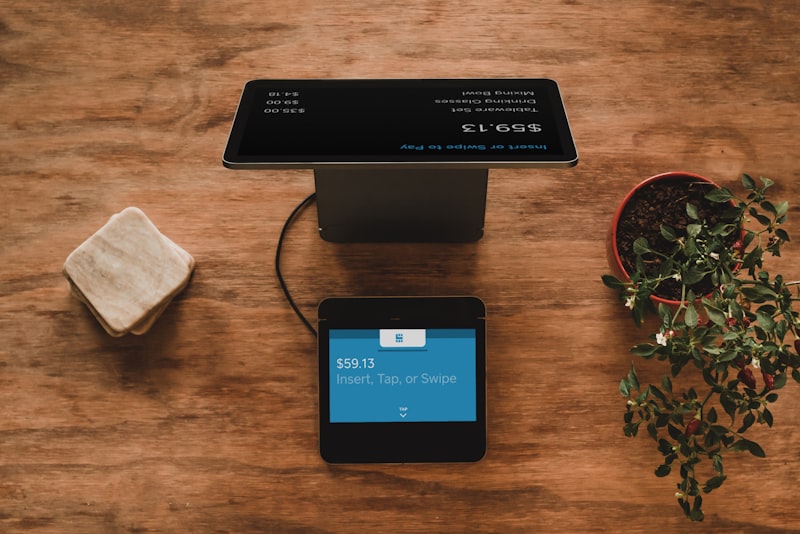 Understanding the components of digital menu systems
1. Displays (Hardware)
Commercial Displays:
- Designed for continuous operation (24/7)
- Higher brightness than consumer TVs
- Longer warranties
- Temperature-resistant
- Cost:
$500-2,000per screen
Consumer TVs:
- Cheaper upfront
- Not designed for continuous use
- Shorter lifespan
- Lower brightness
- Cost:
$200-600per screen
Recommendation: For restaurants, commercial displays are worth the investment. They last 3-5x longer and look better in bright environments.
2. Media Players
The device that drives your display:
Options:
- Built-in smart TV features: Free but limited
- Streaming sticks:
$30-100(Firestick, Roku) - Dedicated media players:
$100-500 - Embedded players: Built into commercial displays
Recommendation: Dedicated media players (like BrightSign) offer the best reliability for commercial use.
3. Content Management Software
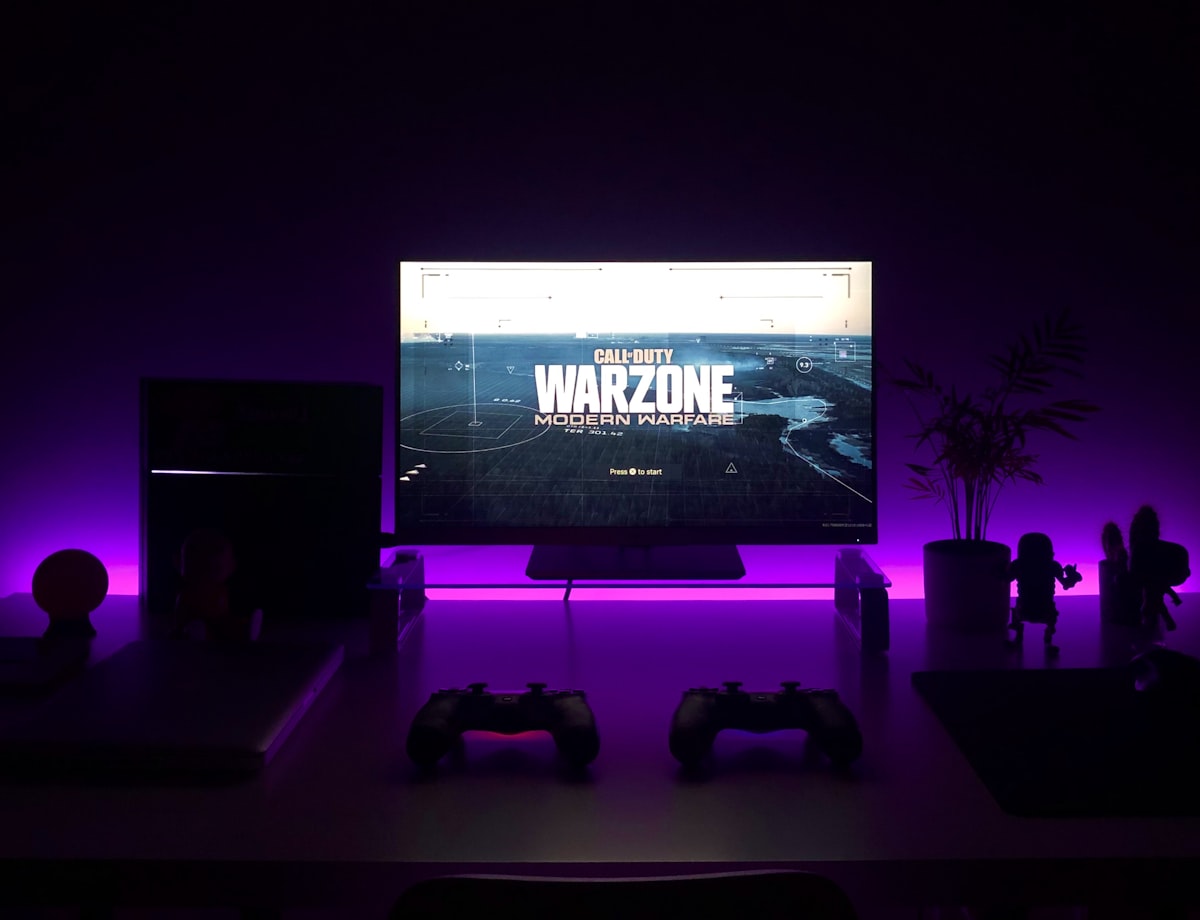 Content management software lets you control what displays show
The software that controls your content:
Options range from:
- Free/basic (limited features)
$10-50/month (mid-tier)$50-200/month (enterprise)
Key features to look for:
- Remote management
- Scheduling by time/day
- Template library
- Easy content updates
- POS integration (optional)
- Multi-location management
4. Mounting and Installation
- Wall mounts:
$50-150per display - Ceiling mounts:
$100-300 - Stand/kiosk:
$200-500 - Professional installation:
$200-500per display
Popular Digital Menu Board Solutions
 Top digital menu board platforms
1. Square Digital Displays
Price: Free with Square for Restaurants
Best for: Square users wanting simple digital menus
If you use Square, their built-in digital display feature is free and syncs with your POS menu automatically.
Features:
- Auto-sync with Square menu
- Price updates automatic
- Item availability sync
- Basic templates
- Works with Smart TVs
Pros:
- Free
- Automatic POS sync
- Easy setup
Cons:
- Limited design options
- Requires Square POS
- Basic features only
2. Toast Digital Menu
Price: Included with Toast (hardware separate)
Best for: Toast POS users
Toast offers digital menu boards that integrate with their POS ecosystem.
Features:
- Menu sync from Toast
- 86'd item removal automatic
- Daypart scheduling
- Promotional content
- Drive-thru support
Pros:
- Tight Toast integration
- Professional templates
- Enterprise-ready
Cons:
- Toast POS required
- Proprietary approach
- Hardware costs
3. Mood Media
Price: Custom pricing
Best for: Enterprise and franchise operations
Major player in restaurant digital signage with comprehensive solutions.
Features:
- Professional design services
- Music integration
- Multi-location management
- Advanced scheduling
- Analytics
Pros:
- Full-service solution
- Enterprise scale
- Professional support
Cons:
- Higher cost
- May be overkill for small restaurants
4. DSMenu
Price: $10-35/month per screen
Best for: Independent restaurants wanting flexibility
Cloud-based digital menu software that works with any display.
Features:
- Web-based management
- Template library
- Scheduling
- Remote updates
- Works with any screen
Pros:
- Affordable
- Flexible hardware
- Good template library
Cons:
- No POS integration
- Manual menu updates
5. Menuboard Manager
Price: $15-50/month per screen
Best for: QSR and fast casual
Restaurant-focused digital signage platform.
Features:
- QSR-optimized templates
- POS integration options
- Nutrition data display
- Drive-thru support
- Multi-location
Pros:
- Restaurant-specific
- Good integrations
- Drive-thru capable
Cons:
- Higher price tier
- Learning curve
Comparison Table
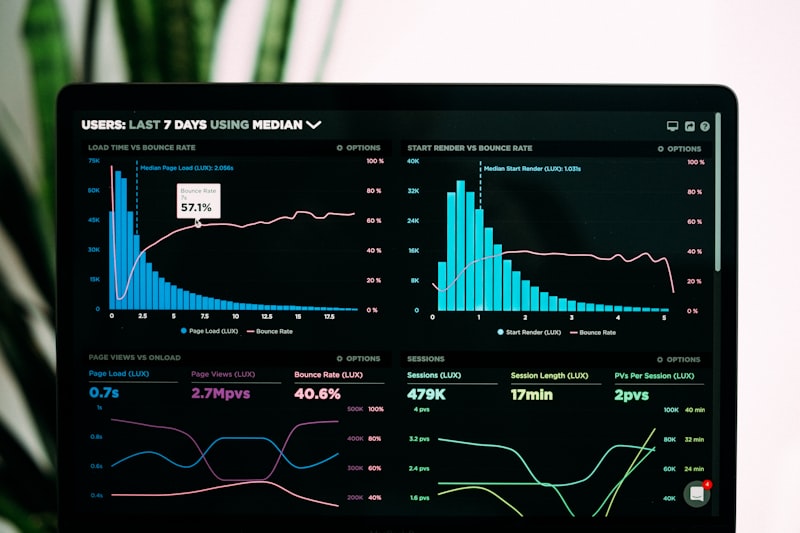 Comparing digital menu board solutions
| Solution | Monthly Cost | POS Integration | Best For |
|---|---|---|---|
| Square Digital | Free | Square | Square users |
| Toast Digital | Included | Toast | Toast users |
| DSMenu | $10-35 | Limited | Small restaurants |
| Menuboard Manager | $15-50 | Multiple | QSR chains |
| Mood Media | Custom | Enterprise | Franchises |
Implementation Guide
 Step-by-step implementation guide
Step 1: Plan Your Layout
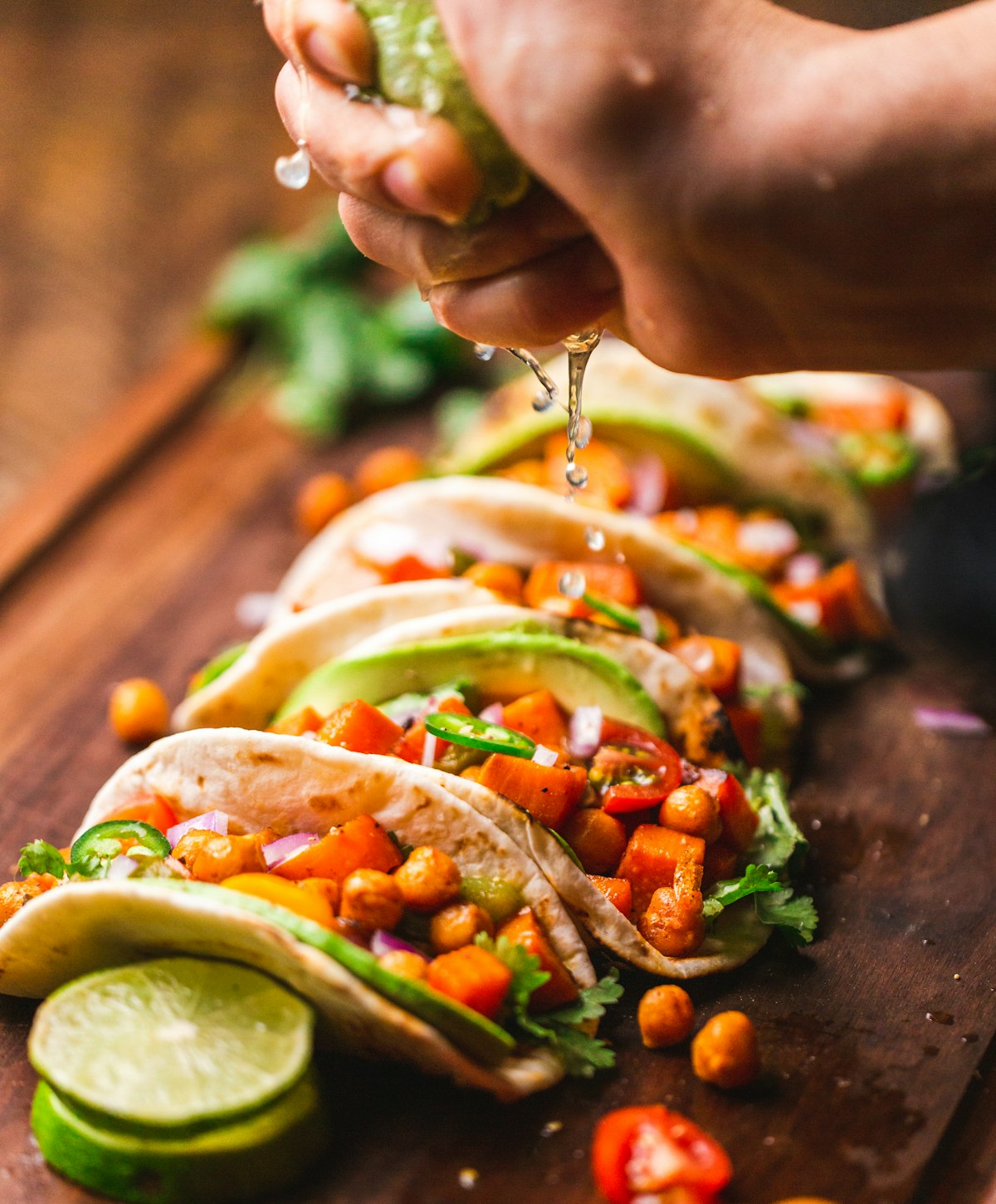 Plan screen placement based on customer flow and viewing angles
Before buying anything:
- Measure your space — How many screens, what size?
- Map customer flow — Where do customers look?
- Consider viewing distance — Larger screens for far viewing
- Plan content zones — Menu, promos, branding
Common layouts:
- Single screen: Small cafés, supplements printed menu
- Two screens: Main menu + promotions/combos
- Three screens: Categories split across boards
- Video wall: High-impact, premium installations
Step 2: Choose Hardware
For most restaurants:
- 43-55" commercial displays
- Dedicated media player (BrightSign or similar)
- Appropriate mounts for your space
Budget example (2-screen setup):
| Item | Cost |
|---|---|
| 2x 55" commercial displays | $1,600 |
| 2x Media players | $300 |
| 2x Wall mounts | $150 |
| Installation | $400 |
| Total | $2,450 |
Step 3: Select Software
Match to your POS if possible:
- Using Square? → Square Digital Displays
- Using Toast? → Toast Digital Menu
- Other POS? → DSMenu or Menuboard Manager
Step 4: Design Your Content
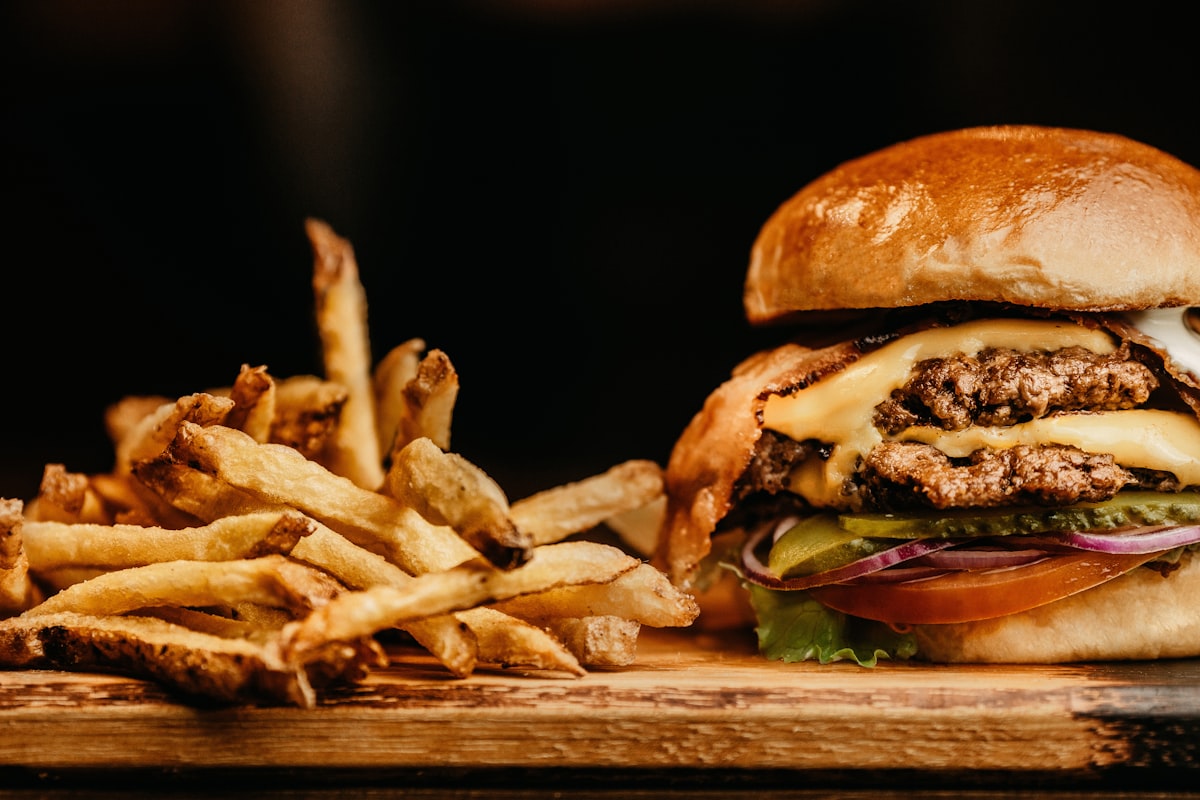 Effective menu boards balance information density with readability
Design principles:
- Hierarchy: Most profitable items get prime placement
- Readability: Large fonts, high contrast
- Simplicity: Don't overwhelm — less is more
- Motion: Use sparingly — attract, don't distract
- Photography: High-quality food images increase sales
Step 5: Install and Configure
Professional installation recommended for:
- High/difficult mounting locations
- Electrical work required
- Multiple displays
- Video walls
DIY-able for:
- Single display on counter
- Simple wall mount
- Plug-and-play software
Step 6: Measure and Optimize
After launch:
- Track sales of featured items
- A/B test different layouts
- Adjust based on data
- Update content regularly
Best Practices
 Best practices for digital menu content
Content Guidelines
- Update regularly — Stale content hurts engagement
- Feature high-margin items — Use prime screen real estate strategically
- Include prices — Transparency builds trust
- Use motion sparingly — Attract attention, don't annoy
- Consider accessibility — Large fonts, high contrast
Technical Best Practices
- Use commercial displays — Consumer TVs fail faster
- Hardwire internet — WiFi is less reliable
- Backup power — UPS protects against surges
- Cool environment — Heat shortens display life
- Regular maintenance — Clean screens, check connections
Alternatives to Digital Menu Boards
 Alternatives to consider like QR menus and tablets
If digital boards aren't right for you:
QR Code Menus
Point customers to your QR code menu from a simple sign. Benefits:
- Much lower cost
- Customer device = no hardware
- Works with Fuudey, Menu Tiger, etc.
iPad Kiosks
Tablets at counter or on tables for ordering:
- Interactive ordering
- Lower cost than large displays
- See our iPad POS guide
Traditional Printed Menus
For some concepts, printed menus remain appropriate:
- Fine dining
- Variable menus
- Limited-time restaurants
Frequently Asked Questions
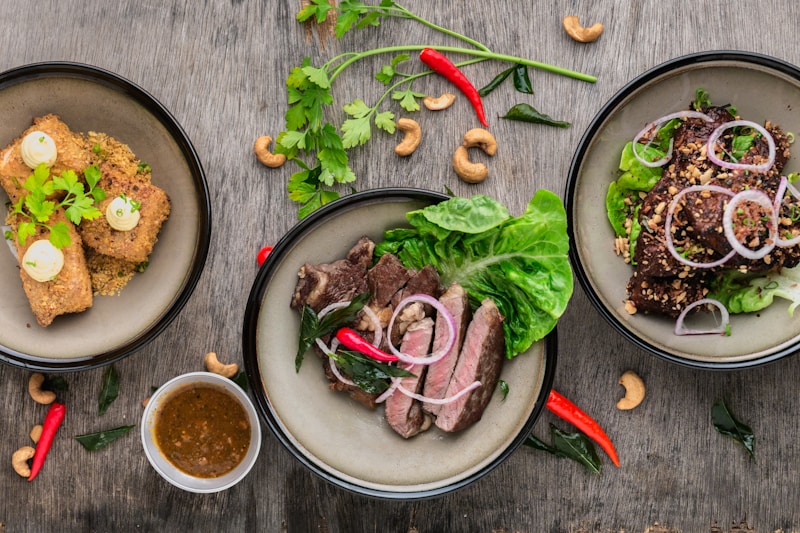 Common questions about digital menu boards
How much do digital menu boards cost?
Budget $1,000-3,000 for a basic 2-screen setup including hardware, software, and installation. Enterprise deployments can exceed $10,000.
Should I use a regular TV or commercial display?
Commercial displays are recommended. They're designed for continuous operation and last 3-5x longer than consumer TVs in restaurant environments.
Can I update my digital menu boards remotely?
Yes, most modern systems allow cloud-based updates from anywhere. You can change prices, add items, or update promotions from your phone.
Do digital menu boards increase sales?
Studies suggest 3-5% sales increases from optimized digital menu boards, mainly from better promotion of high-margin items and upselling.
How long do commercial displays last?
Quality commercial displays typically last 50,000-100,000 hours of continuous operation (5-10+ years). Consumer TVs often fail within 2-3 years of continuous use.
Conclusion
Digital menu boards modernize your restaurant and improve operational efficiency
Digital menu boards represent a significant upgrade over static printed menus. The ability to update instantly, schedule by daypart, and promote dynamically makes them valuable for most counter-service and QSR operations.
Our recommendations:
- Square users: Use free Square Digital Displays
- Toast users: Toast Digital Menu (included)
- Budget priority: DSMenu (
$10-35/month) - Enterprise/QSR chains: Menuboard Manager or Mood Media
For restaurants not ready for digital boards, QR code menus offer a cost-effective alternative that provides many similar benefits through customers' own devices.
More Articles
AI-Powered Restaurant Inventory Forecasting: Reduce Waste and Boost Profits
Discover how AI inventory forecasting predicts demand, optimizes orders, and reduces food waste. Machine learning tools for smarter restaurant inventory management.
Appetito Menu Review: Multilingual QR Menus for Restaurants

Complete Appetito Menu review covering multilingual QR menu features, pricing, setup process, and how it compares to Fuudey, Menu Tiger, and alternatives.
Best Free QR Code Menu Generator in 2025 (7+ Reviewed)

We tested 8 free QR code menu generators including Fuudey, QR Menu Creator, Menuu, ScanIt.menu, and more. Full comparison with pricing, features, and honest reviews.