
GloriaFood Review: Is This Free Online Ordering System Worth It?
GloriaFood promises something most restaurant owners would consider too good to be true: free online ordering with no commissions. Unlike DoorDash or UberEats, which take 15-30% of every order, GloriaFood lets you keep 100% of your revenue.
But is it actually free? And does it work well enough for a real restaurant operation? Here's our complete review.
GloriaFood at a Glance
 GloriaFood provides a mobile-optimized ordering experience for customers
Overall Rating: 4/5
| Category | Score |
|---|---|
| Features (Free) | ★★★★☆ |
| Ease of Setup | ★★★★★ |
| Value | ★★★★★ |
| Support | ★★★☆☆ |
| Integrations | ★★★☆☆ |
Best for: Small to medium restaurants wanting commission-free online ordering without the complexity of a full POS system.
Skip if: You need a complete POS solution or advanced delivery logistics.
How GloriaFood Works
 Understanding how GloriaFood's free ordering works
GloriaFood is a free online ordering system that lets customers place orders through:
- Your Facebook business page
- Your restaurant website
- A sales-optimized website they provide
- The FoodBooking marketplace app
- A branded mobile app (paid option)
Orders come directly to your phone or tablet through their order-taking app. No commissions, no per-order fees.
What's Actually Free?
 What's included in the free tier
Here's what you get at $0/month:
Included Free
- Online ordering system
- Menu builder with photos
- Order acceptance app (iOS/Android)
- Pickup and delivery options
- Multiple delivery zones
- Minimum order settings
- Different tax rates per service
- Opening hours management
- Order-for-later (pre-orders)
- Facebook ordering integration
- Website ordering widget
- Basic promotional tools
Paid Add-Ons
| Feature | Price |
|---|---|
| Sales-Optimized Website | $9/month |
| Branded Mobile App | $59/month |
| Table Reservations | $19/month |
| Online Payment Processing | 2% per transaction |
| FoodBooking Marketplace | Free (exposure) |
The core ordering functionality is genuinely free. You only pay for optional upgrades.
Setup Process
 GloriaFood takes about 10 minutes to set up for basic ordering
Based on the GloriaFood setup demonstration, here's how it works:
Step 1: Create Your Account
Fill in basic details:
- Restaurant name
- Phone number
- Address
- Pin your exact location on a map
- Select your cuisine type
- Validate via email
Time: 2-3 minutes
Step 2: Configure Services
Choose which services to enable:
- Pickup — Customers come to you
- Delivery — You deliver to customers
- Table reservations — Dine-in bookings
- Order ahead — Pre-orders for later
For delivery, you can create multiple zones with different:
- Delivery fees
- Minimum order values
- Delivery times
Time: 3-5 minutes
Step 3: Set Opening Hours
Configure when each service is available. You can have different hours for:
- Pickup
- Delivery
- Dining
Order-for-later allows customers to place orders even when you're closed, queuing them for the next business day.
Step 4: Build Your Menu
Add categories and items with:
- Names and descriptions
- Photos (important for conversion)
- Prices
- Sizes/variations
- Add-ons and modifiers
- Allergen information
GloriaFood offers a paid menu-entry service if you don't want to do this yourself.
Time: 30 minutes to 2 hours depending on menu size
Step 5: Download Order App
Install the GloriaFood app on your phone or tablet. When orders come in, you'll get notifications and can accept or reject them.
Step 6: Publish Your Ordering
Connect to your Facebook page and/or website. GloriaFood provides:
- Button code for Facebook
- Widget code for websites
- Compatible with WordPress, Wix, Squarespace, etc.
Key Features Explained
 Key features that make GloriaFood work
Delivery Zone Management
 GloriaFood lets you define custom delivery zones with different fees
You can create:
- Circle zones (radius from your location)
- Polygon zones (custom shapes you draw)
Each zone can have:
- Different delivery fees
- Minimum order values
- Separate operating hours
This is useful for restaurants that charge more for longer delivery distances.
Order-for-Later
Customers can place orders up to 15 days in advance. This is great for:
- Catering orders
- Party planning
- Capturing orders when you're closed
- Reducing lunch/dinner rush pressure
Orders placed outside business hours queue up for acceptance when you open.
Tax Configuration
Set different tax rates for:
- Pickup vs. delivery
- Food vs. beverages
- Different item categories
Taxes can be included in menu prices or added at checkout (U.S. style).
Alert Call System
If your order-taking device goes offline while a customer tries to order, GloriaFood can call you to alert you. This prevents missed orders.
Pros and Cons
 Advantages and disadvantages to consider
What We Like
✅ Genuinely free — Core ordering is $0/month, no commissions
✅ Easy setup — Get running in under an hour
✅ No technical skills needed — User-friendly interface
✅ Multiple channels — Facebook, website, app, marketplace
✅ Flexible delivery zones — Custom shapes and pricing
✅ Order-for-later — Capture pre-orders
✅ Works without a POS — Standalone system
What We Don't Like
❌ Limited integrations — Doesn't connect to most POS systems
❌ Basic analytics — Reporting is minimal
❌ Payment processing costs — 2% fee if you use their payments
❌ Support quality varies — Community-based, limited direct support
❌ No delivery driver management — You handle your own logistics
❌ Menu entry takes time — No import from existing POS
Who Should Use GloriaFood?
 GloriaFood is ideal for restaurants adding online ordering without a big budget
Ideal Customers
- Small independent restaurants wanting to avoid delivery app commissions
- Restaurants without online ordering looking for a free starting point
- Takeout-focused operations where customers pick up orders
- Restaurants with existing delivery drivers (you handle logistics)
- Facebook-active businesses wanting to take orders there
Not Ideal For
- Restaurants needing POS integration — GloriaFood is standalone
- Those wanting marketplace exposure — FoodBooking is small
- Restaurants without delivery capability — You must handle delivery yourself
- High-volume operations — May outgrow the basic system
GloriaFood vs. Alternatives
 How GloriaFood compares to competitors
GloriaFood vs. DoorDash/UberEats
| Factor | GloriaFood | DoorDash/UberEats |
|---|---|---|
| Commission | 0% | 15-30% |
| Delivery | You provide | They provide |
| Customer reach | Your customers | Their marketplace |
| Setup complexity | Easy | Very easy |
| Best for | Existing customer base | New customer acquisition |
Verdict: GloriaFood saves money but requires you to have or hire delivery drivers. Delivery apps cost more but handle logistics and bring new customers.
GloriaFood vs. Square Online
| Factor | GloriaFood | Square Online |
|---|---|---|
| Cost | Free | $0-79/month |
| POS integration | No | Yes (Square) |
| Features | Basic | More comprehensive |
| Payment processing | 2% optional | 2.9% + $0.30 |
Verdict: Square Online is better if you use Square POS. GloriaFood is better if you want standalone ordering.
GloriaFood vs. Fuudey
| Factor | GloriaFood | Fuudey |
|---|---|---|
| Cost | Free | Free tier available |
| QR ordering | No | Yes |
| Dine-in focus | Limited | Strong |
| Payments | Optional | Included |
Verdict: Fuudey is better for dine-in QR ordering. GloriaFood is better for pure online delivery/pickup. See our QR menu comparison.
Tips for Success with GloriaFood
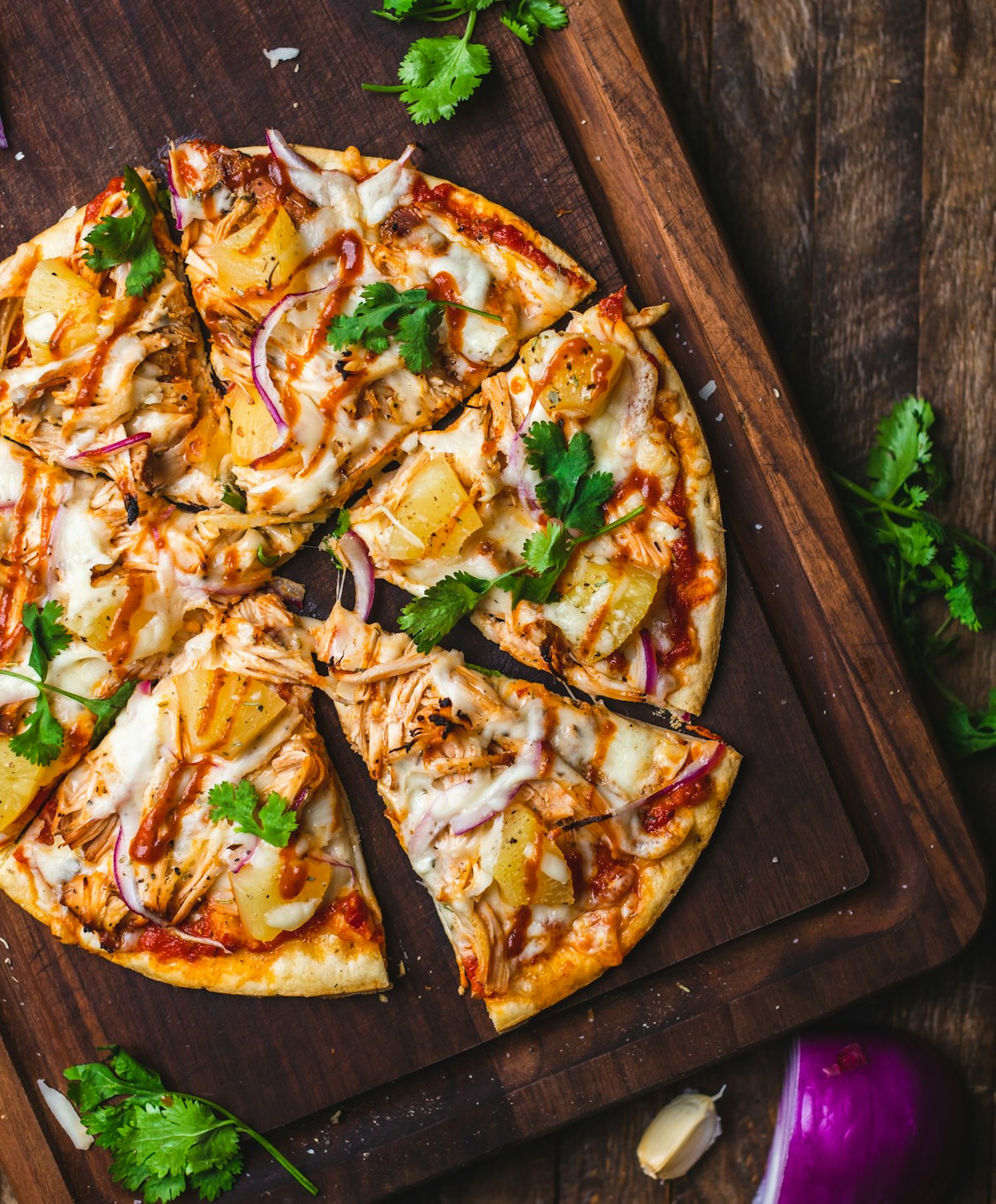 High-quality food photos are essential for online ordering success
1. Invest in Good Photos
Online ordering conversion depends heavily on appetizing food photos. Either:
- Hire a food photographer (
$200-500) - Use a smartphone with good lighting
- Use GloriaFood's stock photo suggestions
2. Set Realistic Delivery Times
Under-promising and over-delivering builds customer trust. Add buffer time to your estimates.
3. Promote Your Direct Ordering
Customers don't automatically know you have online ordering. Promote it via:
- In-restaurant signage
- Social media posts
- Table tents with QR codes
- Receipt messaging
4. Consider the Paid Website
At $9/month, GloriaFood's sales-optimized website is worthwhile if you don't already have a good restaurant website. It's designed for ordering conversion.
5. Use Order-for-Later Strategically
Promote pre-ordering for busy days. This helps smooth out kitchen workload and reduces wait times.
Alternatives to Consider
 Other options worth exploring
- Square Online: Better if you use Square POS
- Toast Online Ordering: Best if you use Toast POS
- ChowNow: Commission-free with more features,
$149/month - Fuudey: Best for QR code dine-in ordering
Frequently Asked Questions
 Common questions about GloriaFood
Is GloriaFood really free?
Yes, the core ordering system is free with no commissions. You only pay for optional add-ons like the branded app ($59/month) or payment processing (2% per transaction).
Does GloriaFood provide delivery drivers?
No. GloriaFood is an ordering system only. You must handle your own delivery with your staff or partner with a delivery service.
Can I use GloriaFood with my existing POS?
GloriaFood is largely standalone. Integration with POS systems is limited. Orders come to the GloriaFood app, not your POS.
How do I accept payments?
You can accept cash on delivery, or enable online payments for a 2% transaction fee. Payment options include cards and, in some regions, other methods.
Is there a limit on orders?
The free plan doesn't have an explicit order limit, though very high-volume restaurants might consider paid alternatives with better support.
Conclusion
GloriaFood delivers genuine value for restaurants seeking commission-free ordering
GloriaFood delivers on its promise: genuinely free online ordering without commissions. For small to medium restaurants wanting to take orders without paying DoorDash's 30% cut, it's an excellent option.
Our verdict: Use GloriaFood if you want free online ordering and can handle your own delivery logistics. If you need a more integrated solution, consider Square for Restaurants or Toast. For QR-based dine-in ordering, Fuudey is a better fit.
The bottom line: GloriaFood won't replace a full POS system, but for restaurants losing 20-30% to delivery apps, it's a way to take back control of your online orders — and your margins.
More Articles
AI-Powered Restaurant Inventory Forecasting: Reduce Waste and Boost Profits
Discover how AI inventory forecasting predicts demand, optimizes orders, and reduces food waste. Machine learning tools for smarter restaurant inventory management.
Appetito Menu Review: Multilingual QR Menus for Restaurants

Complete Appetito Menu review covering multilingual QR menu features, pricing, setup process, and how it compares to Fuudey, Menu Tiger, and alternatives.
Best Free QR Code Menu Generator in 2025 (7+ Reviewed)

We tested 8 free QR code menu generators including Fuudey, QR Menu Creator, Menuu, ScanIt.menu, and more. Full comparison with pricing, features, and honest reviews.