
Best Handheld POS Devices for Restaurant Servers (2025 Guide)
Handheld POS devices let servers take orders and payments right at the table — no more running back and forth to a fixed terminal. For busy restaurants, this translates to faster table turns, larger checks, and happier guests.
Here's everything you need to know about handheld POS for your restaurant.
Why Handheld POS Matters
 Tableside service with handheld devices elevates the guest experience
Benefits of Tableside Ordering
- Faster order entry: Orders go directly to kitchen (no queue at terminal)
- Higher check averages: Immediate upselling and suggestive selling
- Fewer errors: Enter directly while conversing with guest
- Faster table turns: 10-15% improvement typical
- Better tips: Guests appreciate attentive service
The Numbers
Studies show restaurants using handheld POS experience:
- 15-20% faster ticket times
- 10-15% higher average checks
- Increased table turns (especially during peak hours)
- Improved server satisfaction (less running around)
Types of Handheld POS Devices
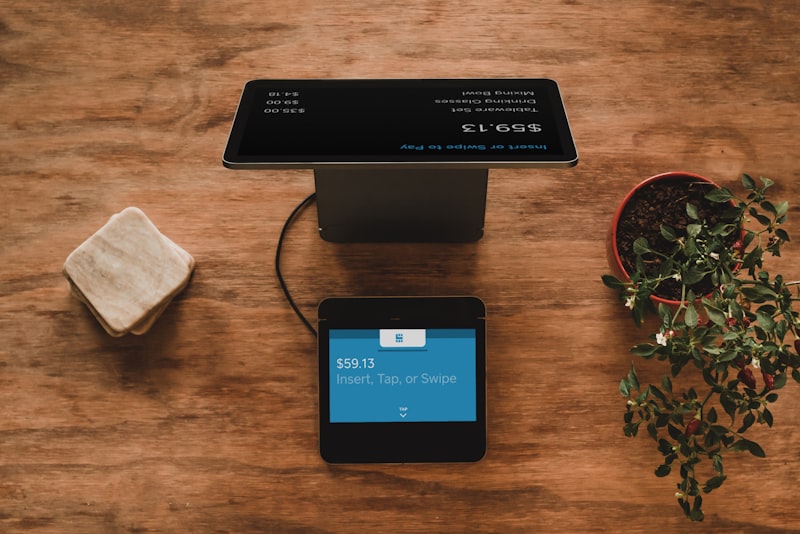 Different handheld POS device types
Proprietary Handhelds
Devices designed specifically for restaurant POS use:
Examples: Toast Go, Clover Flex, Square Terminal
Pros:
- Purpose-built for hospitality
- Often include built-in payment processing
- Optimized durability
Cons:
- Locked to specific POS
- Higher cost than tablets
- Proprietary ecosystem
Consumer Tablets
iPads or Android tablets with POS apps:
Examples: iPad mini with Square, iPhone with Toast
Pros:
- Lower cost
- Familiar interface
- Easy replacement
Cons:
- Less durable
- Separate card reader needed
- Battery management challenges
Best Handheld POS Devices
 Top handheld POS solutions for restaurants
1. Toast Go 2 — Best Overall
 Toast Go 2 combines ordering, payments, and durability in one device
Price: $409
Requires: Toast POS
Toast Go 2 is the gold standard for restaurant handhelds. It's purpose-built for hospitality, includes integrated payments, and survives the demands of a busy restaurant floor.
Key Features:
- 8" touchscreen
- Integrated card reader
- Built-in printer (optional Go 2 with printer)
- Spill-resistant design
- All-day battery life
- Full POS functionality
Pros:
- Restaurant-specific design
- Durable (drop-tested)
- Integrated payments
- Same interface as fixed terminals
- 24/7 support
Cons:
- Toast POS required
- Higher upfront cost
- Locked into Toast ecosystem
Best for: Toast POS users wanting premium handhelds
2. Square Terminal — Best Value
Price: $299
Requires: Square account
Square Terminal offers excellent value as an all-in-one handheld device with card reader, receipt printer, and POS in a compact package.
Key Features:
- 5.5" touchscreen
- Built-in card reader
- Built-in receipt printer
- WiFi and battery-powered
- Accept all major cards
Pros:
- Affordable
- All-in-one solution
- No monthly hardware fee
- Works with any Square plan
- Easy setup
Cons:
- Smaller screen than competitors
- Less restaurant-specific features
- Square payments only
Best for: Small restaurants, food trucks, pop-ups
Read our Toast vs Square comparison
3. Clover Flex — Most Flexible
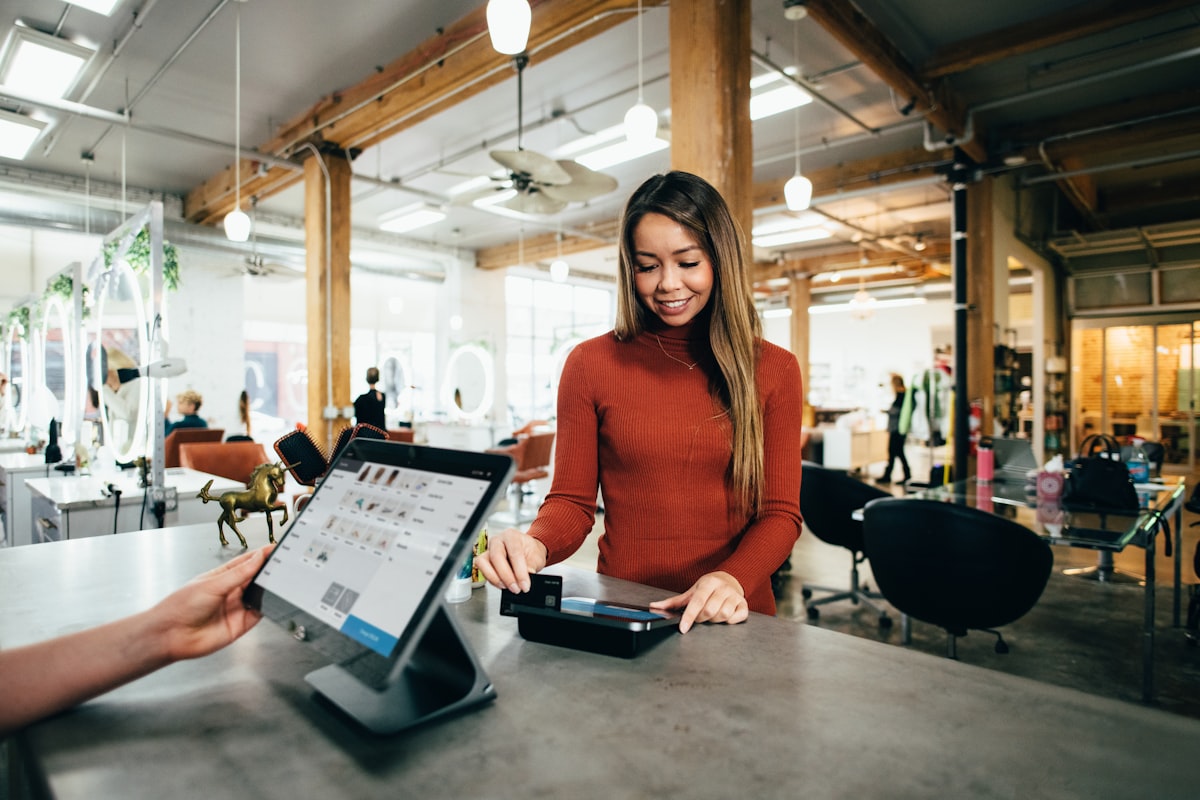 Clover Flex combines POS functionality with payment processing in a portable form
Price: $599
Requires: Clover merchant account
Clover Flex is a versatile handheld that works for table service, counter service, and payment processing.
Key Features:
- 6" touchscreen
- Built-in card reader
- Receipt printer included
- Camera for barcode scanning
- 8+ hour battery
Pros:
- Flexible usage scenarios
- Strong build quality
- Multiple payment types
- Fingerprint login
Cons:
- Clover POS required
- Pricing varies by reseller
- App setup needed for restaurants
Best for: Restaurants using Clover POS
4. iPad mini + Square Reader
Price: $499+ (iPad mini) + $49 (reader)
Requires: Square for Restaurants
For restaurants wanting tablet flexibility, an iPad mini with Square provides a larger screen and familiar interface.
Key Features:
- 8.3" Retina display
- Runs full Square app
- Contactless + chip reader
- All iOS apps available
Pros:
- Larger, clearer screen
- Multi-use device
- Lower entry cost than proprietary
- Easy staff training
Cons:
- Separate card reader needed
- Less durable than purpose-built
- More to carry and manage
Best for: Square restaurants wanting larger displays
5. TouchBistro + iPad
Price: iPad cost + TouchBistro subscription
Requires: TouchBistro POS
TouchBistro's iPad app works on iPad mini for handheld use, with full feature parity with fixed terminals.
Key Features:
- Full TouchBistro functionality
- Same interface as counter
- Offline-capable (hybrid mode)
- Works with various readers
Pros:
- Consistent experience
- Reliable offline mode
- Flexible hardware
Cons:
- iPad + case + reader to manage
- TouchBistro POS required
- Bluetooth pairing required
Best for: TouchBistro users
Comparison Table
 Comparing handheld POS devices
| Device | Price | Screen | Payments | Printer | Best For |
|---|---|---|---|---|---|
| Toast Go 2 | $409 | 8" | Integrated | Optional | Full-service restaurants |
| Square Terminal | $299 | 5.5" | Integrated | Built-in | Budget/QSR |
| Clover Flex | $599 | 6" | Integrated | Built-in | Clover users |
| iPad mini + reader | $549+ | 8.3" | Separate | Separate | Large screen preference |
| Toast Go 2 + Printer | $609 | 8" | Integrated | Built-in | High-volume tableside |
Choosing the Right Handheld
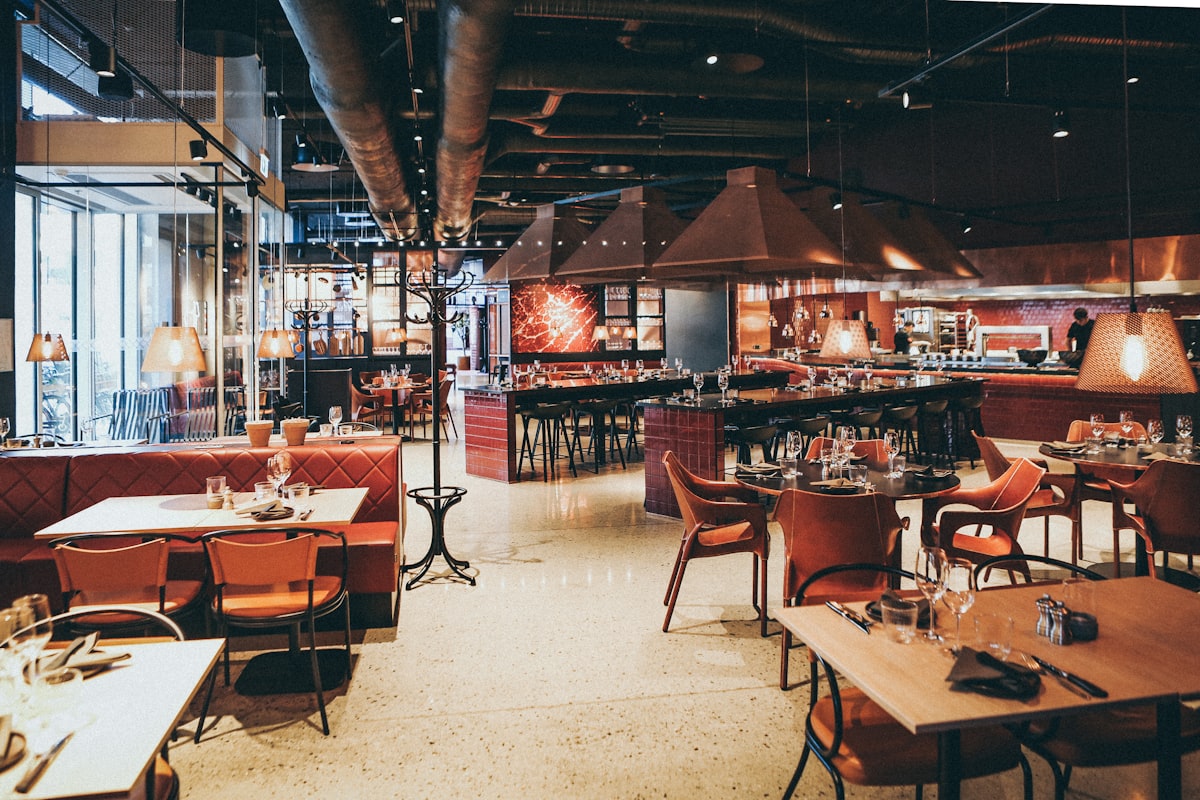 Match your handheld choice to your service style and existing POS
Match Your POS
The most important factor is POS compatibility:
- Using Toast? → Toast Go 2
- Using Square? → Square Terminal or iPad + reader
- Using Clover? → Clover Flex
- Using TouchBistro? → iPad + TouchBistro app
- Using Lightspeed? → iPhone/iPad + Lightspeed app
Consider Your Service Style
Full-service restaurants:
- Need full ordering capability
- Larger screens preferred
- Payment at table important
- Toast Go 2 or iPad recommended
Quick-service/counter:
- Simpler ordering needs
- Payment-focused
- Square Terminal or Clover Flex
Bars:
- Tab management essential
- Durability matters (spills)
- Toast Go 2 or Square Terminal
Food trucks/pop-ups:
- Compact and portable
- All-in-one preferred
- Square Terminal ideal
Implementation Tips
 Tips for implementing handheld POS
1. Start with One or Two Devices
Don't equip every server on day one:
- Pilot with your strongest servers
- Work out workflow issues
- Expand once proven
2. Establish Charging Procedures
Battery management is critical:
- End-of-shift charging stations
- Mid-shift backup devices
- Monitor battery levels
3. Train on Slow Days
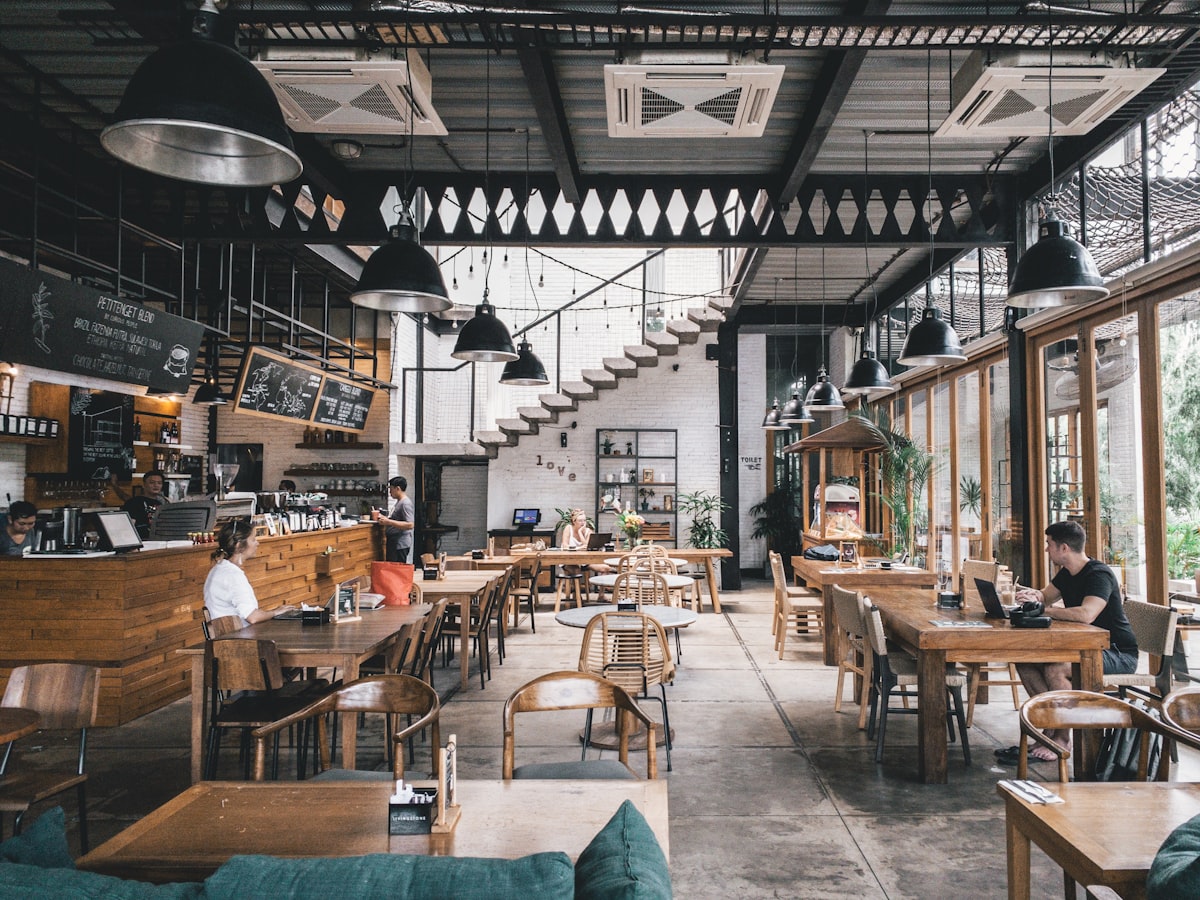 Train servers on handheld devices during slower periods
Don't launch during dinner rush:
- Practice during slow periods
- Role-play ordering scenarios
- Cover common issues (connectivity, battery)
4. Create Backup Procedures
What happens when the handheld fails?
- Fixed terminals as backup
- Manual order entry process
- Paper backup for emergencies
5. Protect Your Investment
Restaurant environments are tough:
- Use protective cases
- Consider insurance/protection plans
- Train on proper handling
ROI Calculation
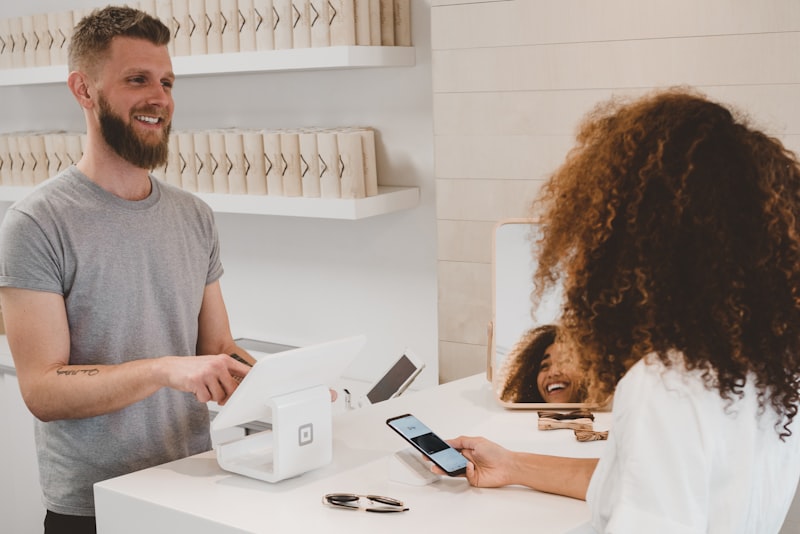 Calculate ROI for tableside ordering
Example: 50-Seat Restaurant
Without handhelds:
- Average table turn: 60 minutes
- Covers per night: 100
- Average check:
$45 - Daily revenue:
$4,500
With handhelds:
- Average table turn: 52 minutes (15% faster)
- Covers per night: 115
- Average check:
$49(9% higher) - Daily revenue:
$5,635
Daily improvement: $1,135
Annual improvement: ~$400,000+
Investment:
- 4 handhelds at
$400each:$1,600 - ROI timeline: ~1-2 days
The numbers make sense for most full-service restaurants.
Alternatives to Handhelds
 Alternatives to handheld POS devices
If handheld POS isn't right for your operation, consider:
QR Code Ordering
Let customers order from their phones:
- Fuudey — QR ordering with payments
- Square Self-Serve — QR to customer device
- No hardware investment required
See our QR menu comparison
Fixed Tablets at Tables
Permanent tablets embedded in tables:
- Higher upfront cost
- No device management
- Works for certain concepts
Traditional Terminal-Based
Keep servers at fixed stations:
- Lower tech investment
- Familiar workflow
- Misses efficiency benefits
Frequently Asked Questions
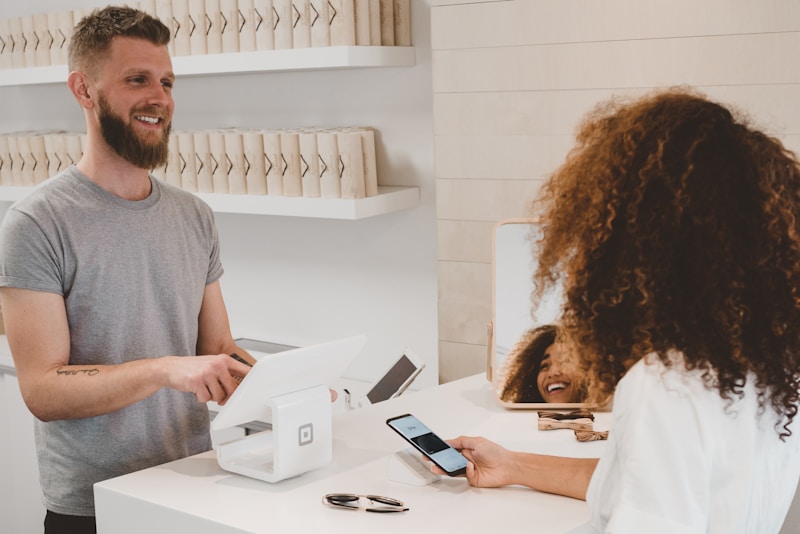 Common questions about handheld POS devices
How long do handheld POS batteries last?
Most modern devices last 8-12 hours on a charge. For busy double shifts, have backup devices or mid-shift charging.
Do I need WiFi for handhelds?
Most require WiFi or cellular. Some (like TouchBistro) work offline with local server sync.
Can I accept contactless payments?
Yes, all modern handhelds support NFC (Apple Pay, Google Pay, tap cards).
What happens if a handheld breaks?
Keep backup devices charged. Most vendors offer next-day replacement programs.
How many handhelds do I need?
Start with 1 per 20-30 seats as a baseline. Adjust based on service style and peak volume.
Conclusion
Handheld POS devices transform tableside service efficiency
Handheld POS devices are no longer optional for competitive full-service restaurants. The efficiency gains, increased check averages, and improved guest experience justify the investment for most operations.
Our recommendations:
- Toast users: Toast Go 2 (purpose-built, integrated)
- Square users: Square Terminal (affordable, capable)
- Clover users: Clover Flex (versatile, flexible)
- Budget priority: iPad mini + Square (
$549total) - Outdoor/mobile: Square Terminal (all-in-one)
For restaurants not ready for handheld investment, QR code ordering offers some similar benefits without hardware costs.
More Articles
AI-Powered Restaurant Inventory Forecasting: Reduce Waste and Boost Profits
Discover how AI inventory forecasting predicts demand, optimizes orders, and reduces food waste. Machine learning tools for smarter restaurant inventory management.
Appetito Menu Review: Multilingual QR Menus for Restaurants

Complete Appetito Menu review covering multilingual QR menu features, pricing, setup process, and how it compares to Fuudey, Menu Tiger, and alternatives.
Best Free QR Code Menu Generator in 2025 (7+ Reviewed)

We tested 8 free QR code menu generators including Fuudey, QR Menu Creator, Menuu, ScanIt.menu, and more. Full comparison with pricing, features, and honest reviews.