
Menu Tiger Review 2025: QR Menu Features, Pricing & Alternatives
Menu Tiger is one of the more established QR menu solutions on the market, offering contactless ordering for restaurants of all sizes. But with so many QR menu options available, is Menu Tiger the right choice for your restaurant?
Here's our complete review after analyzing the platform, testing its features, and comparing it to alternatives.
Menu Tiger at a Glance
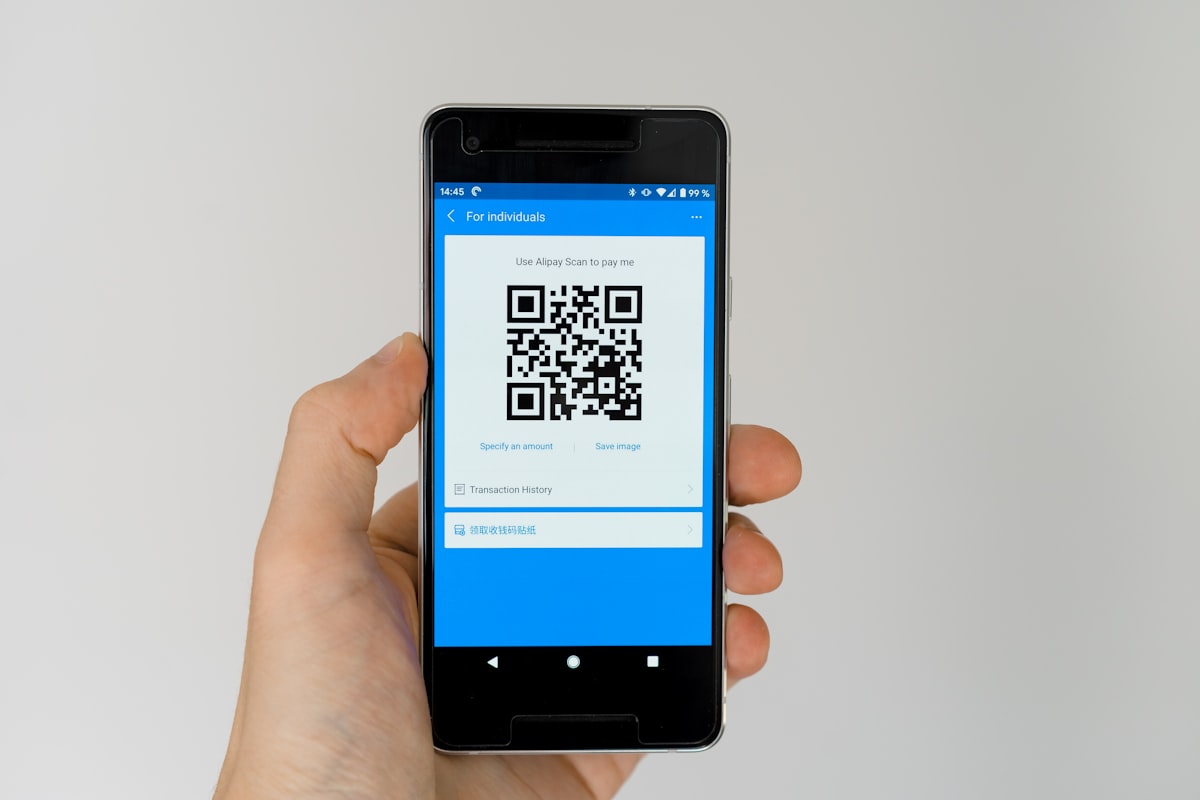 Menu Tiger enables customers to view menus and order by scanning table QR codes
Overall Rating: 4/5
| Category | Score |
|---|---|
| Features | ★★★★☆ |
| Ease of Use | ★★★★☆ |
| Pricing | ★★★☆☆ |
| Customization | ★★★★★ |
| Support | ★★★☆☆ |
Best for: Mid-sized restaurants wanting a professional QR menu system with good customization options.
Skip if: You're on a tight budget or want ordering and payments included in a free tier.
What is Menu Tiger?
 Understanding Menu Tiger's QR menu platform
Menu Tiger is a QR code menu and ordering system that lets restaurants:
- Create digital menus customers view on their phones
- Accept orders directly through the menu
- Manage multiple locations from one dashboard
- Customize menu appearance to match branding
- Integrate with POS systems (limited)
It's designed as a self-service solution that reduces staff interaction while improving ordering efficiency.
Features Breakdown
 Key features that make Menu Tiger stand out
QR Code Menu Creation
The core offering is easy-to-create digital menus:
- Upload menu items with photos and descriptions
- Organize into categories
- Set prices and modifiers
- Generate table-specific QR codes
- Update in real-time (no reprinting)
Ordering System
 Menu Tiger's ordering system lets customers add items directly from the digital menu
Menu Tiger supports full ordering, not just menu display:
- Customers add items to cart
- Apply modifiers and special requests
- Submit orders to restaurant
- Receive confirmation
- Optional payment integration
Multi-Location Management
For restaurant groups:
- Single dashboard for all locations
- Shared menu templates
- Location-specific pricing
- Centralized reporting
- Staff permission controls
Customization Options
Menu Tiger offers strong branding capabilities:
- Custom colors and fonts
- Logo integration
- Theme templates
- Custom domain (higher tiers)
- Multi-language support
Integrations
Limited but growing integration options:
- Zapier connection
- Some POS systems (varies)
- Payment processors
- Google Analytics
Pricing
 Understanding Menu Tiger's pricing structure
Menu Tiger uses a tiered pricing model:
| Plan | Monthly Cost | Key Features |
|---|---|---|
| Free | $0 | 1 menu, basic features |
| Basic | $29/month | Multiple menus, QR ordering |
| Pro | $59/month | Multiple locations, customization |
| Enterprise | Custom | API access, priority support |
What Each Tier Includes
Free Plan:
- 1 digital menu
- Up to 20 items
- Basic QR code
- Menu Tiger branding
- Limited orders per month
Basic Plan ($29/month):
- Unlimited items
- Multiple menus
- Remove branding
- Email support
- QR ordering enabled
Pro Plan ($59/month):
- Multiple locations
- Advanced customization
- Custom domain
- Analytics dashboard
- Priority support
Price vs. Value
At $29-59/month, Menu Tiger sits in the mid-range of QR menu solutions. The pricing is reasonable for restaurants that need full ordering capabilities, but the free tier is very limited.
Pros and Cons
 Weighing the advantages and disadvantages
What We Like
✅ Strong customization — Match menu to your restaurant's brand
✅ Multi-location support — Manage multiple restaurants from one dashboard
✅ Multi-language — Serve international customers
✅ Real-time updates — Change prices or items instantly
✅ Ordering included — Not just menu display
✅ Professional appearance — Templates look polished
What We Don't Like
❌ Limited free plan — 20-item limit is restrictive
❌ No free payments — Payment processing costs extra
❌ Limited integrations — Not many POS connections
❌ Basic analytics — Reporting could be deeper
❌ Support quality varies — Response times inconsistent
Who Should Use Menu Tiger?
 Menu Tiger works well for cafés and restaurants wanting QR ordering
Ideal Customers
- Multi-location restaurants needing centralized menu management
- Restaurants with complex menus requiring extensive categorization
- International restaurants serving customers in multiple languages
- Brand-conscious operators wanting full customization
- Mid-sized operations willing to pay for features
Not Ideal For
- Very small restaurants where the cost doesn't justify the features
- Restaurants wanting free ordering + payments — Fuudey offers this
- Those needing deep POS integration — Limited options
- Budget-conscious startups — Free tier is too limited
Menu Tiger vs. Alternatives
 How Menu Tiger compares to competitors
Menu Tiger vs. Fuudey
| Factor | Menu Tiger | Fuudey |
|---|---|---|
| Free Tier | Very limited (20 items) | More usable |
| Ordering | Included | Included |
| Payments | Paid add-on | Included free |
| Customization | Excellent | Good |
| Price (Paid) | $29-59/month | $9-79/month |
Verdict: Fuudey offers better value for restaurants wanting ordering and payments included. Menu Tiger is better for heavy customization needs.
Menu Tiger vs. QR Menu Creator
| Factor | Menu Tiger | QR Menu Creator |
|---|---|---|
| Free Tier | 20 items | 1 menu, unlimited items |
| Ordering | Yes | No (display only) |
| Payments | Optional | No |
| Best For | Full ordering | Simple menus |
Verdict: Menu Tiger is better for ordering. QR Menu Creator is better for simple menu display only. See our free QR menu comparison.
Menu Tiger vs. Menuu
| Factor | Menu Tiger | Menuu |
|---|---|---|
| Ordering | Yes | Yes |
| Free Plan | Limited | Free for restaurants |
| Service Fee | None | Passed to customer |
| Customization | Better | Good |
Verdict: Menuu is free for restaurants (customer pays service fee). Menu Tiger requires payment for full features.
Setting Up Menu Tiger
 Setup takes 30-60 minutes for a typical restaurant menu
Step 1: Create Account
Sign up at menutiger.com with your email. Verify your account.
Step 2: Set Up Restaurant Profile
Enter your restaurant details:
- Name and location
- Contact information
- Operating hours
- Branding (logo, colors)
Step 3: Build Your Menu
Add categories and items:
- Category names (Appetizers, Mains, Drinks, etc.)
- Item names and descriptions
- Prices and variations
- Photos (crucial for conversions)
- Modifiers and add-ons
Tip: High-quality photos increase orders significantly. Invest in good food photography.
Step 4: Configure Ordering
Set up ordering preferences:
- Enable/disable ordering
- Table numbers
- Order notifications
- Payment options (if enabled)
Step 5: Generate QR Codes
Create QR codes for each table or area:
- Customize QR code appearance
- Download and print
- Place on tables
Step 6: Test and Launch
Place test orders to verify everything works before going live.
Tips for Success
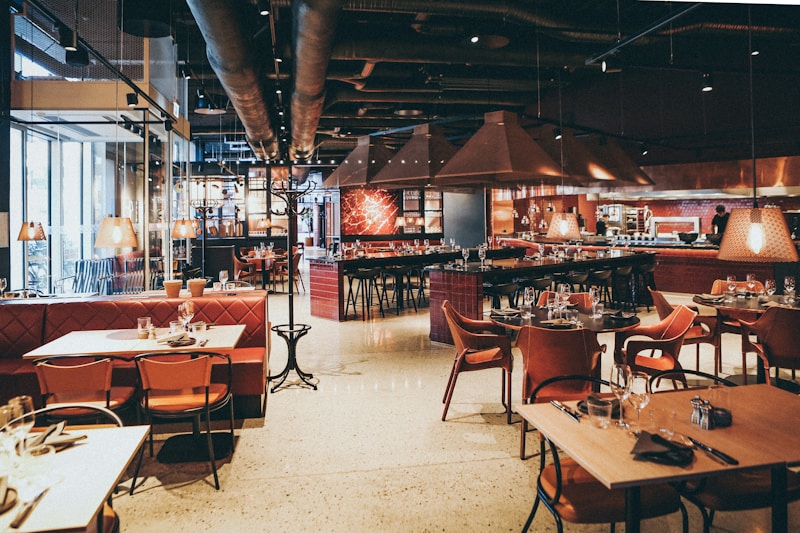 Best practices for Menu Tiger
1. Use High-Quality Photos
Menus with photos see 30%+ higher engagement. Either hire a photographer or use good lighting with a smartphone.
2. Keep Descriptions Short
Mobile screens are small. Write concise, appetizing descriptions that fit without scrolling.
3. Price Strategically
With digital menus, you can easily test different prices. Use this flexibility to optimize.
4. Promote QR Ordering
Customers won't know about your QR menu unless you tell them. Use table tents, server mentions, and signage.
5. Monitor Analytics
Track which items get views vs. orders. Optimize your menu based on data.
Alternatives to Consider
 The right QR menu solution depends on your specific needs and budget
If Menu Tiger doesn't fit your needs:
- Fuudey: Better free tier with ordering and payments included
- QR Menu Creator: Free menu display (no ordering)
- Menuu: Free for restaurants, customer-paid service fee
- Square for Restaurants: QR ordering included with POS
- Appetito Menu: Multilingual focus
See our full comparison of free QR code menu generators.
Frequently Asked Questions
 Common questions about Menu Tiger
Is Menu Tiger really free?
The free plan exists but is heavily limited (20 items, Menu Tiger branding). Most restaurants will need a paid plan.
Can I use Menu Tiger without ordering?
Yes, you can use it as a display-only menu and disable the ordering functionality.
Does Menu Tiger integrate with my POS?
Integration options are limited. Check their current integration list or use Zapier for custom connections.
How do I print Menu Tiger QR codes?
The platform generates downloadable QR codes. Print them using any printer and display on tables with stands or stickers.
Can I change prices in real-time?
Yes, changes are instant. This is a key advantage over printed menus.
Conclusion
Menu Tiger is a solid choice for restaurants needing comprehensive QR menu features
Menu Tiger is a capable QR menu solution with strong customization options and multi-location support. It's well-suited for mid-sized restaurants that need professional features and are willing to pay for them.
Our verdict: Choose Menu Tiger if customization and multi-location management are priorities. If you want ordering and payments included free, Fuudey offers better value. For simple menu display only, QR Menu Creator is more cost-effective.
The best QR menu is the one that matches your specific needs. Consider what features matter most — ordering, payments, customization, multi-language — and choose accordingly.
More Articles
AI-Powered Restaurant Inventory Forecasting: Reduce Waste and Boost Profits
Discover how AI inventory forecasting predicts demand, optimizes orders, and reduces food waste. Machine learning tools for smarter restaurant inventory management.
Appetito Menu Review: Multilingual QR Menus for Restaurants

Complete Appetito Menu review covering multilingual QR menu features, pricing, setup process, and how it compares to Fuudey, Menu Tiger, and alternatives.
Best Free QR Code Menu Generator in 2025 (7+ Reviewed)

We tested 8 free QR code menu generators including Fuudey, QR Menu Creator, Menuu, ScanIt.menu, and more. Full comparison with pricing, features, and honest reviews.