
Best QR Menu Solutions for Food Trucks in 2025
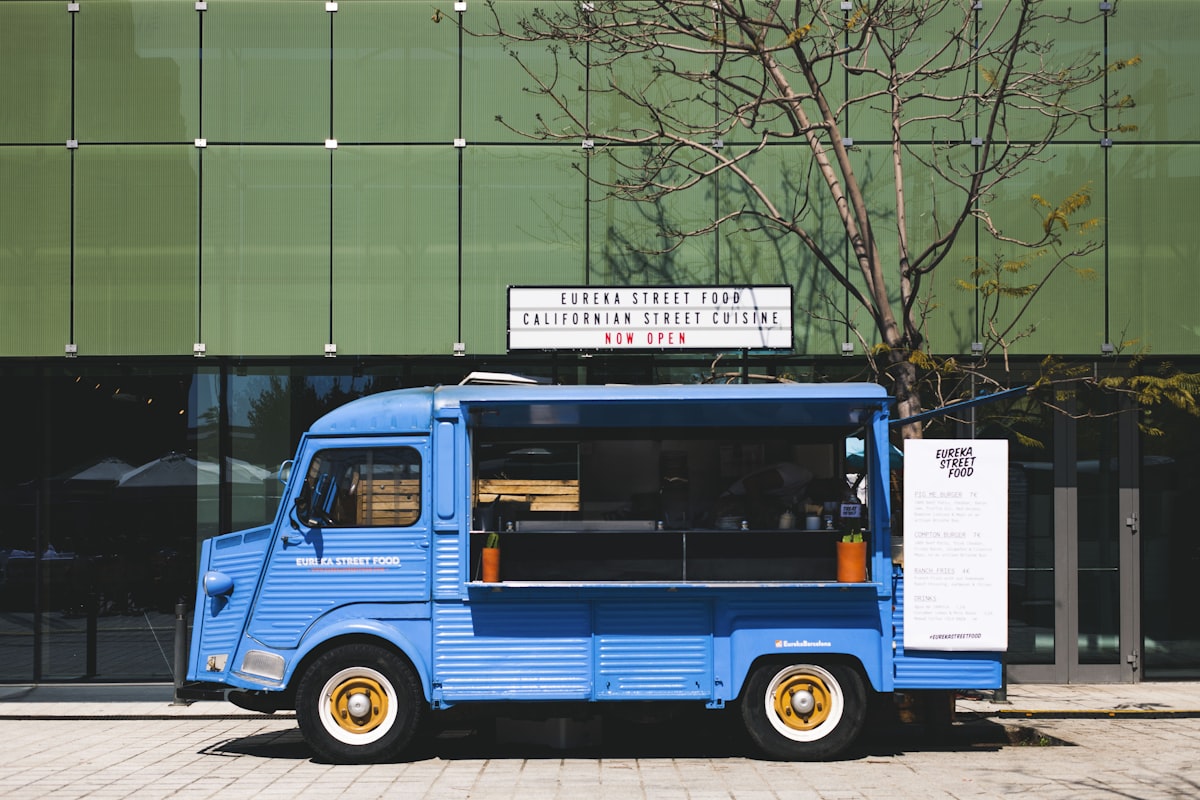
Food trucks face unique challenges: limited space, outdoor conditions, high-volume rushes, and mobile operations. A QR menu solves many of these problems by putting your menu on customers' phones instead of printed boards.
Here's how to choose and implement the right QR menu for your food truck.
Why QR Menus Work for Food Trucks
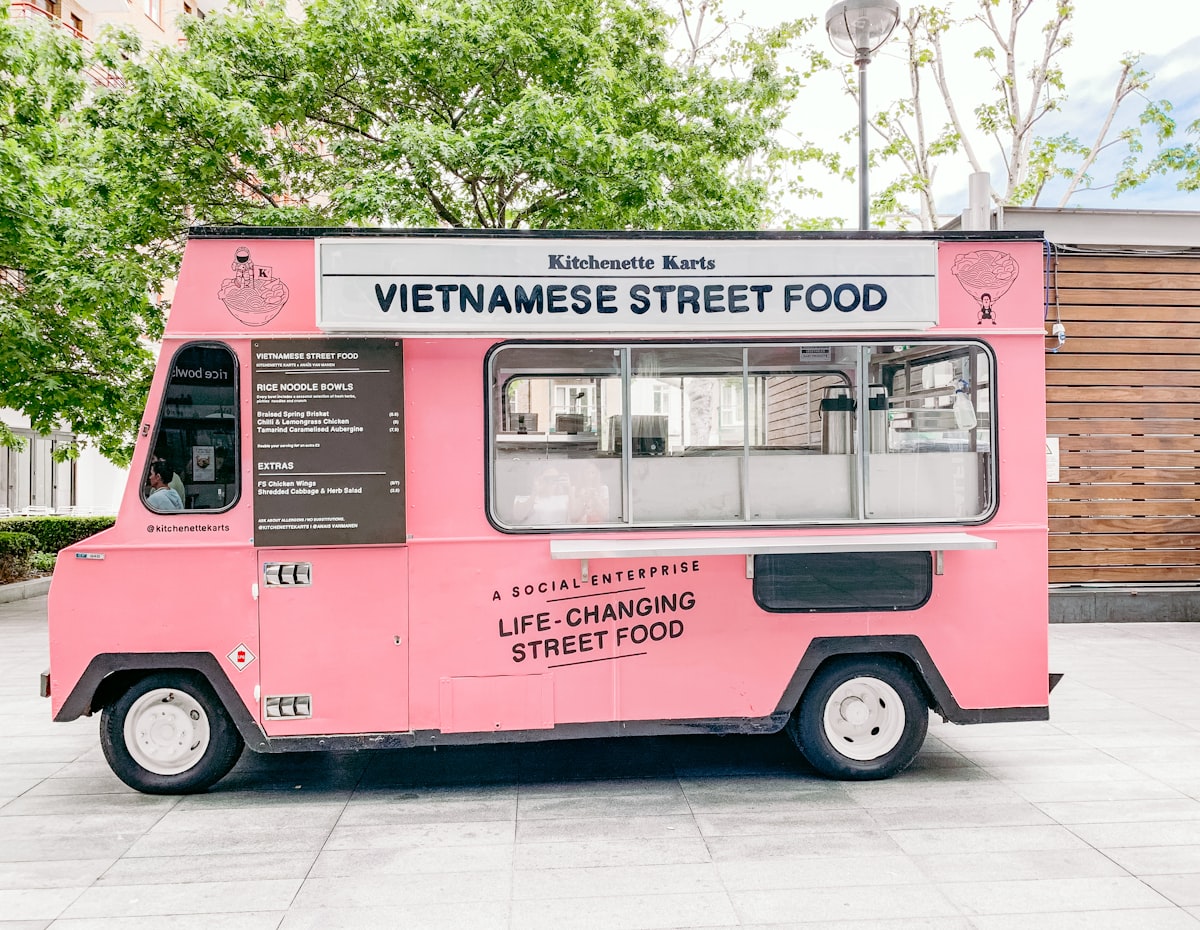 QR menus eliminate printed menu boards that take up precious space
The Food Truck Problem
Traditional menu boards:
- Take up limited truck space
- Hard to read in bright sunlight
- Can't be updated easily
- No ordering capability
- Require expensive printing for changes
The QR Menu Solution
Customers scan a code and see your menu on their phone:
- No space required — Just a small sign or sticker
- Works in sunlight — Customers use their own screens
- Update instantly — Sold out? Change it immediately
- Pre-ordering possible — Reduce line wait times
- Contactless — No shared menus
Best QR Menu Options for Food Trucks
 Top QR menu solutions for food truck operations
1. Fuudey — Best Overall
Price: Free tier available, Pro $9/month
Ordering: Yes
Payments: Yes (Pro plan)
Fuudey offers a complete solution with ordering and payments — exactly what food trucks need to speed up service.
Why it's good for food trucks:
- Quick setup (minutes, not hours)
- Works on any phone
- Ordering built in
- Payment processing included
- Updates in real-time
- Free tier to start
Pros:
- Genuinely useful free tier
- Simple, fast interface
- Mobile-optimized
Cons:
- Newer platform
- Limited integrations
Best for: Food trucks wanting ordering + payments
2. Square for Restaurants
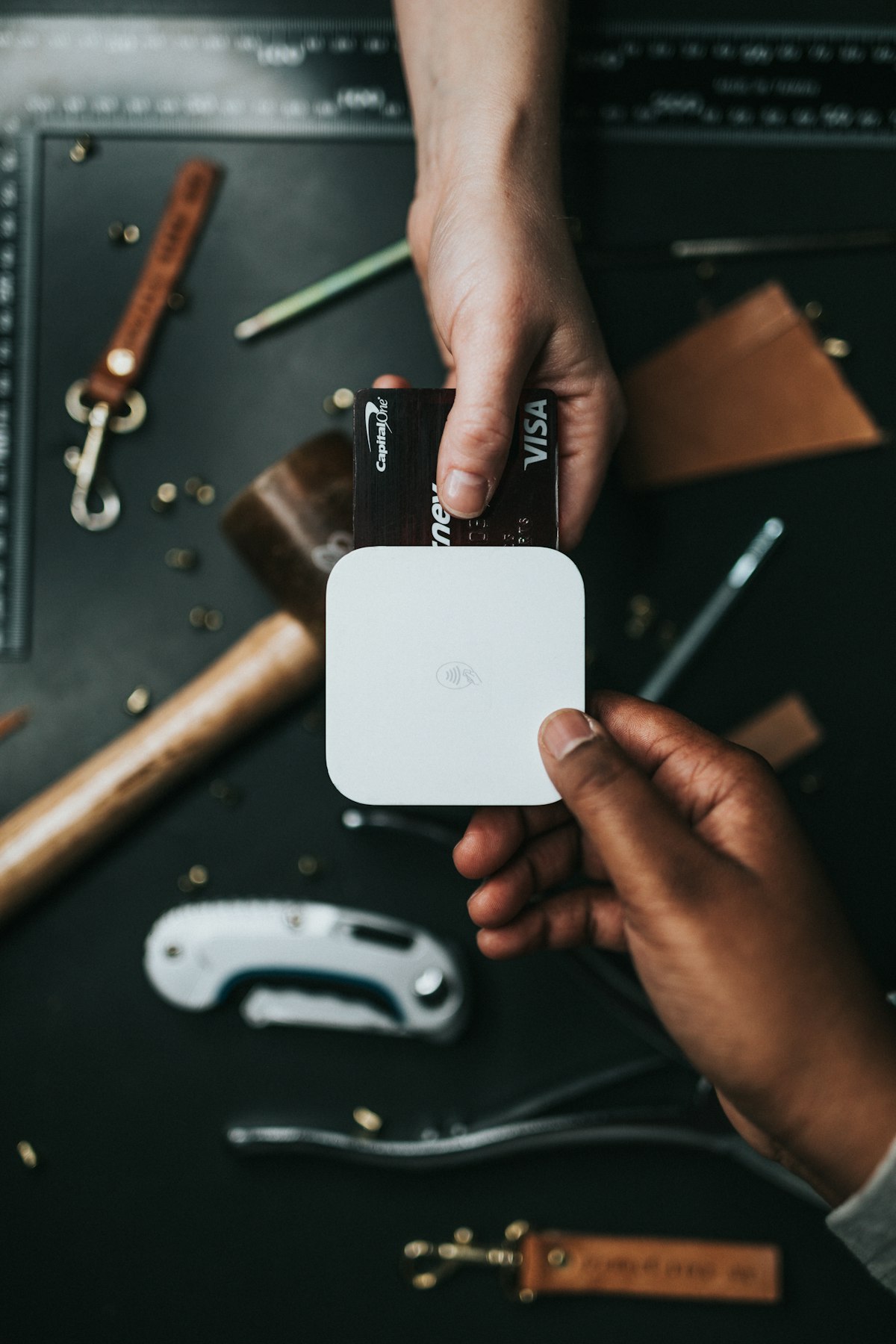 Square's QR ordering integrates with their popular mobile POS
Price: $0-60/month
Ordering: Yes
Payments: Yes (2.6% + $0.10)
If you're already using Square, their QR ordering feature integrates directly with your existing setup.
Why it's good for food trucks:
- Already popular with food trucks
- Same dashboard as POS
- Hardware you may already own
- Reliable payment processing
Pros:
- Tight POS integration
- Familiar if you use Square
- Strong support
Cons:
- Best value with paid plan
- Square ecosystem required
Best for: Existing Square users
3. GloriaFood
Price: Free
Ordering: Yes
Payments: 2% fee
For food trucks focused on taking orders ahead of events, GloriaFood offers free ordering with no per-order fees.
Why it's good for food trucks:
- Completely free core features
- Pre-ordering for events
- No monthly cost
Pros:
- Actually free
- Good for pre-orders
Cons:
- Less elegant interface
- Basic design options
Best for: Budget-focused food trucks
4. QR Menu Creator (QR Tiger)
Price: Free (basic)
Ordering: No
Payments: No
For food trucks that just need a digital menu display (not ordering), QR Menu Creator offers a free solution.
Why it's good for food trucks:
- Free forever for basic use
- Simple to create
- Dynamic updates possible
Pros:
- Free
- Easy setup
Cons:
- No ordering
- No payments
- Very basic
Best for: Display-only needs
5. Menu Tiger
Price: Free-$59/month
Ordering: Yes
Payments: Add-on
Menu Tiger offers more customization for food trucks wanting a branded experience.
Pros:
- Good customization
- Ordering included
- Multi-language
Cons:
- Limited free tier
- Payments extra
Best for: Brand-conscious operations
Comparison Table
 Side-by-side comparison of food truck solutions
| Solution | Free Tier | Ordering | Payments | Best For |
|---|---|---|---|---|
| Fuudey | Yes | Yes | Yes | All-in-one |
| Square | Limited | Yes | Yes | Square users |
| GloriaFood | Yes | Yes | 2% fee | Pre-orders |
| QR Menu Creator | Yes | No | No | Display only |
| Menu Tiger | Limited | Yes | Extra | Customization |
Food Truck-Specific Setup Tips
 Optimizing your food truck for QR ordering
1. Display Your QR Code Prominently
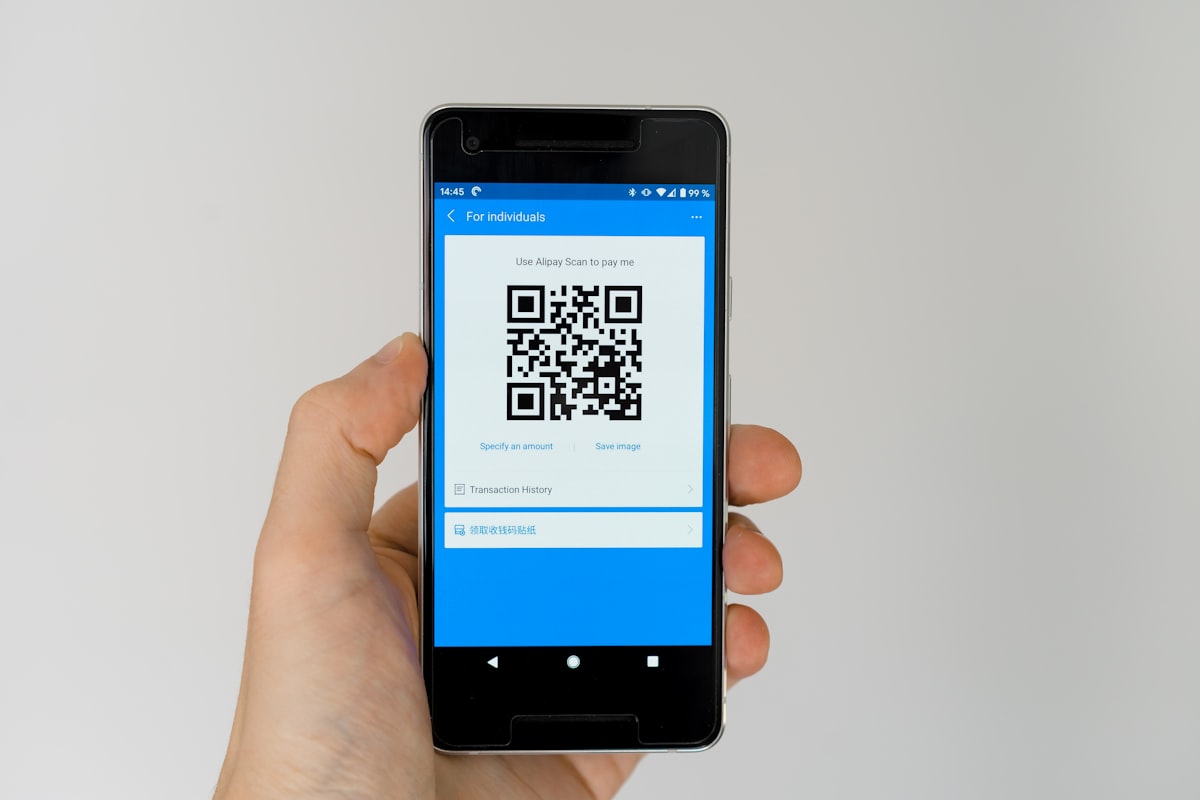 Make your QR code visible from the line, not just at the window
Placement ideas:
- Large sign on the side of the truck
- A-frame sidewalk sign at events
- Multiple QR codes at different heights
- On your truck wrap design
- At the ordering window
Size matters: Your QR code should be at least 4x4 inches for easy scanning from a line.
2. Optimize for Outdoor Viewing
Mobile screens are hard to see in bright sunlight. Make your menu:
- High contrast — Dark text on light backgrounds
- Large fonts — 16px minimum for descriptions
- Simple layout — Less scrolling, easier reading
- Fast loading — Compressed images
3. Enable Pre-Ordering
Food trucks thrive on pre-orders:
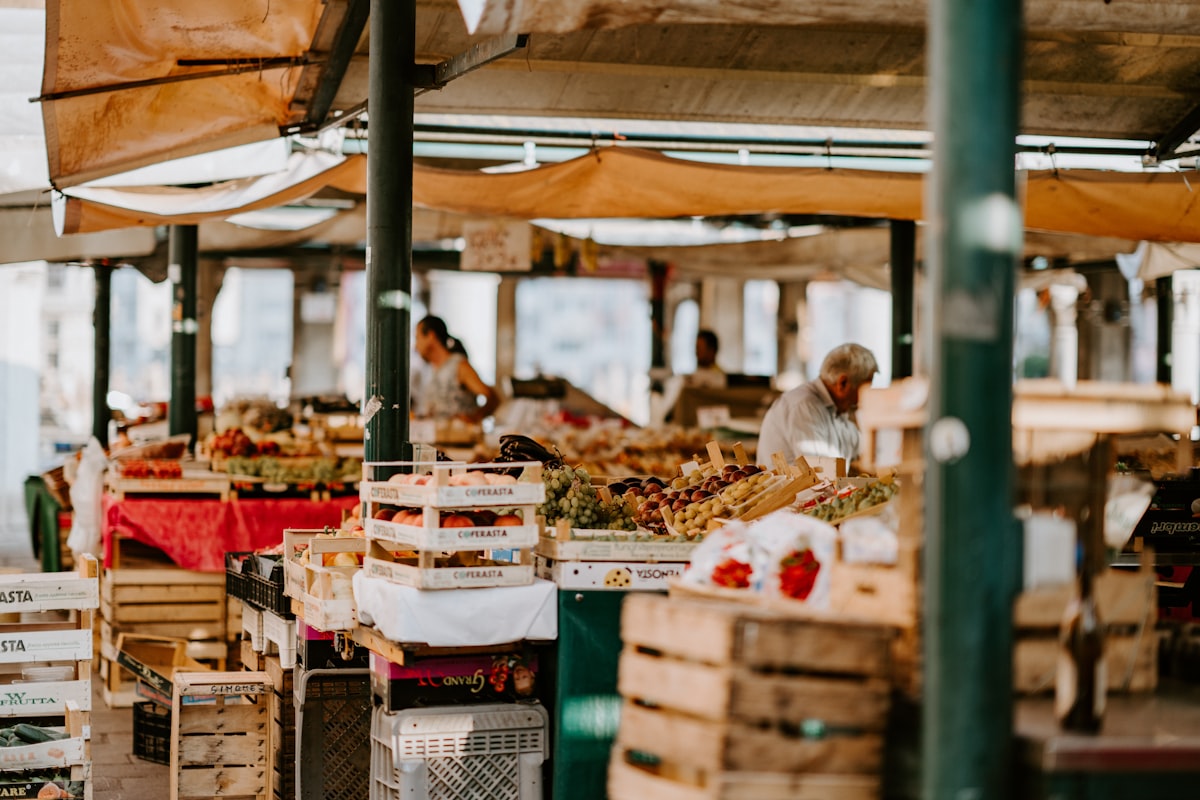 Pre-orders let customers skip the line and pickup when ready
- Customers order before arriving
- Pickup when ready (text notification)
- Reduces line congestion
- Better capacity planning
- Works especially well for events
4. Update in Real-Time
When you run out of something:
- Update your QR menu immediately
- Customers won't order unavailable items
- Reduces frustration and refunds
- Shows professionalism
5. Keep It Simple
Food trucks typically have 10-20 items. Your QR menu should:
- Show everything on one screen if possible
- Use clear categories (Mains, Sides, Drinks)
- Highlight bestsellers
- Make prices obvious
Implementation Checklist
 Everything you need before launching
Before Your First Event
- Choose your QR menu platform
- Build your menu (all items, prices, photos)
- Test ordering and payment flow
- Print QR code signage (weatherproof!)
- Train staff on the system
- Set up order notifications
At Each Event
- Position QR signage visibly
- Verify internet/cellular connectivity
- Update any sold-out items
- Test a quick order yourself
- Monitor incoming orders
After Each Event
- Review order data
- Update menu based on learnings
- Prepare for next event
Pairing QR Menus with Your POS
 Your QR menu should work with (or replace) your existing POS
Option 1: Replace Your POS
Some food trucks use only QR ordering:
- No POS terminal needed
- All orders through phones
- Lower hardware costs
- Works with Fuudey, GloriaFood
Best for: Simple operations, lower volume
Option 2: Supplement Your POS
Use QR for pre-orders, POS for walk-ups:
- Captures advance orders
- Handles in-person payments
- Best of both worlds
Best for: Mixed ordering volume
Option 3: Integrated System
QR ordering that syncs with your POS:
- Square + Square QR
- Unified order management
- Single reporting dashboard
Best for: Existing Square/Toast users
Common Food Truck Mistakes
 Pitfalls to avoid with your QR setup
1. Poor Internet Connectivity
Many QR systems need internet. At outdoor events:
- Bring a mobile hotspot as backup
- Test cellular coverage beforehand
- Consider offline-capable systems
2. Non-Weatherproof Signage
Your QR code sign will face:
- Rain
- Sun bleaching
- Wind
Invest in durable, weatherproof QR signage.
3. Too Complex a Menu
QR menus don't fix a confusing menu. Simplify:
- Fewer items, better execution
- Clear names and descriptions
- Obvious pricing
4. No Staff Training
Staff must know:
- How orders come in
- How to handle QR order issues
- When to direct customers to QR vs. take orders verbally
Frequently Asked Questions
 Common questions about food truck QR menus
Do QR menus work without internet?
Most require internet for ordering. For display-only menus, some can work offline. Always have a cellular backup at events.
How do I print a QR code that survives outdoor use?
Use weatherproof materials: vinyl stickers, plastic signs, or laminated prints. Standard paper won't last.
Can customers still order at the window?
Yes! QR ordering supplements your window service. Some customers prefer ordering from their phones; others want to talk to a person.
Do I need a QR menu and a regular menu?
A small printed menu as backup is smart. But many food trucks operate with QR-only successfully.
How do I handle orders during a rush?
QR ordering actually helps rushes — customers order before reaching the window. Just ensure you have good order pickup flow.
Conclusion
QR menus solve many food truck operational challenges
QR menus are particularly well-suited for food trucks. They solve the space problem, enable pre-ordering, and provide a modern customer experience without expensive hardware.
Our recommendations:
- All-in-one solution: Fuudey (ordering + payments)
- Existing Square user: Square QR ordering
- Budget priority: GloriaFood (free)
- Display only: QR Menu Creator (free)
Start with a free tier, test at your next event, and upgrade based on actual needs. The investment is minimal, and the operational benefits are significant.
For more on QR menus, see our complete QR code menu generator comparison.
More Articles
AI-Powered Restaurant Inventory Forecasting: Reduce Waste and Boost Profits
Discover how AI inventory forecasting predicts demand, optimizes orders, and reduces food waste. Machine learning tools for smarter restaurant inventory management.
Appetito Menu Review: Multilingual QR Menus for Restaurants

Complete Appetito Menu review covering multilingual QR menu features, pricing, setup process, and how it compares to Fuudey, Menu Tiger, and alternatives.
Best Free QR Code Menu Generator in 2025 (7+ Reviewed)

We tested 8 free QR code menu generators including Fuudey, QR Menu Creator, Menuu, ScanIt.menu, and more. Full comparison with pricing, features, and honest reviews.