
Restaurant Accounting Software Guide 2026: Restaurant365 vs QuickBooks vs MarketMan
Most restaurant operators are experts at creating great food and experiences. Very few are accounting experts — and the difference between a profitable restaurant and one that closes often comes down to financial visibility.
The good news: modern restaurant accounting software doesn't require an accounting degree to use. The right tool gives you a real-time picture of food costs, labor percentages, and cash flow — the three numbers that determine whether your restaurant is actually making money.
Here's a comprehensive look at the options and how to choose.
Why Generic Accounting Software Falls Short
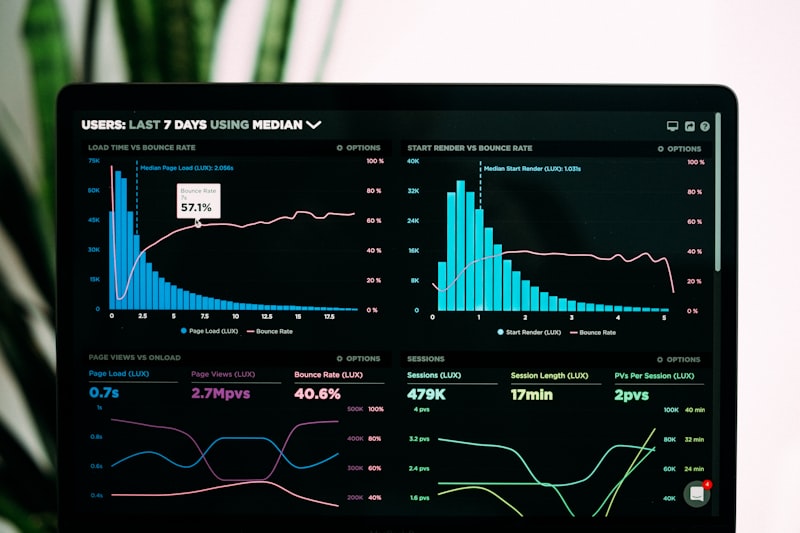 Generic accounting tools can't calculate food cost percentage, recipe costing, or labor as a percent of sales without significant customization
QuickBooks and Xero are excellent tools for most businesses. But restaurants have specific financial challenges that generic software handles poorly:
Food cost tracking — You need to know cost-per-recipe and cost-per-dish, not just total food purchases. Generic software tracks what you spent, not what you should have spent.
Variance analysis — Is your actual food cost higher than your theoretical cost? If so, where is the gap — waste, theft, portioning errors? Restaurant-specific tools track this automatically.
POS integration — Sales data from your POS should flow directly into your accounting system, eliminating manual entry and the errors it creates.
Multi-location management — Running financials across locations requires restaurant-specific chart of accounts and reporting structures that generic software requires extensive customization to support.
Restaurant365: Best for Multi-Unit Operators
Restaurant365 provides unified P&L reporting across all locations with restaurant-specific chart of accounts built in
Starting price: ~$435/month per location (varies by feature tier)
Restaurant365 is the industry leader for multi-unit restaurant groups. It's a full restaurant management platform that combines accounting, inventory, scheduling, and operations — all restaurant-specific, no customization required.
What makes Restaurant365 different:
Restaurant-specific accounting — The chart of accounts is already configured for restaurant operations. You're not adapting a generic system; you're working within one designed for your business model from day one.
Prime cost tracking — Restaurant365 calculates prime cost (food + labor as a combined percentage of sales) automatically. This is the single most important metric for restaurant profitability, and most general accounting tools require manual calculation.
Inventory and recipe costing — Purchase orders, vendor invoices, and inventory counts all feed directly into food cost calculations. You can see your theoretical food cost versus actual food cost in real time.
AP automation — Vendor invoices can be scanned and automatically posted. For high-volume operators, this eliminates hours of weekly data entry.
POS integration — Deep integrations with Toast, Aloha, Micros, Square, and most major POS systems. Sales data imports automatically, eliminating the most error-prone part of restaurant bookkeeping.
Where it falls short: Restaurant365 is expensive and complex. Single-location operators will likely find it over-engineered for their needs. Onboarding takes time and often requires a consultant.
Best for: Multi-unit operators (5+ locations), restaurant groups, and franchisees who need serious financial infrastructure.
QuickBooks for Restaurants: Best for Small Independents
 QuickBooks with restaurant-specific customization works well for simple operations with a reliable bookkeeper
Starting price: $35/month (Simple Start) | $75/month (Plus, recommended for restaurants)
QuickBooks remains the default choice for small independent restaurants — not because it's ideal, but because it's familiar, affordable, and every accountant knows how to use it.
Making QuickBooks work for restaurants:
The key is custom configuration. You'll need to set up:
- A restaurant-appropriate chart of accounts (food cost, beverage cost, labor by department)
- Class tracking for multiple revenue centers or locations
- POS integration via tools like Shogo or ConnectBooks (which automate the daily POS sales journal entry)
With proper setup and a knowledgeable bookkeeper, QuickBooks can handle most single-location restaurant financial needs.
Where it falls short: No native recipe costing, no food cost percentage tracking, no direct inventory integration. These require workarounds or separate tools.
Best for: Independent restaurants with fewer than 3 locations that have a bookkeeper or accountant managing their financials.
MarketMan: Best for Inventory-First Operators
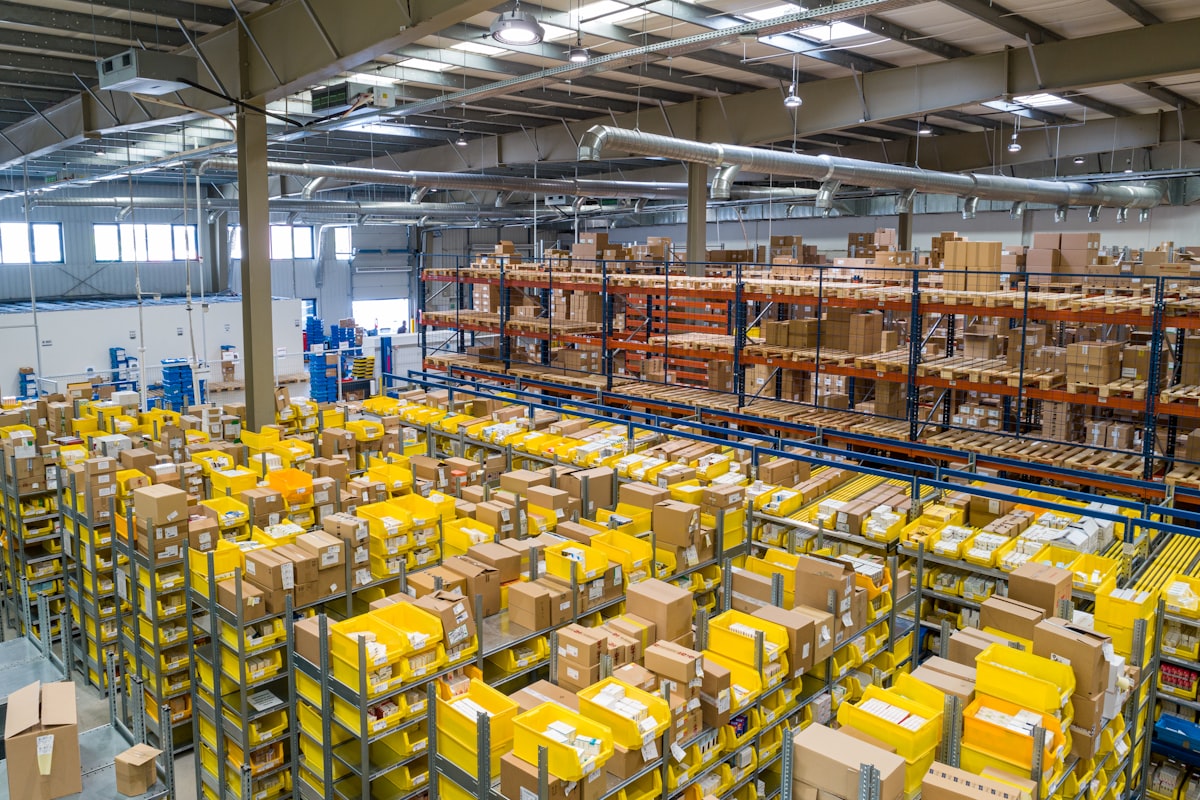 MarketMan specializes in inventory management and recipe costing, with accounting export capabilities
Starting price: $149/month
MarketMan is primarily an inventory management platform, but it handles recipe costing and food cost analysis better than most dedicated accounting tools. Many restaurants use MarketMan alongside QuickBooks: MarketMan handles inventory and food costs, QuickBooks handles the actual accounting.
Strengths:
- Recipe costing — detailed ingredient-level cost tracking per recipe
- Theoretical vs. actual food cost — identifies variance automatically
- Vendor management — compares pricing across vendors, tracks price changes
- Order management — creates purchase orders based on par levels
Where it falls short: It's not an accounting system. It doesn't produce P&L statements, manage payroll, or handle accounts payable for non-food vendors.
Best for: Restaurants that want serious food cost control and are content handling broader accounting separately.
Plate IQ: Best for Accounts Payable Automation
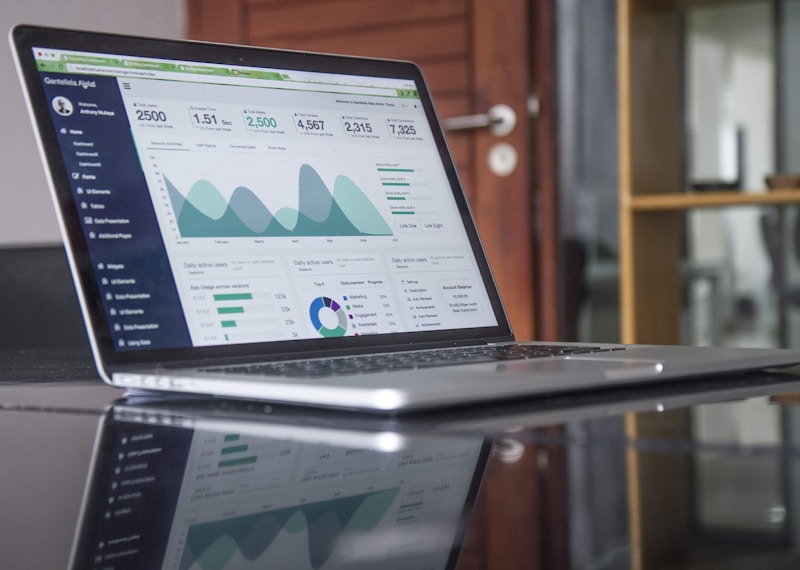 Plate IQ uses OCR technology to extract line-item data from vendor invoices, automating the most tedious part of restaurant bookkeeping
Starting price: Custom pricing, typically $100–$200/month
Plate IQ solves a specific but universal restaurant problem: invoice processing. In a high-volume restaurant, you might receive dozens of vendor invoices per week. Entering each one manually is tedious, error-prone, and expensive in labor time.
Plate IQ uses optical character recognition (OCR) to automatically extract line-item data from scanned invoices, then categorizes and posts them to your accounting system (QuickBooks, Sage, Restaurant365, or others).
The hidden value: Because Plate IQ captures line-item ingredient costs (not just total invoice amounts), it tracks price changes at the ingredient level. You can see that chicken breast costs 8% more this month than last month — data that directly informs menu pricing decisions.
Best for: Restaurants processing 20+ vendor invoices per week where AP automation has clear ROI.
Key Metrics Every Restaurant Accounting System Should Track
| Metric | Target Range | What It Tells You |
|---|---|---|
| Food Cost % | 28–35% | Are recipe costs and portion controls working? |
| Labor Cost % | 28–35% | Is scheduling efficient? |
| Prime Cost % | 55–65% | Combined health of food + labor |
| Gross Profit % | 65–75% | Before overhead, how much revenue remains? |
| Operating Profit % | 3–9% | After all costs, what's left? |
Choosing the Right Solution for Your Restaurant
 Matching your accounting tool to your operation size and complexity avoids both over-engineering and capability gaps
Single location, simple menu, working with a bookkeeper: QuickBooks + Shogo (for POS sync) + MarketMan (for food cost) is a cost-effective combination that covers the bases without enterprise overhead.
Single location, high volume, or owner-managed accounting: Consider Restaurant365 single-location pricing or a restaurant-specific tool like Avero or Margin Edge if you want more automation without full enterprise complexity.
Multi-unit operation (5+ locations): Restaurant365 is the clear recommendation. The cost is significant but it replaces multiple disconnected tools and provides the financial visibility needed to run at scale.
Ghost kitchen or delivery-first operation: Prioritize tools with strong POS integration and food cost tracking. Your margins are thin and delivery platform commissions need to be tracked explicitly.
Conclusion
Understanding your numbers is the single most important step toward running a sustainable restaurant business
The right accounting software for your restaurant depends less on features and more on your team's capability to use what you buy. A QuickBooks setup managed by a knowledgeable bookkeeper often outperforms an enterprise platform used incorrectly.
Start with this: define the three questions you most need answered. Can your current system answer them automatically? If not, what would you need to get there?
Financial visibility isn't a nice-to-have in the restaurant industry. It's the difference between knowing you have a problem and finding out when it's too late to fix it.
More Articles
AI-Powered Restaurant Inventory Forecasting: Reduce Waste and Boost Profits
Discover how AI inventory forecasting predicts demand, optimizes orders, and reduces food waste. Machine learning tools for smarter restaurant inventory management.
Appetito Menu Review: Multilingual QR Menus for Restaurants

Complete Appetito Menu review covering multilingual QR menu features, pricing, setup process, and how it compares to Fuudey, Menu Tiger, and alternatives.
Best Free QR Code Menu Generator in 2025 (7+ Reviewed)

We tested 8 free QR code menu generators including Fuudey, QR Menu Creator, Menuu, ScanIt.menu, and more. Full comparison with pricing, features, and honest reviews.