
Restaurant Inventory Management: Complete Guide (2025)
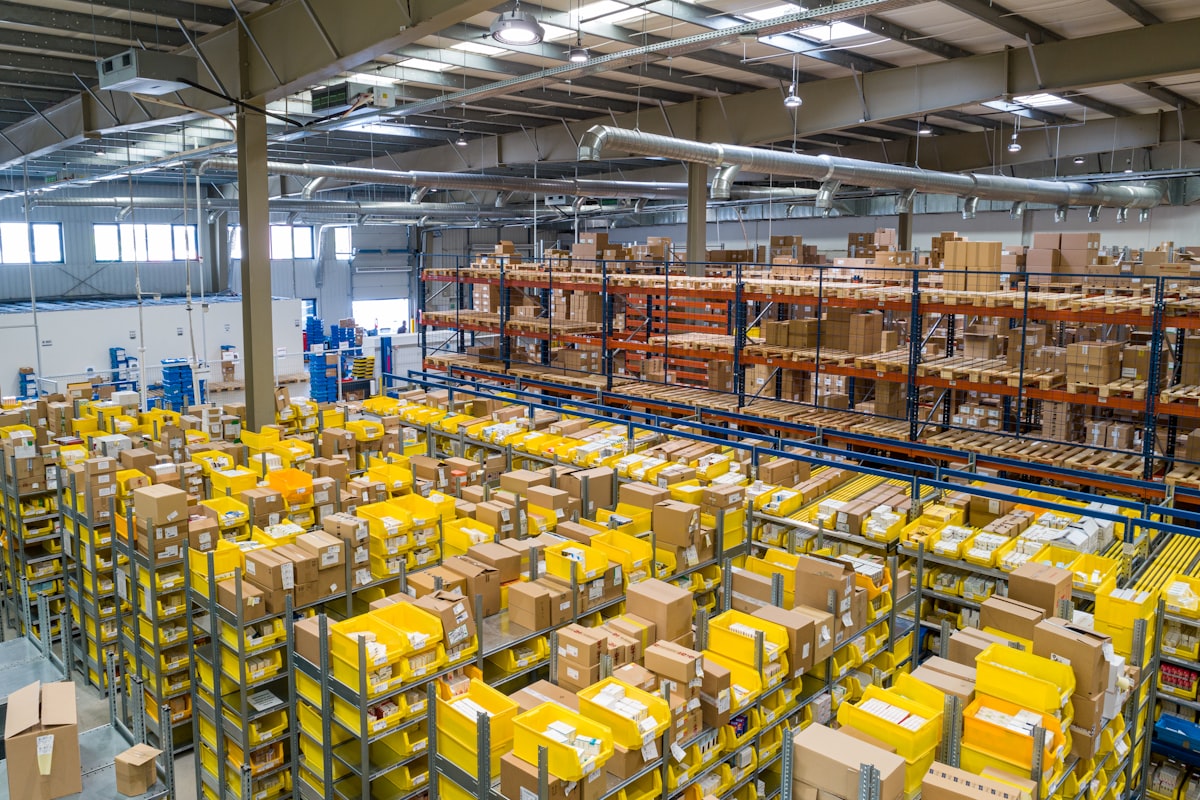
Food cost typically accounts for 28-35% of restaurant revenue. Yet many restaurants don't know their true food costs until the end of the month — when it's too late to act. Proper inventory management changes that.
Here's everything you need to know about managing restaurant inventory effectively.
Why Inventory Management Matters
 Organized inventory is the foundation of food cost control
The Impact on Profits
For a restaurant doing $50,000/month in revenue:
- Target food cost: 30% (
$15,000) - Actual (unmanaged): 35% (
$17,500) - Monthly loss:
$2,500 - Annual loss:
$30,000
That $30,000 difference is often the margin between profit and loss.
What Inventory Management Does
- Tracks what you have — Know your stock levels
- Monitors food costs — Real-time cost percentage
- Reduces waste — Identify and prevent waste
- Optimizes ordering — Order right amounts at right time
- Prevents theft — Accountability for ingredients
- Improves recipe costing — Know true cost per dish
Inventory Management Approaches
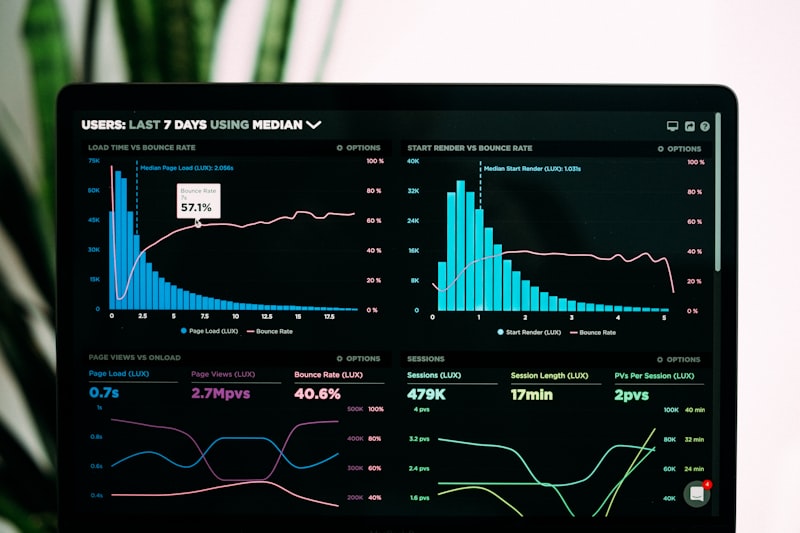 Different approaches to managing restaurant inventory
Basic: Spreadsheets
The starting point for many restaurants:
How it works:
- Count inventory weekly/monthly
- Track in Excel/Google Sheets
- Calculate costs manually
Pros: Free, simple, customizable
Cons: Time-consuming, error-prone, no real-time data
Best for: Very small operations, tight budgets
Intermediate: POS-Integrated
 Modern POS systems include basic inventory tracking
Your POS tracks inventory as items sell:
How it works:
- Define ingredients per menu item
- POS deducts inventory with each sale
- Reports show theoretical usage
Examples: Square, Toast, TouchBistro, Lightspeed
Pros: Automatic tracking, integrated
Cons: Limited features, recipe costing varies
Best for: Restaurants using modern cloud POS
Advanced: Dedicated Systems
Specialized inventory management software:
How it works:
- Full ingredient tracking
- Vendor management
- Recipe costing
- Waste logging
- Purchase ordering
- Analytics and reporting
Examples: MarketMan, BlueCart, Lightspeed Inventory
Pros: Comprehensive, accurate, actionable
Cons: More expensive, learning curve
Best for: Serious about food cost control
Best Inventory Management Solutions
 Top inventory management platforms
1. Lightspeed Restaurant — Best Built-In
Price: Included with Lightspeed ($139-319/month)
Type: POS-integrated
Lightspeed offers the best ingredient-level inventory tracking built into a POS system.
Features:
- Ingredient-level tracking (not just items)
- Automatic deductions per sale
- Recipe building and costing
- Low stock alerts
- Vendor management
- Multi-location sync
- Waste tracking
Pros:
- No separate system needed
- Deep POS integration
- Ingredient-level accuracy
Cons:
- Requires Lightspeed POS
- Initial setup takes time
- Higher overall POS cost
Best for: Restaurants using Lightspeed
2. MarketMan — Best Standalone
 MarketMan provides comprehensive inventory management for any restaurant
Price: $127-299/month
Type: Standalone (integrates with POS)
MarketMan is a dedicated inventory platform that integrates with most major POS systems.
Features:
- Full inventory tracking
- Recipe costing
- Purchase ordering
- Vendor management
- Waste logging
- Actual vs. theoretical reporting
- Multi-location support
Pros:
- Comprehensive features
- Works with multiple POS systems
- Strong analytics
Cons:
- Additional cost on top of POS
- Learning curve
- Requires consistent usage
Best for: Restaurants serious about inventory
3. BlueCart — Best for Ordering
Price: Free-$149/month
Type: Ordering-focused
BlueCart emphasizes the purchasing and vendor management side of inventory.
Features:
- Vendor marketplace
- Purchase ordering
- Price tracking
- Invoice management
- Inventory tracking
- Recipe costing
Pros:
- Free tier available
- Strong vendor management
- Price comparison
Cons:
- Less robust inventory tracking
- Fewer integrations
Best for: Multi-vendor ordering focus
4. Toast Inventory (xtraCHEF)
Price: Add-on to Toast
Type: POS-integrated
Toast acquired xtraCHEF to add advanced inventory to their platform.
Features:
- Invoice scanning
- Automated data entry
- Recipe costing
- Food cost tracking
- Waste tracking
Pros:
- Toast integration
- Invoice automation
- Good for Toast users
Cons:
- Toast only
- Additional cost
- Newer product
Best for: Toast users wanting advanced inventory
5. Square — Basic Built-In
Price: Included with Square
Type: POS-integrated
Square includes basic inventory tracking, suitable for simple operations.
Features:
- Item-level tracking
- Low stock alerts
- Purchase history
- Cost tracking
Pros:
- Free with Square
- Simple to use
- Automatic sync
Cons:
- Item-level only (not ingredient)
- Basic features
- No recipe costing
Best for: Simple operations, Square users
Comparison Table
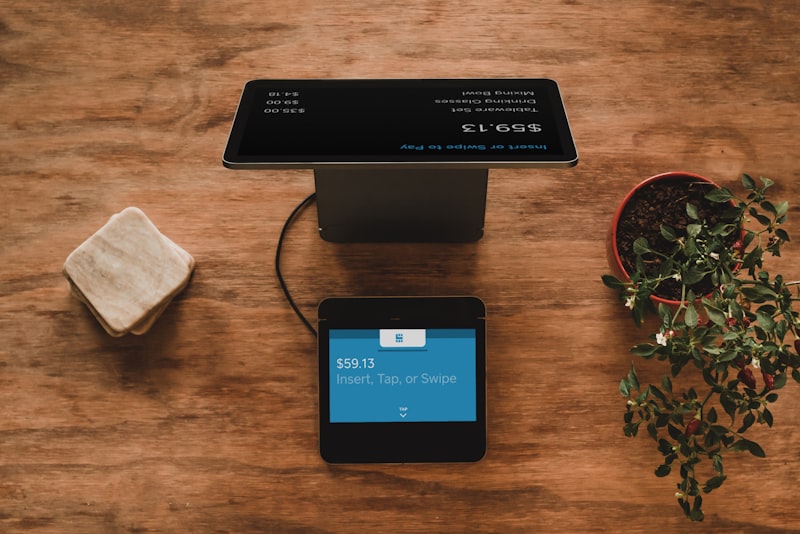 Comparing inventory management solutions
| Solution | Monthly Cost | Ingredient-Level | Best For |
|---|---|---|---|
| Lightspeed | Included | Yes | Built-in option |
| MarketMan | $127-299 | Yes | Full-featured |
| BlueCart | $0-149 | Limited | Ordering focus |
| Toast xtraCHEF | Add-on | Yes | Toast users |
| Square | Included | No | Basic needs |
Implementing Inventory Management
 Step-by-step implementation guide for inventory systems
Step 1: Recipe Costing
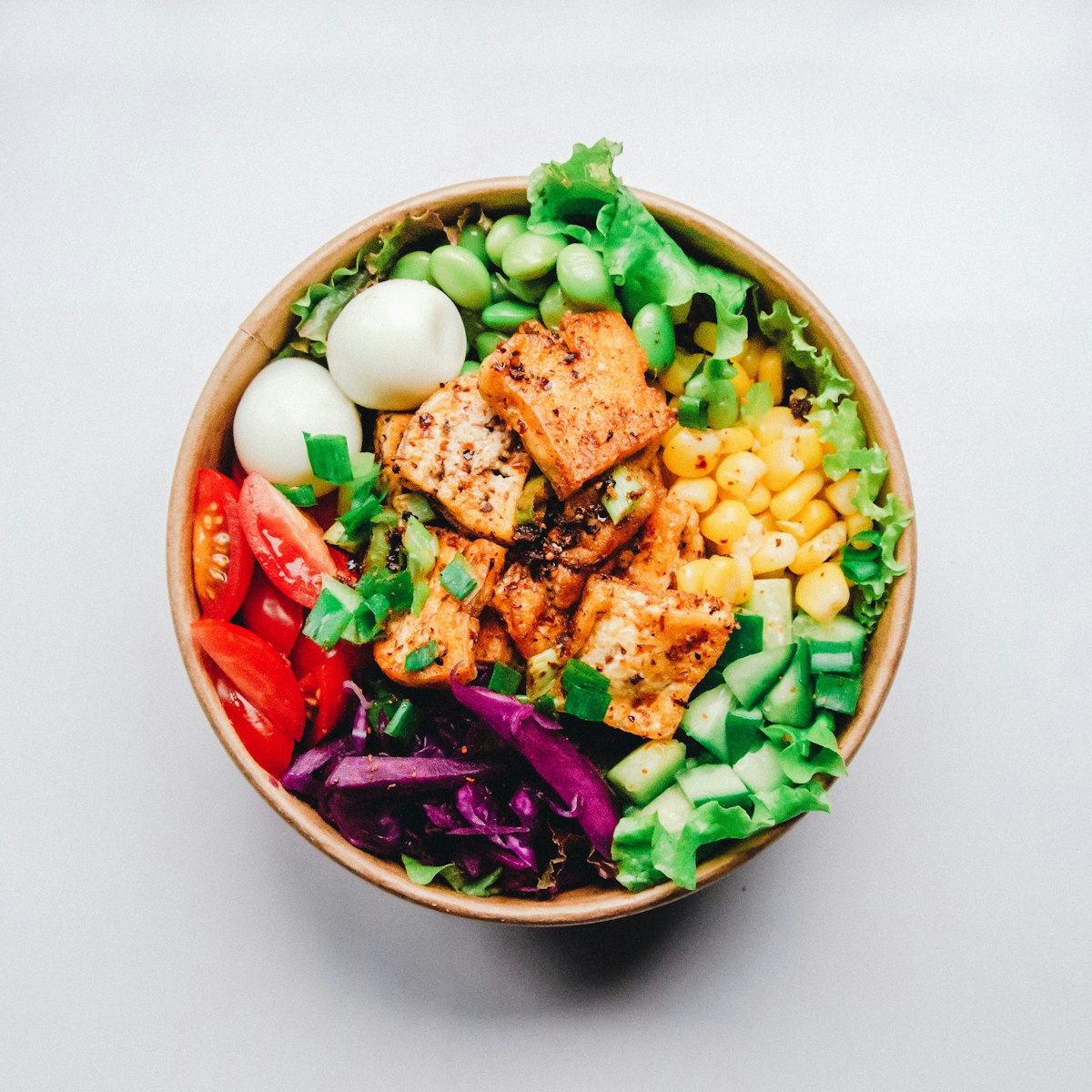 Know the exact cost of every ingredient in every dish
Before tracking inventory, you need accurate recipe costs:
- List all ingredients for each menu item
- Calculate portion costs (price per unit × amount used)
- Sum total food cost per dish
- Calculate food cost % (food cost ÷ selling price)
Example:
- Burger patty:
$1.50 - Bun:
$0.30 - Cheese:
$0.25 - Toppings:
$0.75 - Total food cost:
$2.80 - Selling price:
$12.00 - Food cost %: 23.3%
Step 2: Set Up Tracking
Configure your system:
- Enter all ingredients with units and costs
- Link ingredients to menu items (recipes)
- Set par levels for reordering
- Define suppliers/vendors
Step 3: Establish Counting Schedule
Weekly counts: Perishables (proteins, dairy, produce)
Monthly counts: Dry goods, frozen items, beverages
Tip: Same person, same day, same time for consistency.
Step 4: Track Waste
Log all waste:
- Spoilage
- Preparation waste
- Customer complaints/remakes
- Employee meals
- Comps and promos
This reveals the gap between theoretical and actual food cost.
Step 5: Analyze and Act
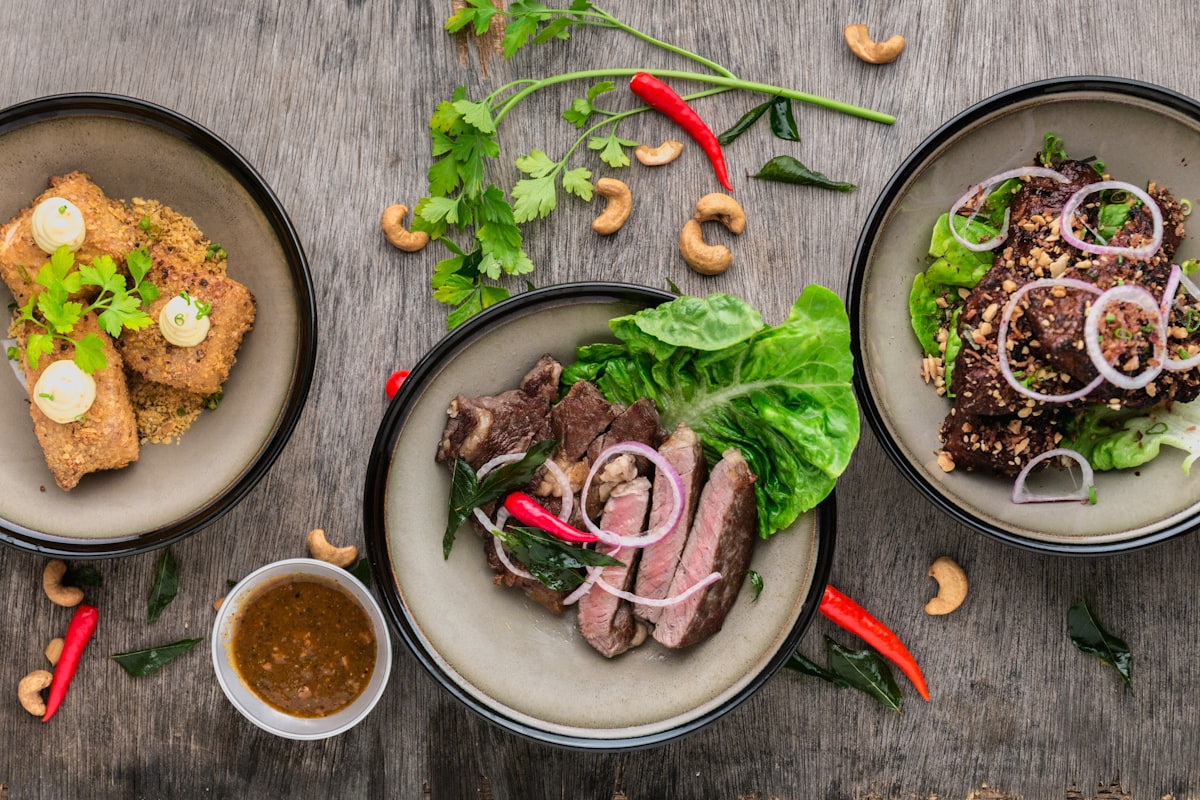 Regular analysis turns data into actionable improvements
Weekly review:
- Compare actual vs. theoretical usage
- Identify high-variance items
- Address waste issues
- Adjust ordering
Monthly review:
- Full food cost calculation
- Trend analysis
- Menu engineering (profitability by item)
- Vendor performance
Key Metrics to Track
Key inventory metrics to monitor
Food Cost Percentage
Formula: (Beginning Inventory + Purchases - Ending Inventory) ÷ Sales × 100
Target: 28-35% (varies by concept)
Waste Percentage
Formula: Waste Value ÷ Total Food Cost × 100
Target: Under 5%
Inventory Turnover
Formula: Cost of Goods Sold ÷ Average Inventory
Target: 4-8x monthly (higher for perishables)
Theoretical vs. Actual Food Cost
Formula: Actual Food Cost - Theoretical Food Cost
Target: Within 1-2% variance
Common Inventory Mistakes
 Avoid these common inventory management mistakes
1. Inconsistent Counting
Different people, different methods, different results. Standardize who counts, when, and how.
2. Not Tracking Waste
Throwing food away without logging it hides the true cost. Track everything.
3. Ordering Based on Feel
"I think we need more..." leads to over-ordering. Use data and par levels.
4. Ignoring Small Variances
Small variances add up. A 1% overage on $15,000/month food cost = $1,800/year.
5. Set-and-Forget Recipes
Ingredient costs change. Update recipe costs quarterly at minimum.
Frequently Asked Questions
 Common questions about restaurant inventory management
How often should I count inventory?
Weekly for perishables, monthly for dry goods. High-theft items may need more frequent counts.
What's a good food cost percentage?
28-35% is typical. Fine dining may run higher, fast food lower. Know your concept's benchmark.
Do I need inventory software?
For very small operations, spreadsheets work. For any serious restaurant, POS-integrated or dedicated software saves time and improves accuracy.
How do I reduce food waste?
- Order accurately (use data)
- FIFO rotation (first in, first out)
- Train on portions
- Cross-utilize ingredients
- Track and address waste
What causes high food cost?
Common culprits: over-portioning, waste, theft, poor recipes, vendor price increases, menu pricing too low.
Conclusion
Effective inventory management directly improves your bottom line
Inventory management isn't glamorous, but it directly impacts profitability. The difference between "winging it" and systematic tracking is often the difference between profit and loss.
Our recommendations:
- Lightspeed users: Use built-in ingredient tracking
- Toast users: Consider xtraCHEF add-on
- Square users: Adequate for simple needs
- Serious about food cost: MarketMan or BlueCart
- Budget priority: Start with spreadsheets, upgrade later
For complete restaurant technology setup, see our tech stack guide and POS comparisons.
More Articles
AI-Powered Restaurant Inventory Forecasting: Reduce Waste and Boost Profits
Discover how AI inventory forecasting predicts demand, optimizes orders, and reduces food waste. Machine learning tools for smarter restaurant inventory management.
Appetito Menu Review: Multilingual QR Menus for Restaurants

Complete Appetito Menu review covering multilingual QR menu features, pricing, setup process, and how it compares to Fuudey, Menu Tiger, and alternatives.
Best Free QR Code Menu Generator in 2025 (7+ Reviewed)

We tested 8 free QR code menu generators including Fuudey, QR Menu Creator, Menuu, ScanIt.menu, and more. Full comparison with pricing, features, and honest reviews.