
Best Restaurant Staff Scheduling Software in 2026: 7shifts vs HotSchedules vs When I Work
Running a restaurant means juggling a rotating roster of part-time workers, variable shifts, and last-minute call-outs. Getting staff scheduling right is one of the most underrated levers for controlling labor costs — which typically eat 30–35% of restaurant revenue.
The right scheduling software reduces no-shows, prevents over-staffing, keeps staff happy, and integrates with your POS so you're scheduling based on real sales data, not gut instinct. Here's how the top platforms compare.
Why Restaurant Scheduling Software Matters
 Poor scheduling leads to overstaffed slow nights and understaffed rushes — both cost you money
Spreadsheets and paper schedules might work for a two-person café, but once you have 10+ employees across multiple roles, manual scheduling becomes a liability.
The costs add up fast:
- Overtime surprises from manual tracking errors
- No-show gaps when staff can't swap shifts easily
- Labor law violations from missed breaks or minor hour restrictions
- Time wasted building and distributing schedules each week
Restaurant scheduling software solves all of this — and the best tools pay for themselves within the first month.
7shifts: Best for Dedicated Restaurant Teams
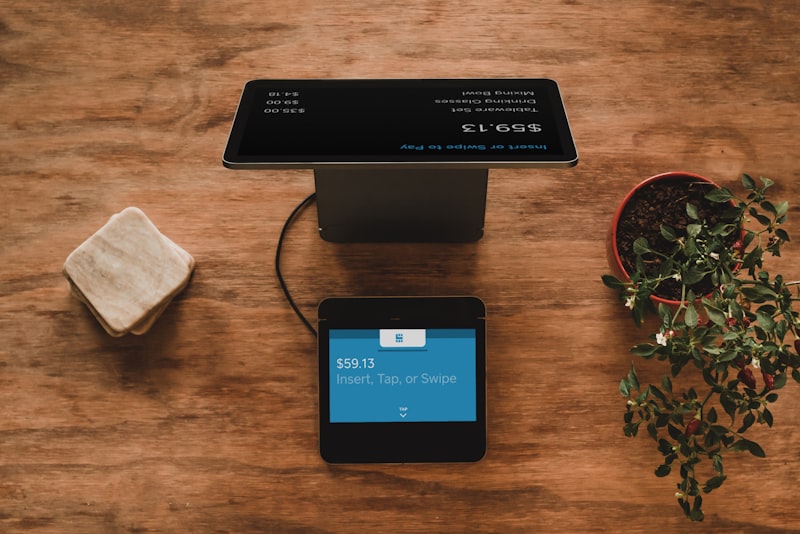 7shifts was built specifically for restaurants, with shift templates and sales-based scheduling
Starting price: Free (up to 10 employees) | $29.99/month for Entrée plan
7shifts is purpose-built for restaurants. Unlike generic workforce tools, it speaks your language: FOH/BOH split, tip pooling, role-based permissions, and shift templates you can copy week to week.
Standout features:
- Sales and labor forecasting — pulls data from your POS to suggest how many staff you need per shift
- Team messaging built in, with shift notes and announcements
- Shift pool — staff can pick up open shifts without manager involvement
- Time clock integration with major POS systems (Toast, Square, Clover)
- Free for small teams — genuinely useful tier for startups
Where it falls short: The free plan is limited to one location. Multi-location restaurants need the paid tiers, and costs scale by location.
Best for: Independent restaurants and small groups (2–20 locations) that want restaurant-specific features without enterprise pricing.
HotSchedules (Fourth): Best for Enterprise Chains
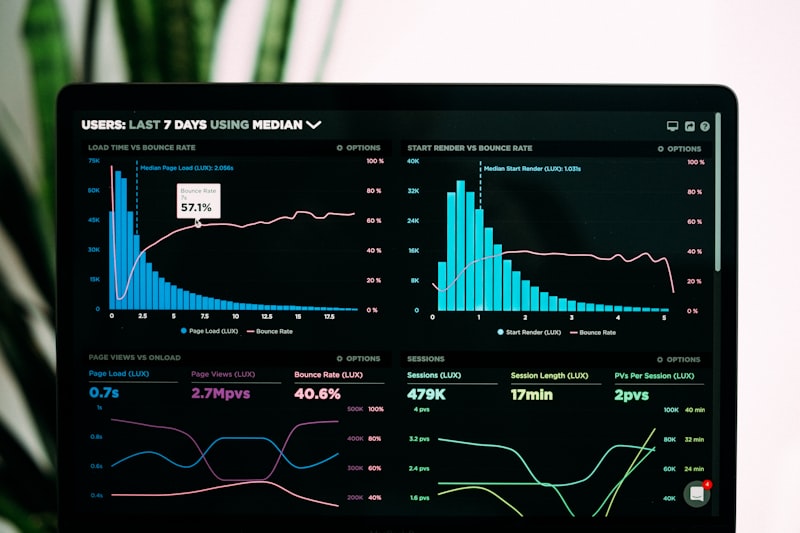 HotSchedules by Fourth includes demand forecasting that factors in weather, local events, and historical sales
Starting price: Custom pricing (typically $2–4/employee/month)
HotSchedules — now part of Fourth — is the dominant player in enterprise restaurant scheduling. If you've worked at a major chain restaurant, you've probably used it.
Standout features:
- AI-powered demand forecasting using weather, events, and historical sales
- Labor cost controls with real-time budget tracking against actuals
- Compliance engine that flags scheduling violations before they happen
- Integration with most major restaurant POS and payroll platforms
- Mobile-first — staff manage everything from the app
Where it falls short: It's expensive and complex for small operators. Setup requires IT involvement, and pricing isn't transparent.
Best for: Multi-unit chains (50+ locations) with dedicated HR and operations teams.
When I Work: Best for Mixed-Service Operators
 When I Work works across industries, making it useful for operators running both restaurant and retail concepts
Starting price: $2.50/user/month (Scheduling only)
When I Work is a solid mid-market option that works well for restaurants but isn't exclusively built for them. This is a pro if you operate other business types alongside your restaurant — a catering arm, a retail food shop, or a commissary kitchen.
Standout features:
- Clean mobile app with high staff adoption rates
- Availability and time-off requests managed digitally
- Shift swapping and coverage requests with manager approval workflows
- Payroll integrations (Gusto, ADP, QuickBooks)
- Affordable even at small team sizes
Where it falls short: Lacks restaurant-specific features like tip pooling, FOH/BOH role templates, or sales-based forecasting.
Best for: Small-to-mid operators who want simple, affordable scheduling without restaurant-specific complexity.
Sling: Best Free Option for Tight Budgets
 Sling's free plan covers scheduling and team communication for unlimited employees
Starting price: Free (scheduling + communication) | $1.70/user/month for labor cost tools
Sling offers a genuinely useful free plan with no employee cap — unusual in this space. The free tier includes schedule building, shift templates, and team messaging, which covers the basics for most small restaurants.
The paid Premium tier adds labor cost tracking, overtime alerts, and POS integrations.
Best for: Budget-conscious operators, food trucks, and pop-ups that need basic scheduling without monthly fees.
Key Features to Compare
| Feature | 7shifts | HotSchedules | When I Work | Sling |
|---|---|---|---|---|
| Restaurant-specific | ✅ Yes | ✅ Yes | ❌ No | ❌ Partial |
| Free plan | ✅ Yes | ❌ No | ❌ No | ✅ Yes |
| POS integration | ✅ Yes | ✅ Yes | ✅ Yes | ✅ Limited |
| Sales forecasting | ✅ Yes | ✅ Yes | ❌ No | ❌ No |
| Multi-location | ✅ Yes | ✅ Yes | ✅ Yes | ✅ Yes |
How to Choose the Right Tool
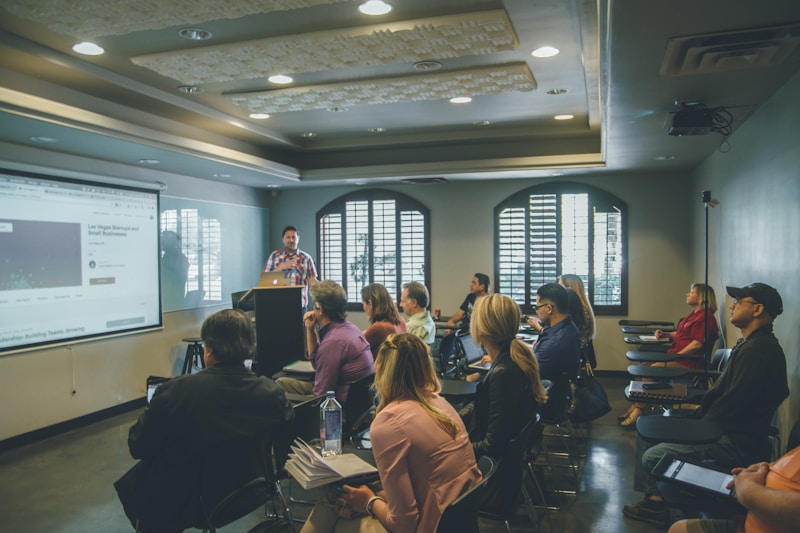 The right scheduling software depends on your team size, number of locations, and budget
Ask yourself these questions:
How many employees do you have? Under 10 staff — try 7shifts free or Sling free. Over 100 staff — HotSchedules is worth the investment for compliance and forecasting.
Do you have multiple locations? Any multi-unit operator should prioritize tools with centralized scheduling and cross-location visibility.
Does your POS have a native scheduling feature? Toast and Square both offer basic scheduling in their ecosystems. If you're heavily invested in one platform, check what's already built in before paying for a third-party tool.
Is labor compliance a concern? If you operate in California or other states with complex predictive scheduling laws, you need a tool with compliance alerts. HotSchedules is the gold standard here.
The ROI of Getting This Right
Proper scheduling reduces overtime, improves morale, and keeps your best staff longer
Labor is your biggest controllable cost. Even a 2% reduction in labor waste on $500,000 in annual revenue is $10,000 back in your pocket — enough to pay for premium scheduling software for years.
Beyond cost, scheduling affects culture. Staff who can easily swap shifts, see their schedule a week in advance, and request time off digitally are more likely to stay. In an industry with turnover rates above 70%, that matters.
Conclusion
Start with a free trial of your top choice — most platforms offer 30-day trials with full features
For most independent restaurants, 7shifts hits the best combination of restaurant-specific features, ease of use, and value. Its free plan is genuinely useful, and the paid tiers remain affordable as you grow.
Enterprise operators and chains should evaluate HotSchedules for its compliance engine and forecasting depth.
If your budget is the primary constraint, Sling's free plan is a meaningful upgrade from spreadsheets with zero cost.
Whatever you choose, the goal is the same: spend less time building schedules and more time running your restaurant.
More Articles
AI-Powered Restaurant Inventory Forecasting: Reduce Waste and Boost Profits
Discover how AI inventory forecasting predicts demand, optimizes orders, and reduces food waste. Machine learning tools for smarter restaurant inventory management.
Appetito Menu Review: Multilingual QR Menus for Restaurants

Complete Appetito Menu review covering multilingual QR menu features, pricing, setup process, and how it compares to Fuudey, Menu Tiger, and alternatives.
Best Free QR Code Menu Generator in 2025 (7+ Reviewed)

We tested 8 free QR code menu generators including Fuudey, QR Menu Creator, Menuu, ScanIt.menu, and more. Full comparison with pricing, features, and honest reviews.