
Restaurant Tech Stack Essentials for 2025: Complete Guide

Running a modern restaurant means managing a complex web of technology — POS, online ordering, reservations, inventory, staff scheduling, accounting, and more. The difference between a smooth operation and tech chaos often comes down to how well these systems work together.
Here's your complete guide to building a restaurant tech stack that actually works.
What is a Restaurant Tech Stack?
 Your tech stack is the collection of technology systems that power your restaurant
A tech stack is the collection of software and hardware that runs your restaurant operations. A well-designed stack:
- Integrates seamlessly — Systems share data automatically
- Reduces manual work — No double-entry or data transfer
- Provides insights — Unified reporting across functions
- Scales with you — Grows as your restaurant grows
A poorly designed stack creates:
- Data silos
- Manual workarounds
- Integration headaches
- Staff frustration
Core Tech Stack Components
 Essential technology components for your restaurant
1. Point of Sale (POS) — The Hub
Your POS is the center of your tech stack. Everything else connects to it.
What it does:
- Order entry and checkout
- Payment processing
- Menu management
- Basic reporting
- Often integrates with other systems
Top Options:
| System | Best For | Price |
|---|---|---|
| Square for Restaurants | Simple ops, budget | $0-60/month |
| Toast | Full-service, features | $69-165+/month |
| Lightspeed | Multi-location, inventory | $139-319/month |
| TouchBistro | Reliability focus | $69+/month |
Our recommendation: Choose your POS first, then build around it. Most other systems will need to integrate with your POS.
See our Toast vs Square comparison
2. Online Ordering — Direct Revenue
 Online ordering is essential for capturing off-premise revenue
Online ordering captures off-premise revenue without third-party commissions.
Options:
- POS-integrated: Square Online, Toast Online Ordering, Lightspeed eCom
- Standalone: GloriaFood (free), ChowNow, Olo
- QR-based: Fuudey, Square Self-Serve
Key considerations:
- Does it integrate with your POS?
- Commission-free vs. marketplace
- Pickup, delivery, or both?
- Payment processing included?
See our commission-free ordering guide
3. Kitchen Display System (KDS)
Replaces paper tickets with digital screens.
Benefits:
- Faster ticket times
- Fewer errors
- Better FOH/BOH communication
- Data on preparation times
Options:
- Toast KDS, Square KDS (POS-native)
- Fresh KDS (standalone)
- Lightspeed KDS
Our recommendation: Use your POS's native KDS for seamless integration.
4. Reservations and Waitlist
Manage table bookings and walk-in queues.
Options:
| System | Price | Best For |
|---|---|---|
| OpenTable | $$$$ | High-end, discovery |
| Resy | $$$ | Trendy restaurants |
| Yelp Reservations | Free-$$ | Yelp presence |
| Tock | $$$ | Prepaid experiences |
| Toast Tables | Included | Toast users |
Key considerations:
- Does your clientele expect reservations?
- Do you want to pay for discovery (OpenTable network)?
- Does it integrate with your POS?
5. Inventory Management
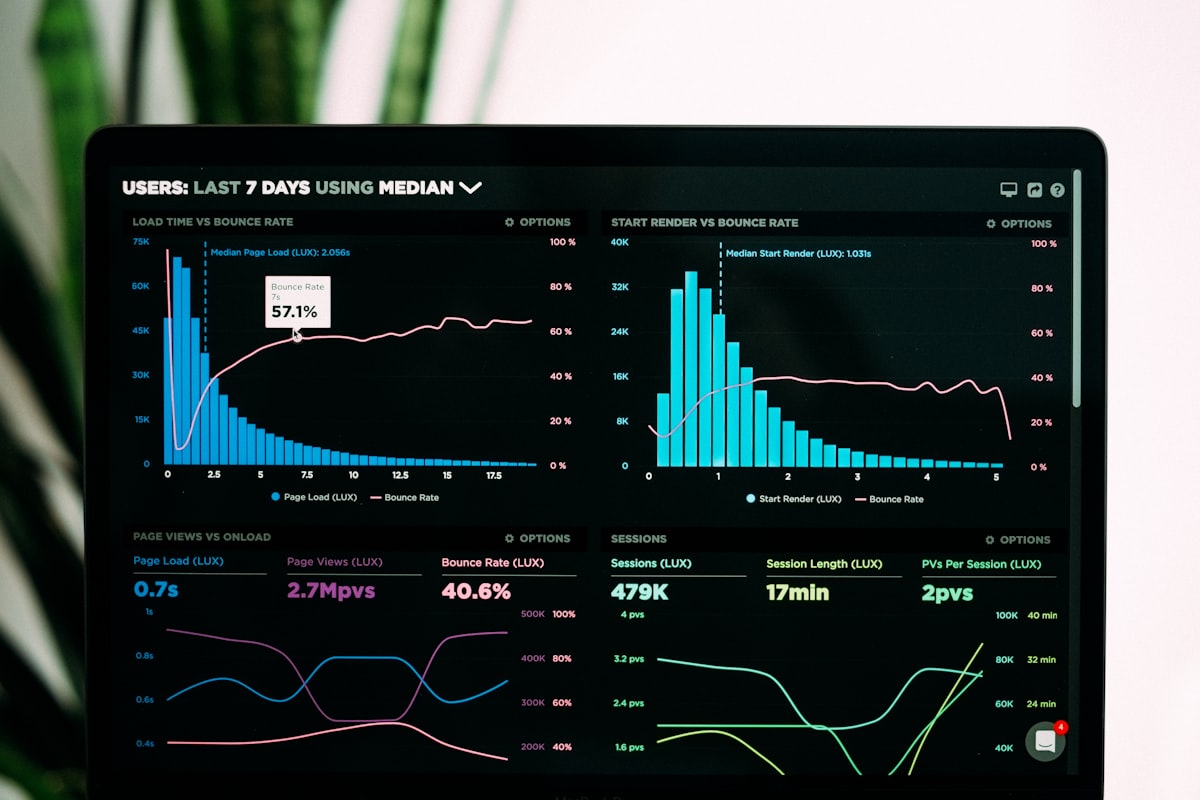 Inventory systems track costs and prevent waste
Track ingredients, monitor costs, reduce waste.
Approaches:
- POS-built-in: Lightspeed (ingredient-level), Toast, Square (basic)
- Dedicated systems: MarketMan, BlueCart, Parsley
Key features:
- Recipe costing
- Vendor ordering
- Waste tracking
- Inventory alerts
- Purchase ordering
Our recommendation: If your POS has good inventory (Lightspeed), use it. Otherwise, integrate a dedicated system.
6. Staff Scheduling and Management
Schedule shifts, track labor costs, manage time.
Top options:
| System | Price | Best For |
|---|---|---|
| 7shifts | $29.99+/month | Restaurant-specific |
| HotSchedules | $$$ | Enterprise |
| Homebase | Free-$24/month | Small teams |
| When I Work | $2/user/month | Simple scheduling |
| Deputy | $2.50/user/month | Complex needs |
Key features:
- Shift scheduling
- Clock in/out
- Labor cost tracking
- Shift swapping
- Compliance (breaks, overtime)
7. Accounting and Payroll
Keep the books and pay your people.
Accounting:
- QuickBooks (most common)
- Xero
- FreshBooks
Payroll:
- Gusto
- Square Payroll
- ADP
Integration matters: Ensure your accounting software connects to your POS for automatic sales data import.
8. Marketing and Loyalty
Bring customers back and keep them engaged.
Loyalty options:
- POS-native: Square Loyalty, Toast Loyalty
- Dedicated: FiveStars, Thanx, Fivestars
- Email: Mailchimp, Constant Contact
Key features:
- Points or punch card programs
- Email/SMS marketing
- Customer segmentation
- Campaign automation
Building Your Tech Stack
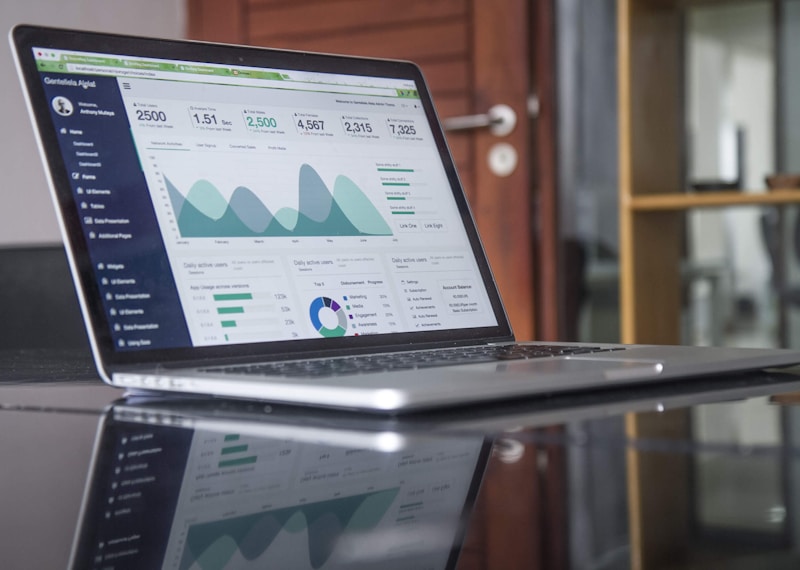 Configuring technology for your restaurant size
Small Restaurant Stack (Under 50 Seats)
 Small restaurants can start with essential systems and add as needed
Essentials only — minimize complexity:
| Category | Recommendation | Cost |
|---|---|---|
| POS | Square for Restaurants Plus | $60/month |
| Online Ordering | Square Online (included) | $0 |
| Payments | Square | 2.6% + $0.10 |
| QR Ordering | Fuudey | Free-$9/month |
| Scheduling | Homebase | Free |
| Accounting | QuickBooks | $30/month |
Total: ~$90/month + processing
Full-Service Restaurant Stack
More features, tighter integration:
| Category | Recommendation | Cost |
|---|---|---|
| POS | Toast or Lightspeed | $100-200/month |
| Online Ordering | POS-native | Included |
| KDS | POS-native | Hardware only |
| Reservations | Resy or Toast Tables | $199-500/month |
| Inventory | POS-native or MarketMan | $0-300/month |
| Scheduling | 7shifts | $30-80/month |
| Accounting | QuickBooks | $50/month |
| Payroll | Gusto | $40+/month |
| Loyalty | POS-native | $45-99/month |
Total: $500-1,200/month + processing
Quick-Service/Fast Casual Stack
Speed and efficiency focus:
| Category | Recommendation | Cost |
|---|---|---|
| POS | Square or Toast | $60-165/month |
| KDS | POS-native | Hardware only |
| Digital Menu Boards | Square Digital or Toast | Included |
| Online Ordering | POS-native | Included |
| Kiosk | Square Terminal or Toast Kiosk | Hardware cost |
| Delivery | Direct + DoorDash Drive | Varies |
| Scheduling | Homebase or 7shifts | $0-50/month |
Total: $150-300/month + processing
Multi-Location Stack
 Multi-location operations need centralized management capabilities
Centralized control with location flexibility:
| Category | Recommendation | Cost |
|---|---|---|
| POS | Lightspeed or Toast | $200-500/month |
| Central Reporting | POS-native | Included |
| Inventory | Lightspeed or MarketMan | Included-$300/month |
| Scheduling | 7shifts or HotSchedules | $100-300/month |
| Accounting | QuickBooks + Restaurant365 | $100-500/month |
| HR/Payroll | Gusto or ADP | $100-300/month |
Total: $600-2,000/month + processing
Integration Best Practices
 Getting your systems to work together
1. Start with POS as Hub
Your POS should connect to everything else. Check integrations before choosing:
- Does your reservation system sync tables?
- Does scheduling pull labor data from POS?
- Does accounting import sales automatically?
2. Minimize Manual Data Entry
If you're manually transferring data between systems, something is wrong. Look for:
- API connections
- Direct integrations
- Zapier connections (backup option)
3. Consolidate Where Possible
Every additional vendor adds:
- Another login
- Another bill
- Another support contact
- Another integration to maintain
If your POS offers acceptable scheduling, use it. If it doesn't, integrate a dedicated system.
4. Plan for Growth
Choose systems that scale:
- Can you add locations?
- Can you add features later?
- Are there usage limits that will bite you?
Common Tech Stack Mistakes
 Pitfalls to avoid with restaurant technology
1. Over-Engineering
Don't buy features you don't need. A simple café doesn't need enterprise inventory management.
2. Ignoring Integration
Systems that don't talk to each other create data silos and manual work. Always check integration before buying.
3. Chasing Free
"Free" systems often cost more in time, limitations, and eventual upgrades. Pay for tools that save you money.
4. Fragmented Vendors
Five vendors for five functions means five relationships, five bills, and five potential failure points. Consolidate where reasonable.
5. No Backup Plan
What happens when your POS goes down? Have contingencies for critical systems.
Future Trends
 What's next in restaurant technology
AI and Automation
- Automated scheduling based on sales forecasts
- Dynamic pricing optimization
- Predictive inventory ordering
QR and Mobile-First
- QR ordering becoming standard
- Mobile-first customer experiences
- See our QR menu guide
Unified Platforms
- All-in-one solutions expanding
- Fewer integrations needed
- Toast, Square, Lightspeed growing features
Voice and Ordering Tech
- Voice ordering in drive-thru
- AI order-taking
- Conversational interfaces
Frequently Asked Questions
 Common questions about restaurant technology
How much should I spend on restaurant technology?
Technology should typically be 1-3% of revenue for most restaurants. A $1M/year restaurant might spend $10,000-30,000 annually on tech.
Should I use all-in-one systems or best-of-breed?
For most restaurants, lean toward all-in-one. The integration benefits outweigh marginal feature differences. Only go best-of-breed for specific needs your primary system can't meet.
How do I migrate from one system to another?
Plan carefully: export data, train staff, run parallel for a week, then cut over. Budget 2-4 weeks for a major system change.
Do I need all these systems?
No. Start with POS, add online ordering, then expand based on actual needs. Don't overbuild.
What's the most important system?
Your POS. It's the hub that everything else connects to. Get this right first.
Conclusion
A well-designed tech stack powers efficient restaurant operations
Building your restaurant tech stack is about choosing systems that work together, not just individual best-in-class tools. Integration, simplicity, and scalability matter more than features you'll never use.
Start here:
- Choose your POS — Compare options
- Add online ordering — Commission-free options
- Consider QR menus — Free options available
- Build from there based on actual needs
Don't overbuild. Start simple, integrate well, and add complexity only when needed.
More Articles
AI-Powered Restaurant Inventory Forecasting: Reduce Waste and Boost Profits
Discover how AI inventory forecasting predicts demand, optimizes orders, and reduces food waste. Machine learning tools for smarter restaurant inventory management.
Appetito Menu Review: Multilingual QR Menus for Restaurants

Complete Appetito Menu review covering multilingual QR menu features, pricing, setup process, and how it compares to Fuudey, Menu Tiger, and alternatives.
Best Free QR Code Menu Generator in 2025 (7+ Reviewed)

We tested 8 free QR code menu generators including Fuudey, QR Menu Creator, Menuu, ScanIt.menu, and more. Full comparison with pricing, features, and honest reviews.