
Self-Order Kiosks for Restaurants: Complete Buying Guide (2025)
Self-order kiosks have transformed quick-service and fast-casual restaurants. Customers order on their own, staff focuses on food preparation, and average ticket sizes increase. But kiosks aren't right for every restaurant.
Here's everything you need to know about implementing self-order kiosks.
What Are Self-Order Kiosks?
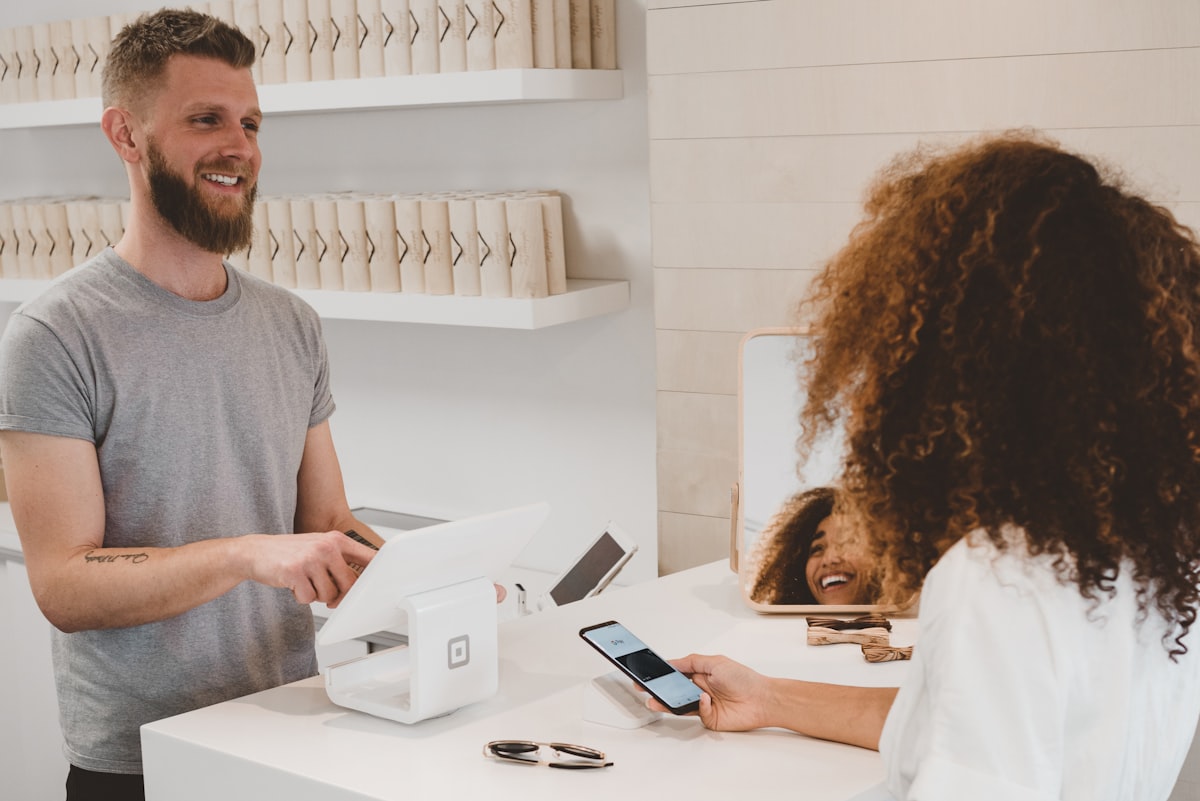 Self-order kiosks let customers browse menus, customize orders, and pay without staff assistance
Self-order kiosks are customer-facing touchscreen stations where guests can:
- Browse the menu visually
- Customize their order
- Add items and modifiers
- Pay (card, mobile wallet)
- Receive an order number
They're most common in QSR and fast-casual environments like McDonald's, Panera, and Taco Bell.
Benefits of Self-Order Kiosks
 Key benefits of implementing self-order kiosks
1. Increased Average Check
Studies consistently show 15-30% higher average ticket with kiosks:
- No judgment on add-ons (customers order more freely)
- Automated upselling prompts
- Visual appeal of menu items
- Time to browse without pressure
2. Reduced Labor Costs
Kiosks don't replace all staff, but they can:
- Handle ordering during peak times
- Reduce front-counter staffing needs
- Allow staff reallocation to food prep
- Cover gaps when short-staffed
3. Faster Throughput
 Kiosks add ordering capacity without adding staff
During rushes:
- Multiple customers order simultaneously
- No single bottleneck at one register
- Reduced wait times
- Higher customer satisfaction
4. Order Accuracy
Direct customer input reduces errors:
- No miscommunication
- Customer confirms before submitting
- Modifiers clearly captured
- Fewer remakes and refunds
5. Data Collection
Kiosks capture valuable data:
- Popular items and combinations
- Peak ordering times
- Modifier preferences
- Customer order patterns
Popular Kiosk Options
 Leading self-order kiosk platforms
Toast Kiosk
Price: $799+ hardware
Monthly: Included with Toast POS
Toast's kiosk integrates seamlessly with their POS ecosystem.
Features:
- Full menu display with photos
- Customizable upselling
- Payment processing built-in
- Order routing to kitchen
- Loyalty integration
Best for: Toast POS users
Square Kiosk
Price: Uses iPad ($329+) + Stand ($149+)
Monthly: $60+ (Plus plan recommended)
Square offers kiosk mode within Square for Restaurants.
Features:
- Self-serve ordering mode
- Works on iPads
- Payment processing
- Syncs with Square POS
- Customer-facing display
Best for: Square users wanting affordable entry
Clover Kiosk
Price: Clover Station ($1,349+)
Monthly: Varies by reseller
Clover devices can run in kiosk mode with appropriate apps.
Features:
- Customer-facing display
- Restaurant ordering apps
- Payment processing
- Flexible configuration
Best for: Clover ecosystem users
Specialized Kiosk Providers
| Provider | Starting Price | Best For |
|---|---|---|
| Bite | $349+/month | Enterprise |
| Grubbrr | Custom | Large chains |
| Appetize | Custom | High-volume |
| TouchBistro Kiosk | $500+ setup | TouchBistro users |
Hardware Considerations
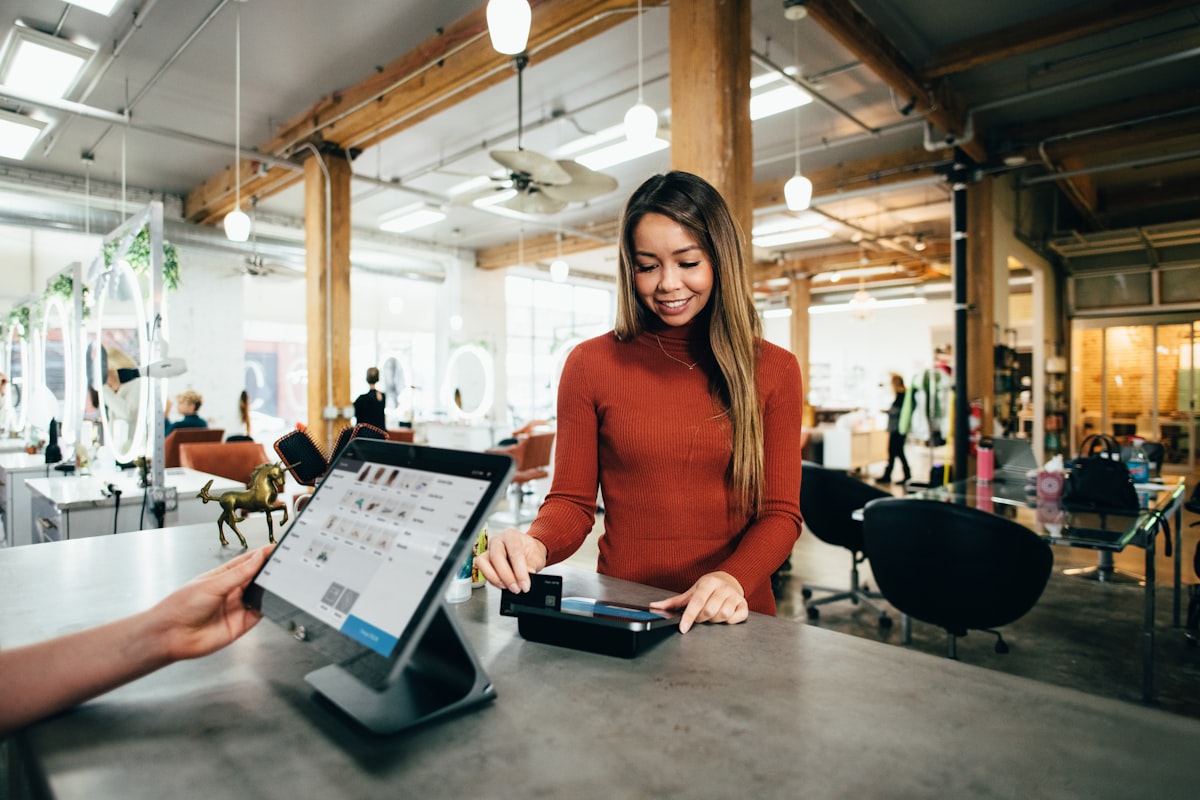 Kiosk hardware ranges from iPad-based to purpose-built commercial units
Tablet-Based (Budget)
Cost: $500-1,500 per station
Example: iPad + stand + payment reader
Pros:
- Lower upfront cost
- Familiar interface
- Easy to replace
- Flexible placement
Cons:
- Less durable
- Smaller screen
- Consumer-grade hardware
- May need enclosure
Commercial Kiosks (Premium)
Cost: $2,000-5,000+ per station
Examples: Toast Kiosk, Elo, NCR
Pros:
- Purpose-built durability
- Larger screens (15-22"+)
- Integrated payment
- Commercial warranty
- ADA compliance
Cons:
- Higher cost
- Less flexibility
- Proprietary components
Essential Hardware Components
| Component | Budget | Premium |
|---|---|---|
| Display | $329 (iPad) | $600-1,200 |
| Stand/enclosure | $150-400 | Included |
| Payment terminal | $300-500 | Integrated |
| Receipt printer | Optional | Often included |
| Total | $780-1,229 | $2,000-5,000 |
ROI Analysis
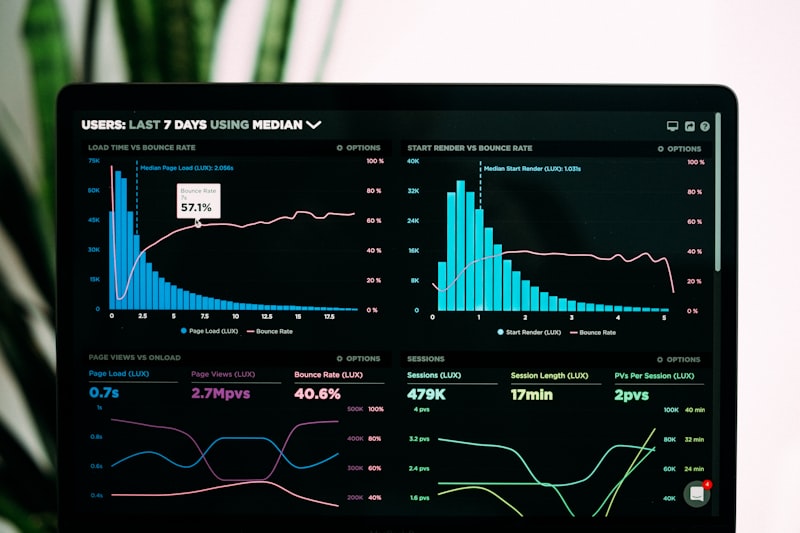 Understanding kiosk ROI for restaurants
Cost Example: 2 Kiosks
Upfront:
- 2 kiosks ×
$3,000=$6,000 - Installation:
$500 - Total:
$6,500
Monthly:
- Software: ~
$100-200 - Maintenance: ~
$50
Savings Calculation
Scenario: Replace 1 counter staff position
- Labor saved:
$15/hour × 40 hours × 4 weeks =$2,400/month - Plus: Payroll taxes, benefits = ~
$600/month - Total savings: ~
$3,000/month
Additional Revenue:
- 15% ticket increase on kiosk orders
- If 50 orders/day ×
$15average × 15% =$337/day increase - Monthly: ~
$10,000additional revenue
Payback period: 1-3 months for most high-volume QSR
Self-Order Kiosk vs. QR Ordering
 QR ordering offers similar benefits with lower hardware costs
QR ordering (where customers scan a code and order on their own phones) provides similar benefits:
| Factor | Kiosks | QR Ordering |
|---|---|---|
| Hardware cost | $2,000-5,000 | $0 (signs only) |
| Screen size | Large, fixed | Customer's phone |
| Customer experience | More premium | More convenient |
| Maintenance | Required | Minimal |
| Best for | High-volume QSR | Any restaurant |
When to choose QR over kiosks:
- Lower budget
- Space constraints
- Want mobile payment
- Smaller operation
When to choose kiosks over QR:
- High-volume QSR
- Customer demographic prefers kiosks
- Want controlled experience
- Building a premium brand
See our QR vs kiosk comparison
Implementation Guide
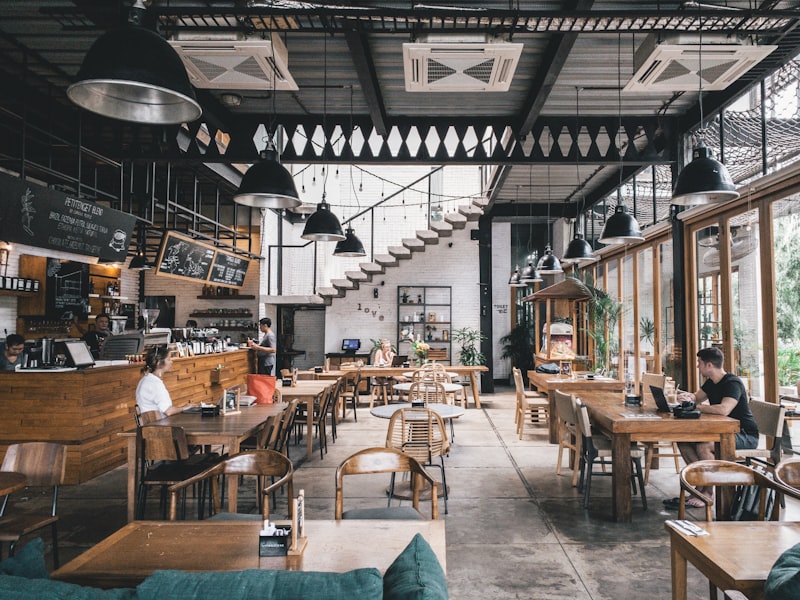 Step-by-step kiosk implementation with Lightspeed
Step 1: Assess Your Operation
 Kiosks work best for QSR and fast-casual with visual menus
Good candidates for kiosks:
- Quick-service restaurants
- Fast-casual concepts
- High-volume operations
- Visual, photo-friendly menus
- Regular meal-building (combos)
Poor candidates:
- Fine dining
- Complex, changing menus
- Very low volume
- Elderly customer base (unless simple)
Step 2: Choose Your Platform
Match to your existing POS:
- Toast users: Toast Kiosk
- Square users: Square kiosk mode
- Others: Evaluate integration options
Step 3: Plan Placement
- Near entrance (capture walk-ins)
- Visible but not blocking traffic
- Away from direct sunlight (screen glare)
- Accessible (ADA compliance)
- Near pickup area (natural flow)
Step 4: Optimize Your Menu
Kiosk menus need adjustment:
- High-quality photos for every item
- Clear categories and navigation
- Built-in upselling prompts
- Combo/meal building flows
- Allergen and nutrition info
Step 5: Train Staff
Staff roles change with kiosks:
- Kiosk ambassadors (help customers initially)
- Order assembly focus
- Troubleshooting
- When to intervene vs. let customers self-serve
Step 6: Launch and Iterate
- Start with one kiosk to test
- Gather customer feedback
- Monitor order accuracy
- Analyze upselling performance
- Expand based on results
Frequently Asked Questions
 Common questions about self-order kiosks
Do kiosks really increase ticket size?
Yes, 15-30% increases are well-documented across QSR chains. The lack of perceived judgment and visual upselling drive this.
Will customers use kiosks?
Younger customers embrace them. Older customers may need help initially but often adapt. Having staff available for assistance helps adoption.
Can kiosks replace all counter staff?
No. You still need staff for:
- Food preparation
- Order assembly
- Customer assistance
- Cash handling
- Kiosk troubleshooting
Kiosks supplement, not replace.
Are kiosks ADA compliant?
Commercial kiosks are designed for accessibility. If using tablets, ensure proper height and screen reach.
What about cash customers?
Kiosks typically handle card payments only. Keep a cash register for customers who need it.
Conclusion
Self-order kiosks can transform high-volume restaurant operations
Self-order kiosks offer genuine ROI for the right restaurants — higher tickets, faster throughput, and reduced labor needs. But they require significant upfront investment and work best for high-volume QSR and fast-casual concepts.
Our recommendations:
- High-volume QSR: Commercial kiosks (Toast, purpose-built)
- Testing/budget: iPad-based kiosk setup
- Alternatives: QR ordering for similar benefits, lower cost
For simpler operations, QR code ordering may provide similar benefits with much lower investment. Consider your volume, customer base, and budget before committing to kiosk hardware.
More Articles
AI-Powered Restaurant Inventory Forecasting: Reduce Waste and Boost Profits
Discover how AI inventory forecasting predicts demand, optimizes orders, and reduces food waste. Machine learning tools for smarter restaurant inventory management.
Appetito Menu Review: Multilingual QR Menus for Restaurants

Complete Appetito Menu review covering multilingual QR menu features, pricing, setup process, and how it compares to Fuudey, Menu Tiger, and alternatives.
Best Free QR Code Menu Generator in 2025 (7+ Reviewed)

We tested 8 free QR code menu generators including Fuudey, QR Menu Creator, Menuu, ScanIt.menu, and more. Full comparison with pricing, features, and honest reviews.