
Square for Restaurants 2026: Complete Feature Guide and Review
Square has evolved from a simple card reader for small businesses into a comprehensive restaurant management platform. Industry reports from Restaurant Business Online highlight its growing adoption. But can Square truly compete with restaurant-specific systems like Toast and Clover?
This complete guide covers everything restaurant owners need to know about Square for Restaurants in 2026—from features and pricing to real-world performance.
What Is Square for Restaurants?
 Square for Restaurants offers a complete POS ecosystem for food service businesses
Square for Restaurants is Square's restaurant-focused POS software that runs on Square hardware. It combines:
- Point of Sale software optimized for restaurants
- Payment processing through Square
- Menu management with modifiers and coursing
- Table management for full-service dining
- Kitchen display system integration
- Online ordering and delivery management
- Reporting and analytics
Key difference from standard Square POS: The restaurant version includes table management, course firing, open tabs, and kitchen display system (KDS) support—features essential for food service.
Pricing and Costs
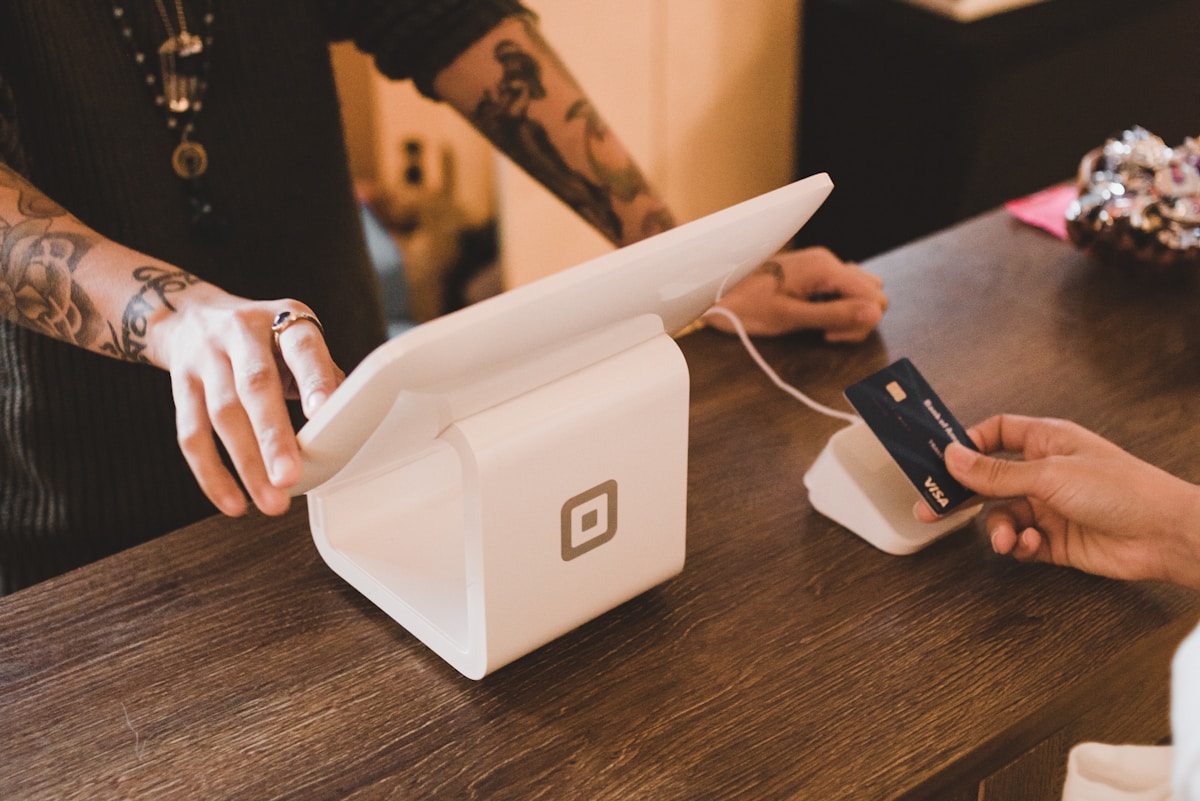 Square's transparent pricing is one of its biggest advantages
Software Subscription
Square for Restaurants:
- Free tier: Basic POS features, unlimited devices
- Plus:
$60/month per location (table management, advanced reports) - Premium:
$0/month for first location with Premium Payment Processing
What's included free:
- Core POS functionality
- Menu management
- Employee management
- Basic reporting
- Online ordering capability
Payment Processing Fees
Standard Processing:
- 2.6% + 10¢ per transaction (in-person)
- 3.5% + 15¢ (manually entered)
- 2.9% + 30¢ (online orders)
Premium Payment Processing:
- Custom rates for high-volume restaurants
- Typically 2.3% + 10¢ or better
- Requires
$250K+ annual processing - Includes Premium software tier (
$0/month)
Hardware Costs
Square Terminal (all-in-one)
$299one-time cost- Built-in receipt printer, card reader
- Ideal for counter service
Square Register (countertop)
$799one-time cost- 13" display, customer-facing screen
- Professional appearance
Square Stand + iPad
$169for Stand +$329+for iPad- Flexible positioning
- Popular for full-service
Kitchen Display System:
- Runs on any device (iPad, tablet, monitor)
$20/month per KDS screen
No monthly equipment fees – buy hardware once, use forever.
Total Cost Example
Small cafe (counter service):
- Hardware:
$299(Terminal) - Software:
$0/month (Free tier) - Processing: 2.6% + 10¢ per transaction
- On
$30K/month sales: ~$795/month in fees
Full-service restaurant:
- Hardware:
$1,500-``$3,000(multiple terminals, KDS) - Software:
$60/month (Plus tier) - Processing: 2.6% + 10¢ (or 2.3% premium)
- On
$100K/month sales: ~$2,660/month in fees
Core Restaurant Features
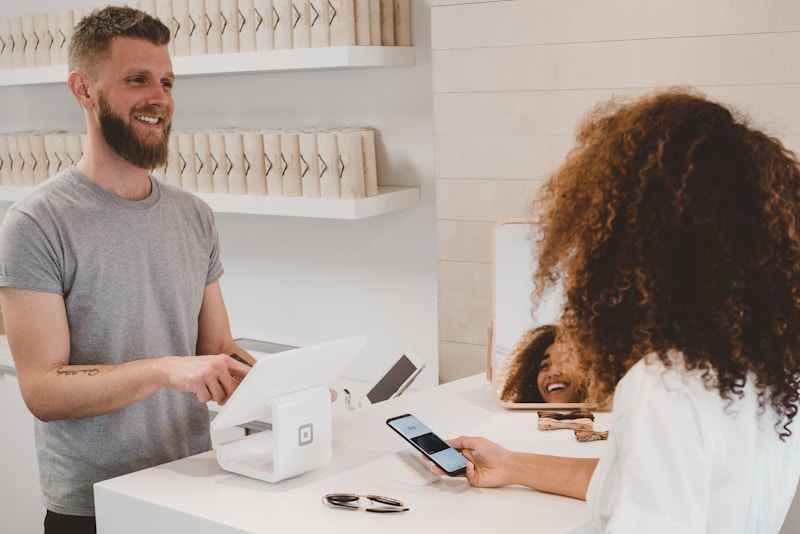 Kitchen display systems streamline order management
Menu Management
Flexible menu structure:
- Unlimited items and categories
- Modifier groups with min/max selections
- Nested modifiers (toppings on toppings)
- Item variations (sizes, cooking temps)
- Recipe costing (manual entry)
Menu scheduling:
- Breakfast/lunch/dinner menus
- Automatic menu switching
- Happy hour pricing
- Seasonal items
86 management:
- Quick item disable
- Kitchen can mark items out of stock
- Front-of-house instantly updated
Verdict: Excellent menu flexibility. On par with competitors like Toast and Clover.
Table Management (Plus Tier)
Floor plan editor:
- Visual table layout
- Drag-and-drop table arrangement
- Sections and server assignment
- Color-coded table status (open, occupied, needs attention)
Table operations:
- Open/close tabs by table
- Transfer tables between servers
- Merge tables for large parties
- Split checks multiple ways
Limitations compared to Toast:
- Slightly less intuitive interface
- Fewer customization options for table shapes
- No party size tracking on floor plan
Verdict: Solid table management for most full-service needs, though Toast still edges ahead for complex operations.
Order Management
Course firing:
- Fire appetizers, entrees, desserts separately
- Kitchen prep times per item
- Expo view for coordinating timing
Modifiers and customization:
- Free/paid modifiers
- Nested modifier groups
- Quantity per modifier
- Special instructions
Open tabs:
- Keep tabs open across shifts
- Add items throughout service
- Seat-level itemization
- Tab transfer between staff
Kitchen Display System
KDS integration improves kitchen efficiency and accuracy
Features:
- Real-time order routing
- Color-coded timing indicators
- Bump screens for prep stations
- Order recall and modifications
- Expo station support
Cost: $20/month per screen (after free trial)
Devices: Works on any iPad, Android tablet, or browser
Limitations:
- Requires stable internet connection
- Not as robust as Toast's native KDS
- Limited customization options
Verdict: Good value, especially for smaller kitchens. Larger operations may want specialized solutions.
Online Ordering and Delivery
 Square's online ordering integrates seamlessly with in-house operations
Square Online
Commission-free ordering:
- Custom website + ordering page
- Mobile-optimized checkout
- Menu automatically syncs from POS
- Orders print/display in kitchen
Pricing:
- Free tier: Basic online ordering
- Premium (
$72/month): Custom domain, advanced features
Payment processing:
- Same as in-person (2.9% + 30¢ for online)
- Customer pays online, no cash handling
Delivery Integration
Third-party platforms:
- DoorDash Drive integration (commission-based)
- Manual entry from UberEats, Grubhub
- Order consolidation into POS
Limitation: Not as seamless as Toast's integrated delivery management. You'll manage multiple platforms separately.
Learn more about commission-free ordering alternatives for restaurants.
QR Code Ordering
Square for Restaurants includes:
- QR code generation per table
- Customers scan, order, and pay
- Orders route to kitchen automatically
- Reduces server labor
Use case: Great for breweries, fast-casual, and cost-conscious operations.
Reporting and Analytics
 Comprehensive reporting helps optimize operations
Available Reports
Sales reports:
- Sales by item, category, time
- Hourly sales trending
- Day-part analysis
- Sales by location/register
Labor reports:
- Employee hours and wages
- Sales per labor hour
- Clock in/out tracking
- Break compliance
Inventory tracking:
- Low-stock alerts (with Square Inventory)
- Item popularity
- Waste tracking (manual)
Customer insights (with Square Loyalty):
- Customer visit frequency
- Average ticket size
- Marketing campaign effectiveness
Limitations:
- Recipe costing requires manual setup
- Inventory tracking less robust than dedicated systems
- Limited forecasting compared to Toast
Employee Management
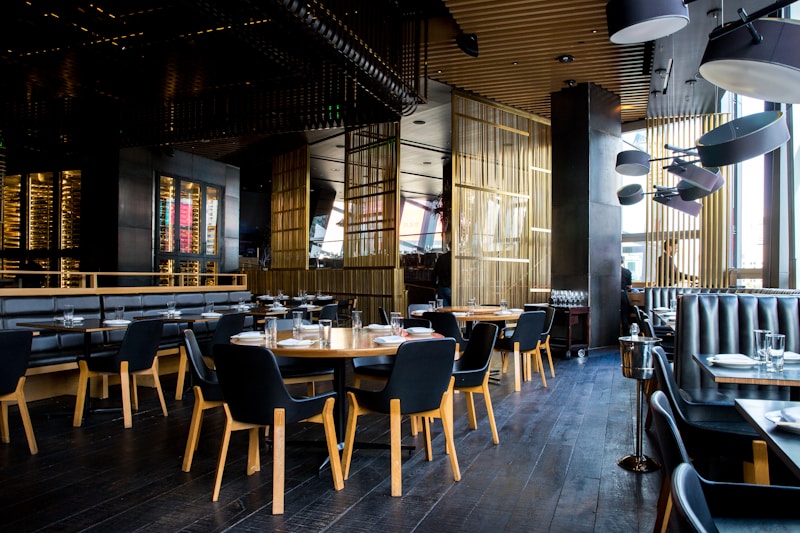 Managing staff with Square
Built-in features:
- Unlimited employee logins
- Role-based permissions
- Time clock with GPS
- Shift scheduling
- Team communication
Payroll integration:
- Square Payroll add-on (
$35/month +$5per employee) - Automatic wage calculation
- Tax filing included
- Direct deposit
Verdict: Excellent employee management for the price. Competitive with systems 2x the cost.
Hardware and Ecosystem
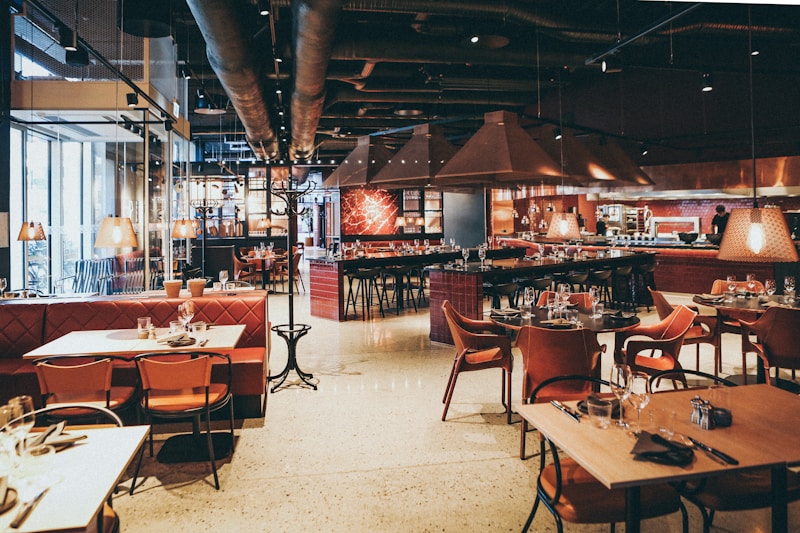 Square's flexible hardware works across multiple devices
Hardware Options
Terminals and Registers:
- Square Terminal:
$299 - Square Register:
$799 - Square Stand + iPad:
$498+
Add-ons:
- Cash drawer:
$119 - Receipt printer:
$299 - Barcode scanner:
$119 - Kitchen printers:
$299+
Handheld devices:
- Square Reader (
$49) + smartphone - For tableside ordering and payment
Offline Mode
Limited offline capability:
- Can process up to
$1,000in offline transactions - Syncs when reconnected
- Not ideal for areas with unreliable internet
Compare to Toast: Toast has full offline mode. Square's offline is adequate for emergencies but not long-term.
Integration Ecosystem
 Connecting Square with other services
Popular integrations:
- Accounting: QuickBooks, Xero (automatic sync)
- Payroll: Square Payroll, Gusto
- Loyalty: Square Loyalty, third-party programs
- Inventory: Square Inventory add-on
- Reservations: OpenTable, Resy (via third-party)
- Email marketing: Mailchimp, Constant Contact
API access: Available for custom integrations and app development.
Verdict: Solid ecosystem, though not as restaurant-focused as Toast's curated integrations.
Customer Support
 Getting help with Square
Support channels:
- 24/7 phone, email, and chat support
- Extensive help center and video tutorials
- Active community forum
- Social media support
Support quality:
- Generally positive reviews
- Quick response times
- Some complaints about offshore support for complex issues
- Excellent for straightforward questions
Onboarding:
- Self-service setup (very easy)
- Optional paid onboarding for complex setups
- No dedicated account rep (unless Premium Processing)
Pros and Cons
 Weighing Square's advantages and disadvantages
Square Advantages
✅ Transparent pricing – No hidden fees or surprises
✅ No long-term contracts – Cancel anytime
✅ Low upfront costs – Hardware under $1,000
✅ Easy to use – Intuitive interface, fast training
✅ All-in-one ecosystem – Payments, payroll, marketing, loyalty
✅ Excellent for cafes and QSR – Perfect fit for counter service
✅ Strong online ordering – Commission-free, integrated
Square Disadvantages
❌ Limited offline mode – Requires internet connectivity
❌ Table management less refined – Toast is better for complex full-service
❌ KDS is extra cost – $20/month per screen adds up
❌ Processing fees higher than negotiated rates – Large restaurants can do better elsewhere
❌ Less robust for high-volume operations – Built for small to midsize restaurants
Who Should Use Square for Restaurants?
 Square works best for certain restaurant types
Perfect For:
- Cafes and coffee shops
- Quick-service restaurants
- Food trucks and mobile vendors
- Casual dining restaurants (under 50 seats)
- Breweries and taprooms
- Ghost kitchens and delivery-focused concepts
- Multi-concept operations (retail + food)
Consider Alternatives If:
- You run a high-volume full-service restaurant → Toast
- You need advanced table management → Toast or TouchBistro
- You want lowest processing rates → Negotiate directly with processor
- Offline operation is critical → Toast or Lightspeed
- You need enterprise-grade support → Toast or Oracle
For a full comparison with Toast, see our Clover vs Toast guide.
Migration from Another POS
 Switching to Square from another POS
Switching to Square is relatively easy:
- Export your menu from current POS
- Set up Square account (30 minutes)
- Build menu in Square (2-4 hours for full restaurant)
- Train staff (1-2 days)
- Run parallel for a week (recommended)
- Go live with Square
Data migration:
- Customer data can import via CSV
- Sales history stays with old POS (export reports before switching)
- Employee data manual entry or CSV import
Timeline: Most restaurants switch in 1-2 weeks.
Final Verdict
 Our recommendation on Square for Restaurants
Square for Restaurants delivers exceptional value for small to mid-size restaurants, especially cafes, quick-service, and casual dining.
Best for: Counter service, cafes, breweries, and casual restaurants under $1M annual revenue.
Not ideal for: High-volume fine dining, complex table service, or operations requiring enterprise-grade features.
The deciding factor: If you value transparent pricing, ease of use, and no long-term contracts, Square is hard to beat. If you need the absolute best table management and kitchen operations tools, invest in Toast.
For more on reducing payment processing costs, read our guide to restaurant payment processing fees explained.
Additional Resources
 Helpful links for Square
Official Resources:
- Square for Restaurants - Official product page
- Square Help Center - Setup guides and support
- Square App Marketplace - Integrations
Industry Research:
Square for Restaurants combines simplicity, transparency, and value—perfect for restaurants that want powerful features without complexity or long contracts.
More Articles
AI-Powered Restaurant Inventory Forecasting: Reduce Waste and Boost Profits
Discover how AI inventory forecasting predicts demand, optimizes orders, and reduces food waste. Machine learning tools for smarter restaurant inventory management.
Appetito Menu Review: Multilingual QR Menus for Restaurants

Complete Appetito Menu review covering multilingual QR menu features, pricing, setup process, and how it compares to Fuudey, Menu Tiger, and alternatives.
Best Free QR Code Menu Generator in 2025 (7+ Reviewed)

We tested 8 free QR code menu generators including Fuudey, QR Menu Creator, Menuu, ScanIt.menu, and more. Full comparison with pricing, features, and honest reviews.