
Digital Menu vs Paper Menu: ROI Comparison for Restaurants (2026)

Is switching to digital menus worth the investment? We crunched the numbers to show you the real ROI of QR menus versus traditional paper menus.
The True Cost of Paper Menus
Paper menus create hidden costs most restaurants don't track
Before calculating ROI, you need to understand what paper menus actually cost:
Initial Printing Costs
According to Restaurant Business Online, quality menu printing runs:
| Menu Type | Cost Per Unit | Quantity | Total |
|---|---|---|---|
| Full-color laminated | $8-15 | 50 | $400-750 |
| Leather-bound | $25-50 | 50 | $1,250-2,500 |
| Simple paper | $2-5 | 100 | $200-500 |
| Disposable single-use | $0.50-1 | 500 | $250-500 |
Reprint Frequency
How often do menus need updating?
- Price changes: 2-4 times per year
- Seasonal items: 4 times per year
- Sold-out items: Constant (crossed out or replaced)
- Damage/wear: Ongoing replacement
- New dishes: Whenever you innovate
A typical restaurant reprints menus 4-8 times annually. At $500-750 per print run, that's $2,000-6,000/year just on menus.
Hidden Costs
Beyond printing, paper menus cost you in ways you might not track:
- Staff time organizing and distributing new menus
- Storage space for menu stock
- Disposal costs when menus wear out
- Lost sales when items are unavailable but still printed
- Customer frustration when printed prices don't match
The Digital Menu Cost Structure
 Digital menus shift costs from printing to software subscriptions
Digital menus have different economics:
Platform Costs
| Platform Type | Monthly Cost | Annual Cost |
|---|---|---|
| Free tier (Fuudey, Menu Tiger) | $0 | $0 |
| Basic paid plans | $9-29 | $108-348 |
| Premium features | $49-99 | $588-1,188 |
| Full ordering system | $79-199 | $948-2,388 |
One-Time Setup Costs
- QR code design/printing:
$50-200(print once) - Table stands/displays:
$50-300(one-time) - Menu photography:
$200-1,000(optional, improves conversion) - Initial content setup: 2-4 hours of your time
Updates = Free
The biggest difference: updating a digital menu costs nothing. Change prices, add seasonal items, mark items as sold out — all instant, all free.
Year-Over-Year Cost Comparison
 Digital menus typically pay for themselves within 6 months
Let's compare a mid-sized restaurant (50 seats) over 3 years:
Paper Menu (Traditional)
| Year | Printing | Replacements | Staff Time | Total |
|---|---|---|---|---|
| 1 | $2,400 | $600 | $500 | $3,500 |
| 2 | $2,400 | $600 | $500 | $3,500 |
| 3 | $2,400 | $600 | $500 | $3,500 |
| Total | $10,500 |
Digital Menu (QR-Based)
| Year | Platform | Setup | Maintenance | Total |
|---|---|---|---|---|
| 1 | $468 | $350 | $100 | $918 |
| 2 | $468 | $0 | $50 | $518 |
| 3 | $468 | $0 | $50 | $518 |
| Total | $1,954 |
3-Year Savings: $8,546 — or roughly $237/month.
Revenue Impact: Where Digital Menus Win
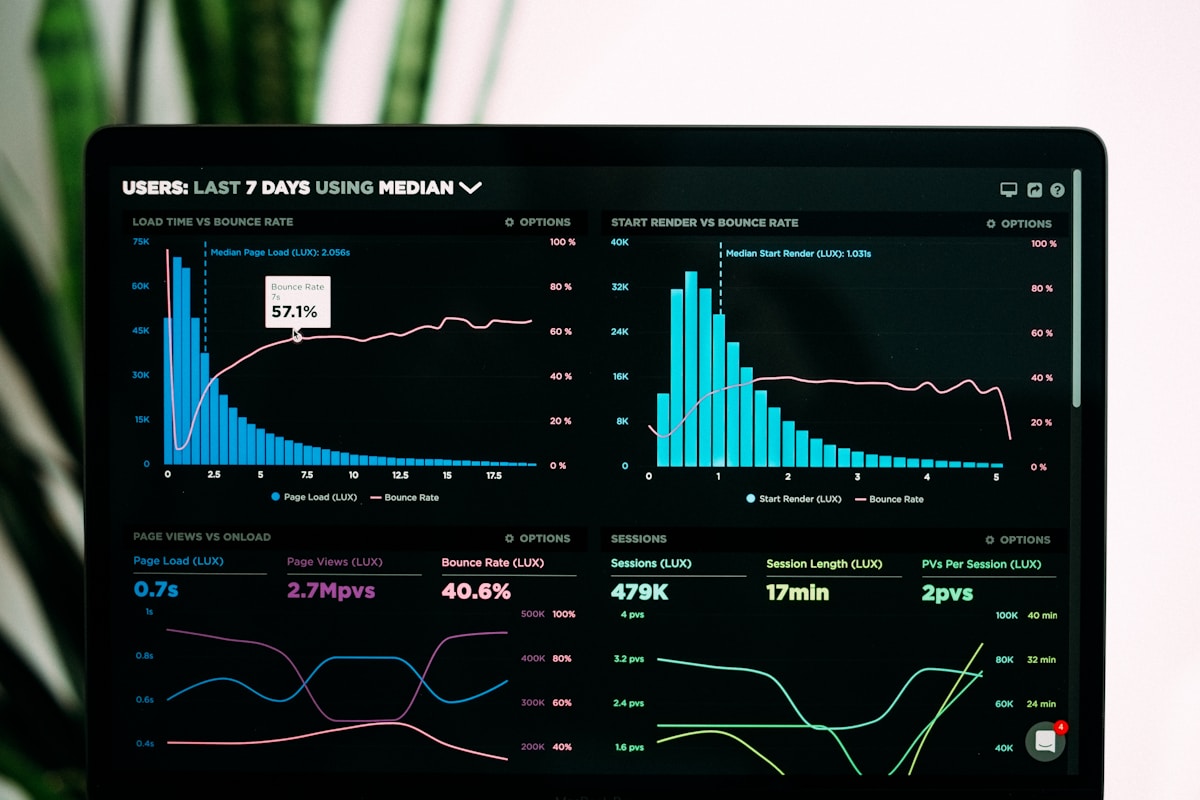 The revenue benefits of digital menus often exceed cost savings
Cost savings are just part of the equation. Digital menus can increase revenue:
Higher Average Order Value
Studies by Nation's Restaurant News show digital menus increase average check size by 8-12%. Here's why:
- Better photos drive impulse orders
- Upselling prompts suggest add-ons
- No "menu shame" from asking questions
- Modifier visibility encourages customization
For a restaurant doing $30 average tickets and 100 covers/day:
- 10% increase =
$3/ticket =$300/day =$109,500/year
Faster Table Turnover
QR ordering reduces time between arrival and ordering:
- Traditional: Customer waits → reads menu → asks questions → orders (8-12 min)
- QR menu: Customer scans → browses → orders (3-5 min)
Saving 5 minutes per table across 100 covers = 8+ additional covers/day potential.
Reduced Errors
Digital menus with ordering eliminate miscommunication:
- No handwriting interpretation issues
- Modifiers and customizations clearly recorded
- Kitchen receives accurate, complete orders
- Fewer comps and remakes
Industry data suggests order errors cost restaurants 2-4% of revenue. Cutting errors by half with digital ordering saves 1-2% of gross sales.
Real-World ROI Calculation
 Track menu performance with built-in analytics
Let's model a realistic restaurant scenario:
Restaurant Profile:
- 75 covers/day average
$35average check- Currently using paper menus
$3,500/year in menu printing costs
Digital Menu Implementation:
- Platform:
$39/month ($468/year) - Setup:
$350one-time - Year 1 total cost:
$818
Conservative Revenue Impact:
- 5% check increase (conservative):
$35× 0.05 =$1.75/check - Annual revenue gain:
$1.75 × 75 × 365 =$47,906
ROI Calculation:
- Cost savings:
$3,500-$818=$2,682 - Revenue gain:
$47,906 - Total first-year benefit:
$50,588 - ROI: 6,184% (yes, really)
Even with more conservative assumptions (2% check increase, lower volume), ROI typically exceeds 500% in year one.
When Paper Menus Still Make Sense
 When paper menus are still the right choice
To be fair, paper menus aren't always wrong:
Scenarios Favoring Paper
- Fine dining with theatrical presentation
- Elderly-focused establishments with tech-resistant customers
- Ultra-casual venues where presentation doesn't matter
- Zero-tech brand positioning (rustic, historic themes)
- Very small menus (3-5 items) that never change
Hybrid Approach
Many restaurants keep paper backup menus while using QR primarily:
- 5-10 paper menus for customers who prefer them
- QR codes as the default experience
- Best of both worlds
Implementation: Getting Started
 Initial setup takes less time than a single menu reprint cycle
Ready to switch? Here's a practical timeline:
Week 1: Choose Platform
Compare options based on your needs:
- Menu viewing only: QR Menu Creator, Appetito
- Menu + ordering: Fuudey, Menu Tiger
- Full POS integration: Square, Lightspeed
See our QR menu generator comparison for detailed reviews.
Week 2: Build Your Menu
- Add all items with photos and descriptions
- Set up modifiers and variations
- Configure pricing and availability
- Test on mobile devices
Week 3: Print QR Codes
- Order table displays or print cards
- Create backup paper menus (small quantity)
- Train staff on the new system
Week 4: Launch
- Place QR codes on all tables
- Announce to customers via social media
- Collect feedback and optimize
- Monitor analytics
Frequently Asked Questions
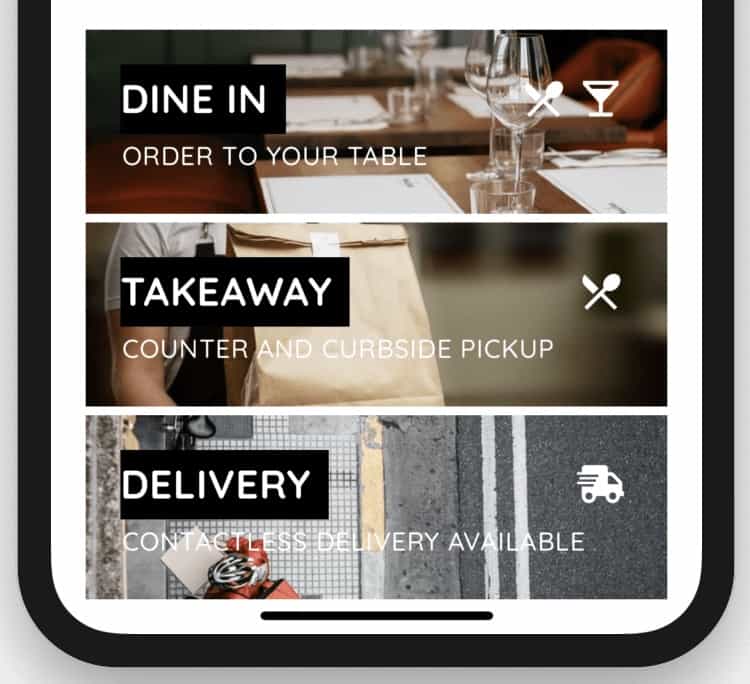 Common questions about switching to digital menus
What if customers don't want to use QR codes?
Keep a small stock of paper menus. Most restaurants report 85-95% QR adoption after initial launch, with resistance decreasing over time.
Don't digital menus feel impersonal?
Modern digital menus can include photos, stories, and personality. Many customers prefer the convenience and control of browsing at their own pace.
What about customers without smartphones?
Under 5% of restaurant customers lack smartphones. Staff can take orders traditionally for these guests while the majority uses QR.
How do I photograph my menu items?
Natural light and a clean background go far. Premium platforms like Fuudey include photography tips, or hire a local photographer for $200-500 worth of images.
Will this work with my existing POS?
Standalone digital menus work alongside any POS. For integrated ordering, check compatibility. See our POS comparison for systems with built-in QR features.
Conclusion
 Digital menus deliver savings and revenue growth
The math is clear: digital menus deliver positive ROI almost immediately. Between eliminated printing costs ($2,000-6,000/year) and increased revenue (5-12% higher checks), the investment pays for itself within months.
Even with free-tier digital menu platforms, you save money compared to paper. Add paid features with ordering capability, and revenue gains multiply.
Start with our free QR menu generator guide to compare platforms, or see how digital menus integrate with modern restaurant POS systems.
More Articles
AI-Powered Restaurant Inventory Forecasting: Reduce Waste and Boost Profits
Discover how AI inventory forecasting predicts demand, optimizes orders, and reduces food waste. Machine learning tools for smarter restaurant inventory management.
Appetito Menu Review: Multilingual QR Menus for Restaurants

Complete Appetito Menu review covering multilingual QR menu features, pricing, setup process, and how it compares to Fuudey, Menu Tiger, and alternatives.
Best Free QR Code Menu Generator in 2025 (7+ Reviewed)

We tested 8 free QR code menu generators including Fuudey, QR Menu Creator, Menuu, ScanIt.menu, and more. Full comparison with pricing, features, and honest reviews.