
QR Menu Software Comparison 2026: 9 Best Platforms for Restaurants

Choosing the right QR menu software can transform your restaurant operations. But with dozens of platforms claiming to be "the best," how do you actually compare them? We've analyzed nine leading QR menu solutions, testing features, pricing, and real-world performance to help you make an informed decision.
Whether you're a small café looking for a free solution or a multi-location restaurant group needing enterprise features, this comparison will guide you to the right platform.
Quick Comparison: QR Menu Software Features
 Each platform offers different strengths for various restaurant types
| Platform | Starting Price | Free Tier | Multi-Language | POS Integration | Analytics |
|---|---|---|---|---|---|
| Menu Tiger | $0/mo | ✓ Full | 8 languages | Limited | Basic |
| QR Menu Maker | $15/mo | ✓ Basic | 12 languages | Square, Toast | Advanced |
| Beaconstac | $25/mo | ✗ None | 10 languages | Multiple | Advanced |
| Fuudey | $0/mo | ✓ Full | 6 languages | Limited | Basic |
| ScanIt Menu | $19/mo | ✓ Basic | 15 languages | Clover, Square | Standard |
| Menufy | $0/mo | ✓ Full | 4 languages | Native | Standard |
| OrderNosh | $29/mo | ✗ None | 20+ languages | Extensive | Enterprise |
| TouchBistro | $69/mo | ✗ None | 5 languages | Native | Advanced |
| Lightspeed | $89/mo | ✗ None | 8 languages | Native | Enterprise |
1. Understanding QR Menu Software Categories
 QR menu platforms fall into three main categories based on functionality
Before diving into specific platforms, understand the three main categories of QR menu software. This helps you narrow your search based on your actual needs.
Display-Only Menus
These platforms create digital versions of your menu that customers view after scanning a QR code. They're essentially PDF replacements with better formatting. Great for restaurants that want to eliminate printing costs without changing operations.
Best for: Fine dining, cafés, bars with simple menus
Limitations: No ordering capability, limited customer data
Ordering-Enabled Menus
These platforms let customers browse, order, and often pay directly from their phones. They reduce server workload and typically integrate with your POS or kitchen display system.
Best for: Fast-casual, food courts, high-volume restaurants
Requirements: POS integration or standalone payment processing
Full Restaurant Management Systems
These are comprehensive platforms that include QR menus as one feature among many—inventory management, staff scheduling, loyalty programs, and advanced analytics.
Best for: Multi-location operations, restaurants wanting unified systems
Consideration: Higher cost, longer implementation time
2. Menu Tiger — Best Free All-In-One Solution
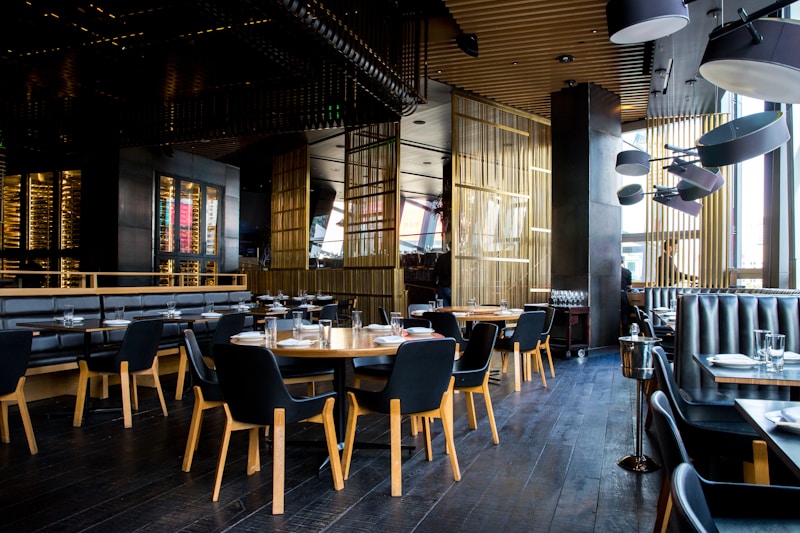 Menu Tiger offers ordering and payment in a genuinely free package
Menu Tiger stands out by offering a legitimately free tier that includes ordering and payment processing—features most competitors charge for. The platform uses a per-transaction fee model instead of monthly subscriptions.
Pricing Breakdown
- Free Plan: Unlimited QR codes, full ordering, 100 orders/month
- Starter (
$29/mo): Unlimited orders, analytics, custom branding - Business (
$69/mo): Multi-location, advanced integrations - Transaction Fees: 2.9% + 30¢ on all orders
Key Strengths
Menu Tiger excels at getting restaurants started quickly. The setup wizard walks you through menu creation, QR code generation, and table assignment in under 30 minutes. Eight language options cover most tourist-heavy markets.
The ordering flow is clean and mobile-optimized. Customers see photos, descriptions, and modifiers without app downloads. Payment processing handles tips and splitting automatically.
Limitations to Consider
The free tier limits monthly orders, which works for small operations but forces upgrades as volume grows. POS integrations are limited compared to larger platforms—you may need manual order entry if you use Clover or Toast.
Verdict: Best starting point for restaurants wanting to test QR ordering without upfront investment.
3. QR Menu Maker — Best for Multi-Language Menus
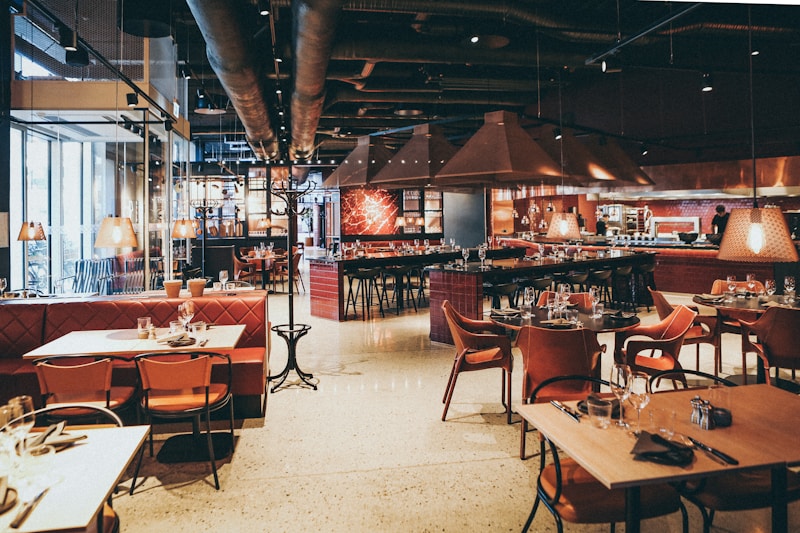 QR Menu Maker supports 12 languages with automatic translation
Restaurants in tourist areas or diverse neighborhoods need menus that work across languages. QR Menu Maker leads this category with 12 supported languages and AI-powered translation that maintains menu item context.
Pricing Breakdown
- Basic (
$15/mo): 1 location, 3 languages, basic analytics - Professional (
$39/mo): 3 locations, all languages, POS integration - Enterprise (
$99/mo): Unlimited locations, API access, dedicated support
Key Strengths
The translation engine understands food terminology. Instead of literal translations that confuse customers, it adapts descriptions culturally. "Crispy bacon" becomes contextually appropriate in each language rather than awkward word-for-word conversion.
Integration with Square and Toast means orders flow directly to your existing POS. Kitchen staff see familiar interfaces while customers browse in their preferred language.
Limitations to Consider
No free tier means you're committing budget from day one. The basic plan limits you to three languages, requiring upgrades for truly multilingual operations. Setup complexity increases with each language added.
Verdict: Worth the investment for restaurants serving international customers regularly.
4. Beaconstac — Best for Brand Customization
 Beaconstac offers extensive customization for brand-conscious restaurants
If your restaurant's brand identity matters as much as menu functionality, Beaconstac provides the most customization options. From QR code design to menu layouts, every element can match your aesthetic.
Pricing Breakdown
- Starter (
$25/mo): 2 QR codes, basic customization - Lite (
$49/mo): 10 QR codes, advanced branding, analytics - Pro (
$99/mo): 50 QR codes, team management, integrations - Enterprise: Custom pricing for large deployments
Key Strengths
QR codes don't have to be black-and-white squares. Beaconstac's designer lets you incorporate logos, colors, and shapes while maintaining scannability. For restaurants where table aesthetics matter, this eliminates the "tech company" feel of standard QR codes.
The menu builder supports custom fonts, color schemes, and layouts. You can create menus that feel like natural extensions of your physical branding rather than generic templates.
Analytics track not just orders but also scan patterns—which tables convert best, when customers abandon menus, and which items get clicked most.
Limitations to Consider
No ordering capability in standard plans. Beaconstac focuses on display menus with analytics. If you need direct ordering, you'll need additional integrations or a different platform.
Verdict: Excellent for upscale restaurants prioritizing brand consistency over ordering features.
5. Fuudey — Best Commission-Free Ordering
 Fuudey eliminates percentage fees that eat into margins
Most QR ordering platforms take a cut of every transaction. Fuudey operates differently—no percentage fees on orders, just flat monthly pricing at higher tiers. For high-volume restaurants, this model saves thousands annually.
Pricing Breakdown
- Free: Unlimited menus, 100 orders/month, standard processing
- Growth (
$49/mo): Unlimited orders, 0% commission, priority support - Scale (
$149/mo): Multi-location, API access, custom integrations
Key Strengths
Run the numbers: a restaurant processing $50,000/month in QR orders pays $1,500+ in platform fees at 3% commission. Fuudey's $49/month flat fee saves $1,451 monthly. The math gets more dramatic at higher volumes.
The platform includes table management, kitchen display integration, and tip processing. Setup emphasizes simplicity—most restaurants launch within a day.
Limitations to Consider
The free tier's 100-order limit means most active restaurants quickly need paid plans. Language support covers only six options, limiting international appeal. POS integrations remain basic compared to enterprise platforms.
Verdict: Clear winner for restaurants prioritizing margin preservation at scale.
6. ScanIt Menu — Best for Quick Deployment
 ScanIt Menu gets restaurants live in under 15 minutes
Sometimes you need a QR menu system working today, not next week. ScanIt Menu optimizes for speed, with a setup process that takes existing PDF menus and converts them to scannable QR versions instantly.
Pricing Breakdown
- Starter (Free): 1 menu, basic QR code, PDF conversion
- Professional (
$19/mo): 5 menus, ordering, 15 languages - Business (
$49/mo): Unlimited menus, POS integration, analytics
Key Strengths
Upload a PDF menu and ScanIt generates a mobile-optimized version with proper formatting. No manual item entry, no photo uploads—just instant conversion. For restaurants testing QR menus before committing to full platforms, this removes friction.
Fifteen language translations mean broad international coverage. Clover and Square integrations handle ordering flow for restaurants already using those systems.
Limitations to Consider
PDF conversion works well for simple menus but struggles with complex layouts. You may need manual cleanup for accurate digital versions. The platform lacks advanced features like loyalty programs or detailed customer analytics.
Verdict: Perfect for restaurants wanting immediate QR menu deployment with minimal setup effort.
7. Menufy — Best for Online Ordering Integration
 Menufy unifies in-house QR ordering with online delivery
If you're already using online ordering platforms, managing separate systems for dine-in QR menus creates complexity. Menufy integrates both, using a single menu database for all channels.
Pricing Breakdown
- Commission Model: Free setup, 10% per online order
- Subscription Model:
$49/mo flat, 0% commission - Enterprise: Custom pricing for franchises
Key Strengths
Update your menu once, and changes reflect everywhere—your website, third-party delivery apps, and in-house QR menus. This eliminates version control issues that plague restaurants using multiple systems.
The platform handles delivery driver coordination, customer communication, and refunds. For restaurants balancing dine-in and delivery, this unified approach reduces operational overhead.
Limitations to Consider
The commission model's 10% fee significantly impacts margins. Language support covers only four options, limiting international utility. The platform's strength in delivery means some dine-in-specific features feel secondary.
Verdict: Strong choice for restaurants where online ordering drives significant revenue alongside dine-in.
8. OrderNosh — Best for Enterprise Requirements
 OrderNosh delivers the advanced analytics and integrations large operations need
Multi-location restaurant groups and franchises need more than basic QR menus. OrderNosh provides enterprise features including role-based access, cross-location reporting, and extensive API capabilities.
Pricing Breakdown
- Professional (
$29/mo per location): Full features, 20+ languages - Enterprise (
$99/mo per location): API access, dedicated support, SLA - Franchise: Volume discounts, centralized management
Key Strengths
Twenty-plus language translations cover virtually any international market. The API allows custom integrations with existing restaurant management systems, loyalty platforms, and accounting software.
Cross-location analytics reveal performance patterns. Identify which locations convert QR scans to orders most effectively, which menu items perform regionally, and where operational improvements would have the most impact.
Limitations to Consider
No free tier means commitment from the start. The platform's power creates complexity—smaller restaurants may find the interface overwhelming. Per-location pricing adds up quickly for growing chains.
Verdict: The serious choice for multi-location operations needing enterprise-grade capabilities.
9. Native POS Solutions — TouchBistro and Lightspeed
 POS-native QR solutions offer the deepest operational integration
If you're using TouchBistro or Lightspeed Restaurant, their native QR menu features integrate more deeply than third-party solutions. Orders flow directly into your existing workflow without translation layers.
TouchBistro Pricing
- Starting at
$69/mo: Includes QR ordering as add-on feature - Add-ons: Reservations, gift cards, online ordering priced separately
Lightspeed Restaurant Pricing
- Essential (
$89/mo): Basic POS, limited QR features - Plus (
$149/mo): Full QR ordering, advanced analytics - Pro (
$289/mo): Enterprise features, API access
Key Strengths
Native integration means no synchronization issues. Menu changes, pricing updates, and inventory adjustments reflect instantly in QR menus. Staff training is minimal since the interface matches what they already use.
Both platforms offer strong reporting that connects QR ordering data with overall restaurant performance. See how QR sales compare to traditional ordering, track adoption over time, and identify operational bottlenecks.
Limitations to Consider
You're locked into the POS ecosystem. Switching POS systems means rebuilding QR menu capabilities. Pricing runs higher than standalone QR menu platforms. Language support is more limited than specialized international solutions.
Verdict: Optimal for restaurants already committed to these POS platforms who want seamless integration over maximum flexibility.
10. How to Choose: Decision Framework
 Your specific needs should drive platform selection, not marketing claims
With nine strong options, choosing comes down to your specific priorities. Use this framework:
Start with Budget Reality
No budget for software? Menu Tiger or Fuudey's free tiers get you started.
Under $50/month? QR Menu Maker, ScanIt Menu, or OrderNosh Professional provide solid value.
Over $100/month? Consider native POS solutions or OrderNosh Enterprise for maximum capability.
Match Features to Needs
Display menus only? Beaconstac offers the best customization.
Need ordering? Menu Tiger, Fuudey, or POS-native solutions handle this well.
International customers? QR Menu Maker or OrderNosh for extensive language support.
Multi-location? OrderNosh Enterprise or native POS platforms for centralized management.
Evaluate Integration Requirements
Using Square? ScanIt Menu or QR Menu Maker integrate directly.
Using Toast? QR Menu Maker or standalone solutions work best.
Using TouchBistro or Lightspeed? Their native solutions make sense.
Custom POS? OrderNosh's API allows custom integration development.
11. Implementation Best Practices
 Successful implementation requires more than just software setup
Choosing software is step one. Successful deployment requires attention to several factors:
Staff Training Matters
Even intuitive platforms require staff buy-in. Train servers to explain QR menus to hesitant customers. Ensure kitchen staff understand how QR orders appear differently from traditional tickets.
QR Code Placement Strategy
Table placement alone isn't enough. Consider QR codes at the entrance for waiting customers, on receipts for reordering, and on takeout packaging for next-visit ordering.
Menu Optimization for Digital
Digital menus work differently than print. Use high-quality photos—they drive orders. Keep descriptions concise for mobile screens. Organize categories for thumb-scrolling, not page-turning.
Test Before Launch
Run soft launches with staff and regulars before full deployment. Identify issues with ordering flow, payment processing, and kitchen communication before they affect real customers.
12. ROI Expectations and Timeline
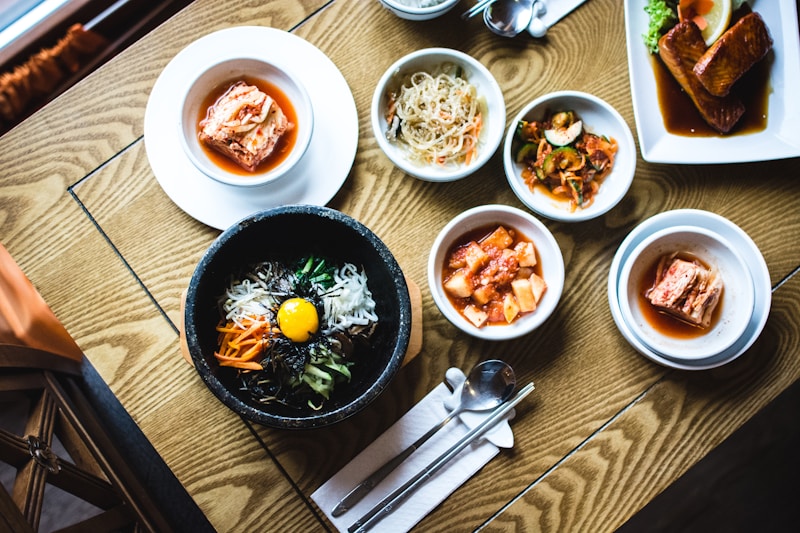 Most restaurants see positive ROI within 60-90 days of proper implementation
QR menu software investments typically pay back through several mechanisms:
Direct Cost Savings
- Menu printing:
$200-500/month for active restaurants - Server labor: 15-20% reduction in order-taking time
- Error reduction: Fewer wrong orders mean less food waste
Revenue Increases
- Average check size: 8-15% increase from digital upsells
- Table turnover: Faster ordering means more covers
- Customer data: Enables targeted marketing
Realistic Timeline
- Week 1-2: Setup and staff training
- Week 3-4: Soft launch, issue identification
- Month 2: Full deployment, initial metrics
- Month 3: First ROI assessment, optimization
Most restaurants see break-even within 60 days and clear positive ROI by 90 days when implementation is done properly.
Conclusion: Making Your Decision
 Choose the QR menu software that fits your needs
The best QR menu software depends on your specific situation. Budget-conscious restaurants should start with Menu Tiger or Fuudey's free tiers. International operations need QR Menu Maker or OrderNosh's language capabilities. Brand-focused establishments benefit from Beaconstac's customization.
Whatever you choose, remember that software is just a tool. Success comes from thoughtful implementation, staff training, and ongoing optimization. Start with a platform that matches your immediate needs while offering room to grow.
Ready to implement? Check out our guide to creating QR menus for step-by-step setup instructions, or explore our comparison of QR ordering apps for platforms with stronger ordering focus.
Last updated: February 2026. Pricing and features verified against vendor websites.
More Articles
AI-Powered Restaurant Inventory Forecasting: Reduce Waste and Boost Profits
Discover how AI inventory forecasting predicts demand, optimizes orders, and reduces food waste. Machine learning tools for smarter restaurant inventory management.
Appetito Menu Review: Multilingual QR Menus for Restaurants

Complete Appetito Menu review covering multilingual QR menu features, pricing, setup process, and how it compares to Fuudey, Menu Tiger, and alternatives.
Best Free QR Code Menu Generator in 2025 (7+ Reviewed)

We tested 8 free QR code menu generators including Fuudey, QR Menu Creator, Menuu, ScanIt.menu, and more. Full comparison with pricing, features, and honest reviews.