
Best QR Ordering Apps for Restaurants (2026): 7 Platforms Compared

QR ordering apps let customers scan, order, and pay from their phones. But which platform is right for your restaurant? We tested seven leading options to help you decide.
Quick Comparison: QR Ordering Platforms
 Each platform has strengths for different restaurant types
| Platform | Free Tier | Ordering | Payments | POS Integration | Best For |
|---|---|---|---|---|---|
| Fuudey | ✓ Yes | ✓ Yes | ✓ Yes | Limited | Full-service |
| Menu Tiger | ✓ Yes | ✓ Yes | ✓ Yes | Standalone | Small restaurants |
| Square | ✓ Yes | ✓ Yes | ✓ Yes | Native | Square users |
| GloriaFood | ✓ Yes | ✓ Yes | ✓ Yes | Standalone | Online ordering |
| Orderlina | ✓ Yes | ✓ Yes | ✓ Yes | Multiple | Multi-location |
| Toast | ✗ No | ✓ Yes | ✓ Yes | Native | Toast users |
| Lightspeed | ✗ No | ✓ Yes | ✓ Yes | Native | Premium needs |
1. Fuudey — Best Overall Free Option
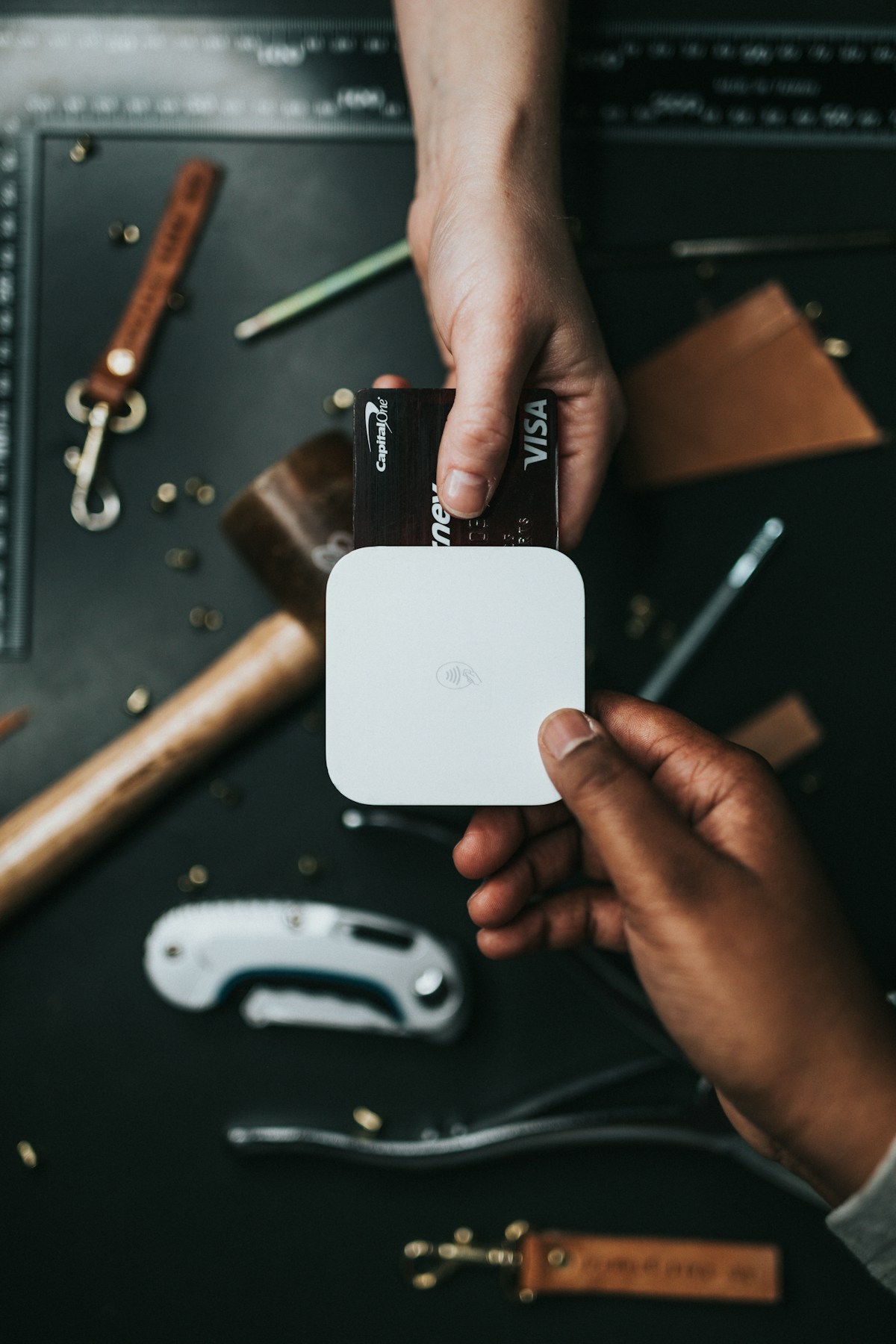 Fuudey offers the most complete free tier for QR ordering
Best for: Restaurants wanting full ordering without monthly fees
Fuudey stands out with a genuinely usable free tier that includes QR menu creation, online ordering, and payment processing — features most competitors charge for.
Key Features
- QR code ordering — Customers scan and order from their phones
- Digital menu builder — Drag-and-drop interface
- Online payments — Accept cards without extra fees
- Order management — Dashboard for tracking orders
- Multi-language — Support international customers
Pricing
| Plan | Monthly Cost | Features |
|---|---|---|
| Starter | $0/mo | Basic ordering, limited visits |
| Pro | $9/mo | Unlimited visits, analytics |
| Elite | $79/mo | Multi-location, advanced features |
Pros
- Most complete free plan available
- Ordering and payments included free
- Quick setup (under 10 minutes)
- Modern customer interface
Cons
- Visit limits on free tier
- Advanced analytics require upgrade
- Limited POS integrations
See our detailed QR menu comparison for more on Fuudey's menu features.
2. Menu Tiger — Best for Small Restaurants
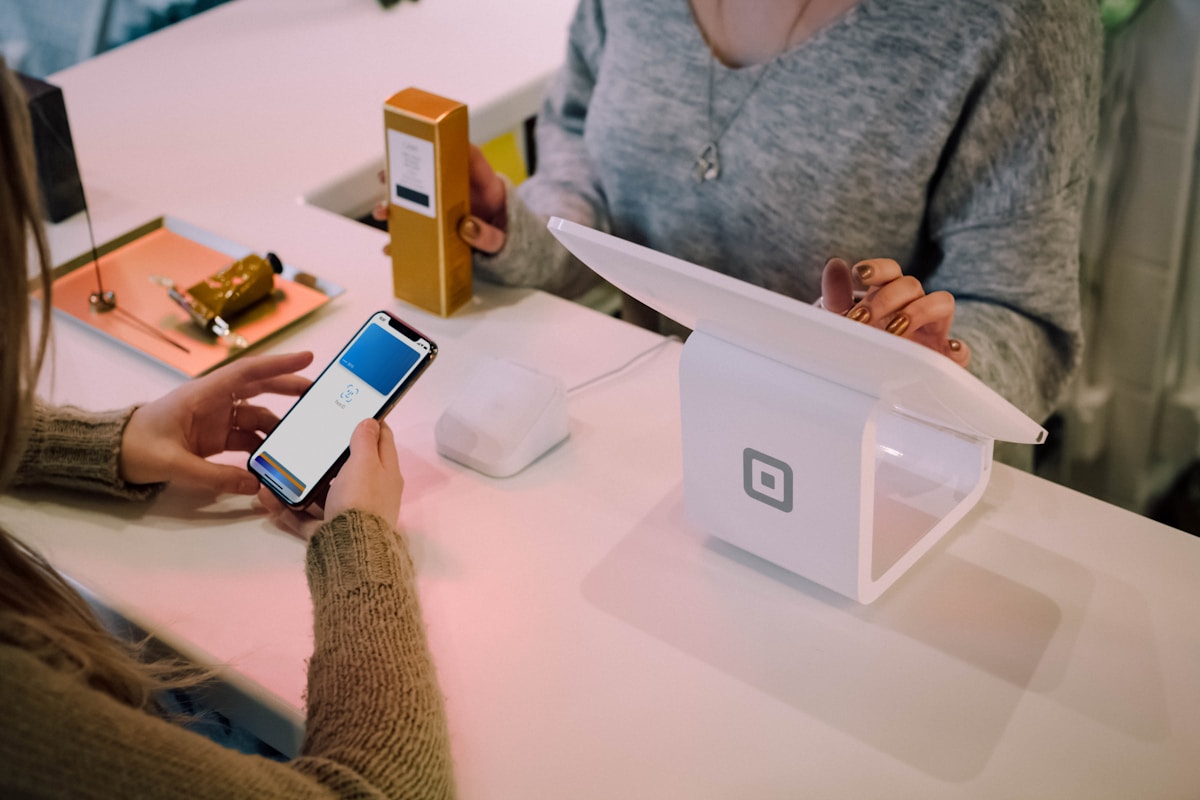 Menu Tiger focuses specifically on QR-based restaurant ordering
Best for: Small to mid-size restaurants, cafes, food trucks
Menu Tiger is built specifically for QR ordering — not as an add-on to other features. This focus shows in the streamlined experience.
Key Features
- QR code per table — Automatic table identification
- Real-time order management — Dashboard and mobile app
- Payment integration — Stripe, PayPal, and others
- Menu scheduling — Different menus for different times
- Staff notifications — Alerts when orders arrive
Pricing
| Plan | Monthly Cost | Features |
|---|---|---|
| Free | $0/mo | 1 menu, basic features |
| Starter | $15/mo | Multiple menus, analytics |
| Standard | $35/mo | Integrations, custom domain |
| Business | $65/mo | Multi-location, API access |
Pros
- QR-ordering-focused design
- Clean customer interface
- Good value at paid tiers
- Responsive support
Cons
- Free tier is limited
- Standalone system (manual POS entry)
- Fewer integrations than POS-based solutions
3. Square Self-Serve — Best for Square Users
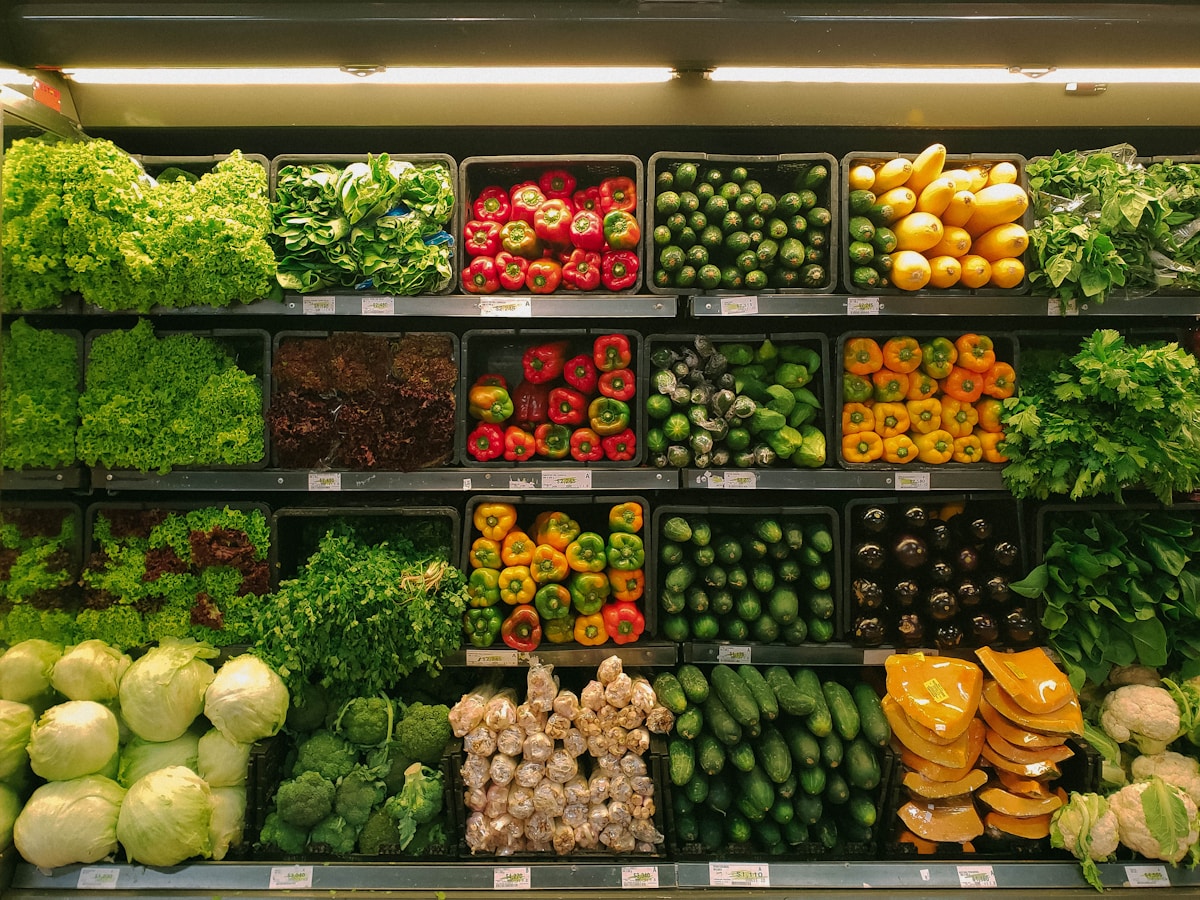 Square's self-serve ordering integrates seamlessly with Square POS
Best for: Restaurants already using Square POS
If you're already on Square for Restaurants, their self-serve ordering feature adds QR capabilities without adding another platform.
Key Features
- Native POS integration — Orders appear in Square like any other
- Tab management — Customers add items throughout visit
- Section mapping — QR codes tied to tables/areas
- Unified reporting — All sales in one dashboard
- Automatic tipping — Configurable tip suggestions
Pricing
Self-serve ordering is included with Square Online (free tier available). Standard payment processing fees apply (2.6% + 10¢).
Pros
- Seamless Square integration
- No additional monthly fees
- Orders route directly to kitchen
- Familiar reporting interface
Cons
- Requires Square POS commitment
- Limited customization vs. dedicated platforms
- Square's pricing model may not suit all
See our Square self-serve setup guide for implementation details.
4. GloriaFood — Best for Online Ordering Focus
GloriaFood excels at online ordering with QR capabilities
Best for: Restaurants prioritizing delivery and pickup
GloriaFood is primarily an online ordering system, but its QR capabilities make it viable for dine-in ordering too.
Key Features
- Free online ordering — No commissions on pickup orders
- Delivery management — Built-in zone configuration
- Facebook integration — Order directly from social media
- Website widget — Embed on any site
- Order taking app — Mobile management
Pricing
Core platform is free. Paid add-ons:
- Branded mobile app:
$59/mo - Sales-optimized website:
$9/mo - Menu building service: one-time fee
Pros
- Genuinely free core product
- Strong delivery zone features
- Facebook ordering integration
- No commission model
Cons
- Online ordering focus (dine-in secondary)
- Manual POS entry required
- Limited table service features
See our GloriaFood setup guide for complete implementation.
5. Orderlina — Best for Multi-Location
 Scalable QR ordering for restaurant chains
Best for: Restaurant groups and chains
Orderlina focuses on scalable QR ordering that works across multiple locations with centralized management.
Key Features
- Multi-location management — One dashboard, many venues
- Per-location menus — Different offerings per site
- Centralized analytics — Compare location performance
- API access — Custom integrations
- White-label options — Your branding, their tech
Pricing
| Plan | Monthly Cost | Locations |
|---|---|---|
| Starter | $29/mo | 1 location |
| Growth | $79/mo | 3 locations |
| Pro | $199/mo | 10 locations |
| Enterprise | Custom | Unlimited |
Pros
- Built for multi-location operations
- Strong analytics per location
- API for custom integrations
- Dedicated support tiers
Cons
- No free tier
- Overkill for single locations
- Higher price than competitors
6. Toast Mobile Order & Pay
 Mobile ordering for Toast POS customers
Best for: Toast POS users (with caveats)
Toast offers mobile ordering as part of their restaurant platform. However, note the Toast fee controversies before committing.
Key Features
- Native Toast integration — Unified order management
- Guest accounts — Save preferences for return visits
- Loyalty connection — Points earned on mobile orders
- Kitchen display — Orders route to KDS automatically
- Tipping options — In-app tip configuration
Pricing
Included with Toast Digital (pricing requires quote). Hardware costs additional.
Pros
- Deep Toast ecosystem integration
- Strong for existing Toast users
- Full-featured mobile experience
- Loyalty program connection
Cons
- Fee controversy concerns
- Requires Toast POS commitment
- Higher overall cost than alternatives
- Lock-in to Toast ecosystem
7. Lightspeed Order Anywhere
 Enterprise-grade QR ordering with advanced analytics
Best for: Premium features and analytics
Lightspeed's Order Anywhere provides QR ordering with enterprise-grade features for restaurants wanting advanced capabilities.
Key Features
- Native Lightspeed integration — Seamless with POS
- Ingredient-level tracking — Inventory updates with orders
- Advanced analytics — Deep performance insights
- Multi-menu management — Different menus by time/location
- CRM integration — Customer data collection
Pricing
Included with Lightspeed Restaurant plans ($139-319/mo).
Pros
- Most advanced analytics
- Inventory integration
- Premium feature set
- Multi-location ready
Cons
- Highest price tier
- Requires Lightspeed POS
- Overkill for simple needs
See our POS comparison for full Lightspeed details.
How to Choose the Right Platform
 Key factors for selecting your QR ordering solution
Budget-First Decision
| Budget | Recommendation |
|---|---|
$0/mo | Fuudey or GloriaFood |
$15-35/mo | Menu Tiger |
$50-100/mo | Orderlina (multi-location) |
| POS-bundled | Square, Toast, or Lightspeed |
Feature-First Decision
| Priority | Recommendation |
|---|---|
| Free ordering | Fuudey |
| Delivery focus | GloriaFood |
| POS integration | Square or Lightspeed |
| Multi-location | Orderlina |
| Full ecosystem | Lightspeed |
Integration-First Decision
| Current POS | Best QR Option |
|---|---|
| Square | Square Self-Serve |
| Toast | Toast Mobile Order |
| Lightspeed | Order Anywhere |
| Other/None | Fuudey or Menu Tiger |
Implementation Considerations
 Important factors when implementing QR ordering
Standalone vs. Integrated
Standalone platforms (Fuudey, Menu Tiger, GloriaFood):
- Work with any existing system
- Require manual order entry to POS
- More flexibility to switch
Integrated platforms (Square, Toast, Lightspeed):
- Seamless order flow
- Single reporting dashboard
- Lock-in to that POS ecosystem
Staff Training
All platforms require staff adjustment:
- How to monitor incoming orders
- Troubleshooting customer issues
- Handling payment questions
- Managing order timing
See our contactless ordering guide for training recommendations.
Frequently Asked Questions
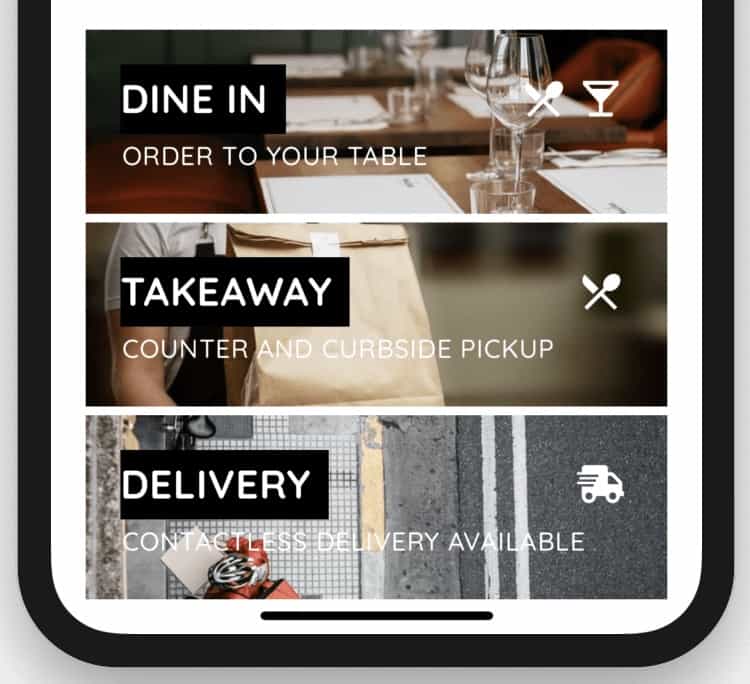 Common questions about QR ordering platforms
Can I use multiple QR ordering platforms?
Technically yes, but it creates confusion. Stick with one platform for consistency.
Will my customers actually use QR ordering?
Adoption rates typically hit 70-90% after launch. Post-pandemic, customers expect the option.
What about customers without smartphones?
Keep traditional ordering available. Staff can take orders the old way for the 5-10% who prefer it.
How do I handle tips with QR ordering?
Most platforms include tip options at checkout. Studies show digital tipping often increases total tips.
Can I customize the customer experience?
Yes — most platforms allow branding, custom colors, and menu organization. Premium tiers offer more customization.
Conclusion
 The right QR ordering platform depends on your specific situation
Our recommendations:
- Best free option: Fuudey — Complete ordering at no cost
- Best for Square users: Square Self-Serve — Native integration
- Best for delivery: GloriaFood — Free ordering, delivery focused
- Best for chains: Orderlina — Multi-location management
- Best premium: Lightspeed — Advanced features and analytics
Start with our free QR menu generator comparison to understand menu-only options, then decide if you need full ordering capability.
For complete restaurant technology planning, see our POS systems comparison and contactless ordering setup guide.
More Articles
AI-Powered Restaurant Inventory Forecasting: Reduce Waste and Boost Profits
Discover how AI inventory forecasting predicts demand, optimizes orders, and reduces food waste. Machine learning tools for smarter restaurant inventory management.
Appetito Menu Review: Multilingual QR Menus for Restaurants

Complete Appetito Menu review covering multilingual QR menu features, pricing, setup process, and how it compares to Fuudey, Menu Tiger, and alternatives.
Best Free QR Code Menu Generator in 2025 (7+ Reviewed)

We tested 8 free QR code menu generators including Fuudey, QR Menu Creator, Menuu, ScanIt.menu, and more. Full comparison with pricing, features, and honest reviews.