
Restaurant Digital Menu Cost Savings: Complete ROI Calculator Guide

Every restaurant owner asks the same question about digital menus: "Will this actually save money?" The answer depends on your specific situation, but we've built a framework to calculate your exact ROI. Using real numbers from restaurants that have made the switch, this guide shows you what to expect.
Spoiler: most restaurants see break-even within 60 days and ongoing savings of $300-2,000 per month. But let's prove it with your numbers.
Your Digital Menu Cost Savings Calculator
 Use these formulas to calculate your specific savings potential
Before diving into categories, here's the quick formula:
Monthly Savings = Printing Elimination + Labor Reduction + Error Decrease + Upselling Increase - Software Costs
For a typical casual dining restaurant:
- Printing elimination:
$200-500/month - Labor reduction:
$400-800/month - Error decrease:
$150-300/month - Upselling increase:
$500-2,000/month - Software costs:
$0-150/month
Net monthly benefit: $1,100-3,450
Now let's break down each component so you can calculate your specific situation.
1. Printing Cost Elimination — The Obvious Savings
 Printing costs add up faster than most owners realize
Menu printing costs seem small individually but compound significantly. Here's what restaurants actually spend:
Standard Menu Printing Costs
| Item | Cost per Unit | Annual Frequency | Annual Cost |
|---|---|---|---|
| Main menus (full-service) | $8-15 each | 4x per year | $640-2,400 |
| Specials inserts | $0.50-1 each | 52x per year | $520-1,040 |
| Drink menus | $5-10 each | 2x per year | $100-400 |
| Dessert menus | $3-6 each | 2x per year | $60-240 |
| Table tent cards | $2-4 each | 12x per year | $480-960 |
Typical annual printing: $1,800-5,040
Monthly equivalent: $150-420
Hidden Printing Costs
The unit costs above miss several factors:
Design fees: Each menu update requires designer time. Even in-house designers spend 4-8 hours per menu revision. At $30/hour, that's $120-240 per update. Four updates annually means $480-960 in design labor.
Rush printing: Price changes or menu errors often require expedited printing at 1.5-2x normal costs. Budget at least $200-400 annually for rush jobs.
Waste from updates: When you update menus, existing inventory becomes worthless. Restaurants typically discard 20-40% of printed menus before full use. Add $300-800 in annual waste.
Real printing costs: $2,780-7,200 annually ($230-600/month)
2. Labor Savings — The Bigger Opportunity
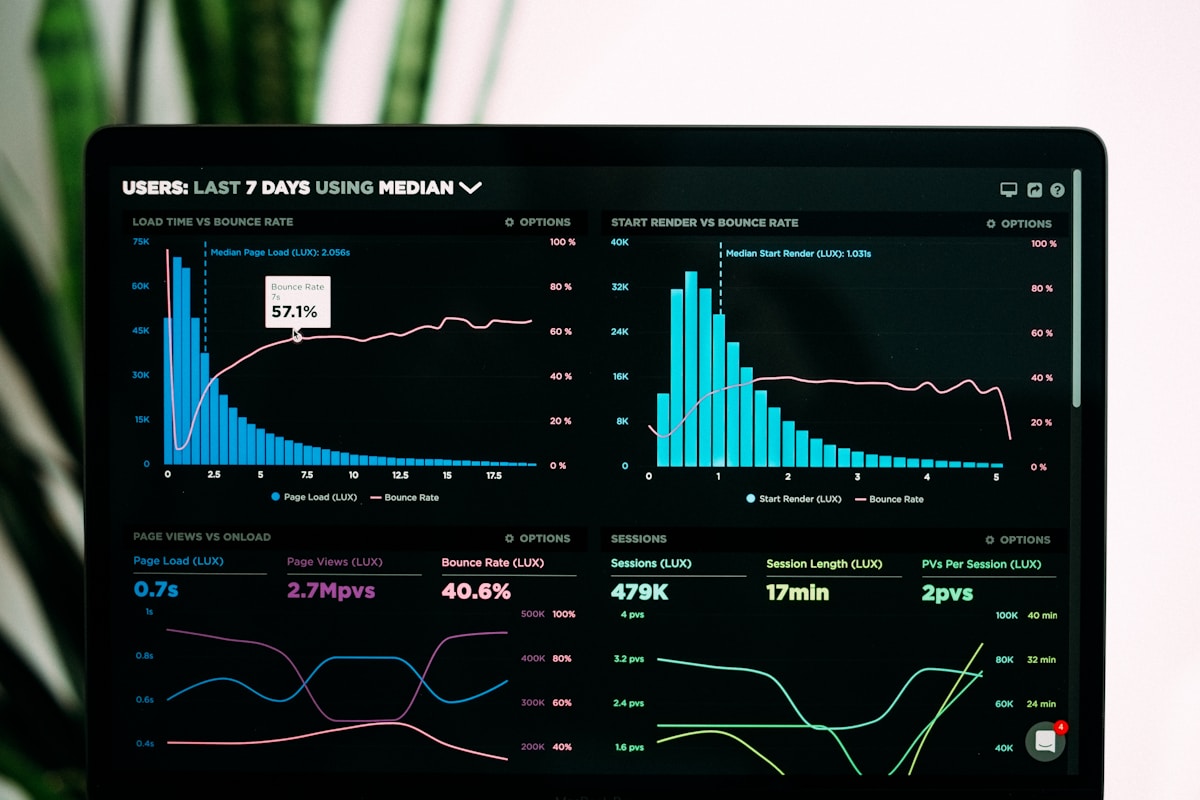 Digital ordering reduces server time per table by 15-25%
Labor represents 30-35% of restaurant costs according to the National Restaurant Association. Even small efficiency gains create meaningful savings. Digital menus impact labor in several ways:
Order-Taking Time Reduction
Traditional ordering requires servers to:
- Present menus (30 seconds)
- Explain specials (1-2 minutes)
- Answer questions (1-3 minutes)
- Take orders (2-4 minutes)
- Clarify modifications (30-60 seconds)
Total: 5-10 minutes per table
With QR ordering menus:
- Customers browse independently
- Digital descriptions answer questions
- Orders submit directly to kitchen
- Modifications are built into the system
Reduced to: 1-3 minutes per table
Calculating Your Labor Savings
Formula:
Tables per shift × Time saved per table × Server hourly rate = Labor savings per shift
Example calculation:
- Tables per server per shift: 25
- Time saved per table: 5 minutes
- Total time saved: 125 minutes (2+ hours)
- Server hourly rate (including taxes/benefits):
$18 - Savings per shift:
$37.50 - Shifts per month: 60
- Monthly labor savings:
$2,250
Even conservative estimates (3 minutes saved, lower wages) yield $800-1,200 monthly savings for full-service restaurants.
Additional Labor Impacts
Menu explanation reduction: Servers spend less time describing dishes when customers have photos, ingredients, and allergen information on their phones.
Order accuracy improvement: Digital orders eliminate miscommunication. Servers don't misread handwriting or mishear modifications. Kitchen staff see exactly what customers ordered.
Payment processing speed: When customers pay via QR, servers skip credit card runs. This alone saves 2-3 minutes per table.
3. Order Error Reduction — Saving on Waste
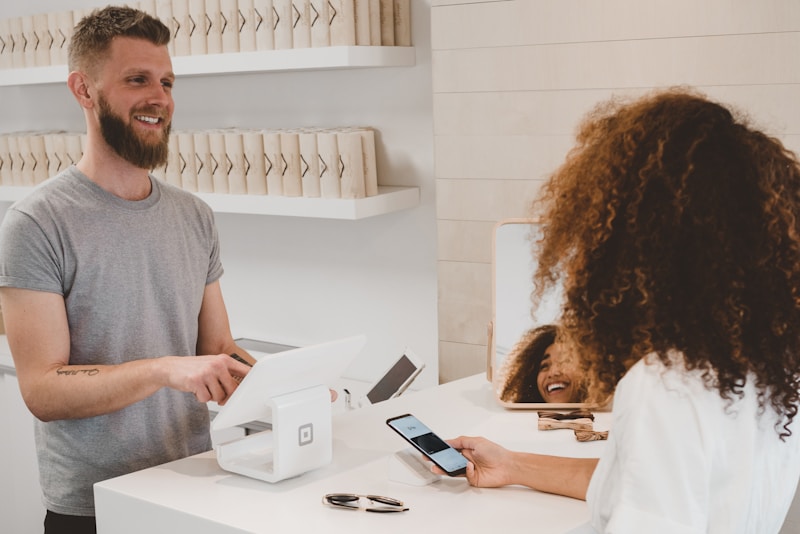 Wrong orders cost ingredients, labor, and customer satisfaction
Order errors cost restaurants 2-4% of food costs. For a restaurant with $50,000 monthly food costs, that's $1,000-2,000 lost to errors. Digital ordering dramatically reduces these losses.
Common Error Sources
Miscommunication errors (60% of total): Server mishears "no onions" as "more onions." Written tickets become illegible. Rush periods create shortcuts that cause mistakes.
Menu knowledge gaps (25%): Servers don't know current 86'd items. Ingredient changes aren't communicated. Specials descriptions vary by server.
Modification complexity (15%): Complex customizations get partially fulfilled. Allergy requirements are forgotten mid-service. Split tickets create confusion.
Digital Menu Error Reduction
QR ordering systems eliminate most miscommunication errors:
- Customers enter their own orders
- Modifications are built into structured forms
- Allergen flags are automatic, not memory-dependent
- 86'd items disappear from the menu instantly
Typical error reduction: 60-80%
Calculating Your Error Savings
Formula:
Monthly food cost × Error rate × Reduction percentage = Monthly savings
Example:
- Monthly food cost:
$50,000 - Current error rate: 3%
- Current error cost:
$1,500 - Reduction from digital: 70%
- Monthly savings:
$1,050
Most restaurants conservatively save $150-400 monthly on reduced errors.
4. Upselling and Revenue Increases
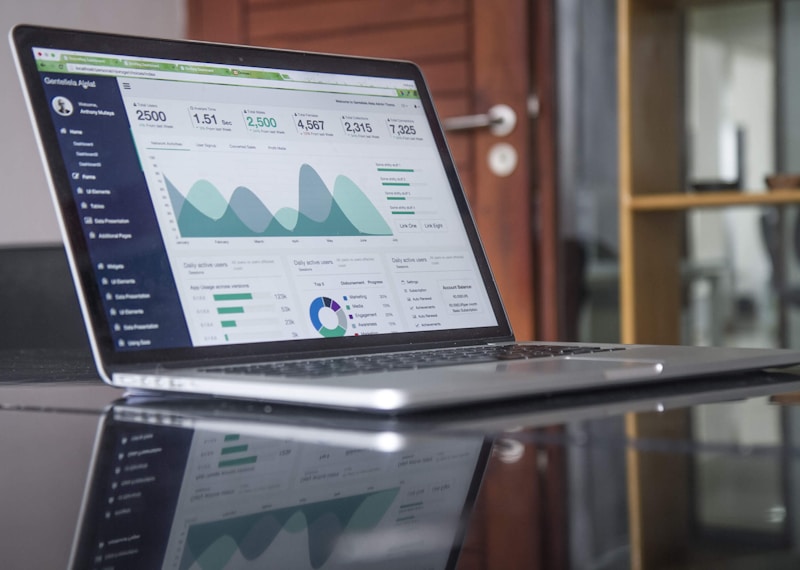 Digital menus present upsells consistently without awkward server pitches
Cost savings are only half the equation. Digital menus consistently increase average check size through better upselling. This is often the largest ROI component.
Why Digital Upsells Work Better
Consistency: Every customer sees the same upsell prompts. Servers vary in upselling comfort and skill; digital menus don't.
Timing: Prompts appear at optimal moments—after selecting an entrée, before checkout. Human timing is less precise.
Visual appeal: Photos of add-ons convert better than verbal descriptions. "Would you like to add bacon?" works less well than a photo of bacon-topped dishes.
No pressure: Customers prefer adding items privately versus saying "yes" to a hovering server.
Measured Upselling Results
Studies from QR ordering platforms report:
- 8-15% increase in average check size
- 23% higher appetizer attach rate
- 31% higher dessert ordering
- 18% increase in premium drink selection
Calculating Your Upselling Revenue
Formula:
Monthly covers × Current average check × Increase percentage = Additional monthly revenue
Example:
- Monthly covers: 3,000
- Current average check:
$45 - Current monthly revenue:
$135,000 - Check increase from digital: 10%
- Additional monthly revenue:
$13,500
Even modest estimates (5-7% increase) yield $500-2,000 monthly for most restaurants.
5. Software Costs — The Investment Side
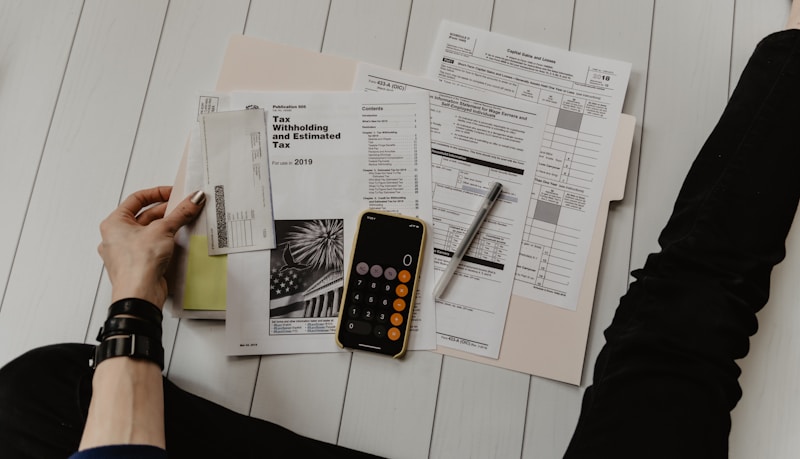 Software costs range from free to
 $150/month for most restaurants
Understanding costs is essential for accurate ROI calculation. QR menu software falls into several pricing tiers:
Free Tier Options
Several platforms offer genuinely free tiers suitable for smaller operations:
- Menu Tiger: Free for up to 100 orders/month
- Fuudey: Free tier with transaction fees
- GloriaFood: Free online ordering with optional paid features
Best for: Restaurants testing digital menus or with low volume
Budget Tier ($15-50/month)
Most small to medium restaurants find sufficient features here:
- QR Menu Maker:
$15-39/month - ScanIt Menu:
$19-49/month - Fuudey Growth:
$49/month (no transaction fees)
Best for: Single-location restaurants wanting full features
Professional Tier ($50-150/month)
Larger operations and multi-location groups typically need:
- TouchBistro:
$69/month + QR add-on - OrderNosh:
$29-99/month per location - Lightspeed:
$89-149/month
Best for: Multi-location, high-volume, or enterprise requirements
Hidden Costs to Consider
Implementation/setup: Some platforms charge one-time setup fees ($200-500). Others include setup in subscription.
Transaction fees: Free platforms often charge 2-3% per transaction. Calculate this against flat-fee alternatives at your volume.
Hardware: QR codes themselves are nearly free, but table stands, protective cases, and replacement codes add $50-200 initially.
6. Implementation Timeline and Cash Flow
 Most restaurants reach break-even within 60 days of proper implementation
Understanding when savings materialize helps with cash flow planning:
Week 1-2: Setup Phase
Costs: Software subscription starts, potential setup fees, hardware purchase
Savings: None yet
Net impact: -$50 to -$300
Week 3-4: Soft Launch
Costs: Ongoing subscription
Savings: Begin seeing reduced printing, minor labor savings as staff learns system
Net impact: -$50 to +$100
Month 2: Full Deployment
Costs: Ongoing subscription only
Savings: Full printing elimination, significant labor reduction, error decrease begins, upselling starts
Net impact: +$300 to +$1,500
Month 3+: Optimization
Costs: Ongoing subscription
Savings: Maximized as staff fully adopts, upselling optimized, errors minimized
Net impact: +$500 to +$2,500
Break-Even Analysis
Conservative scenario:
- Monthly costs:
$50 - Monthly savings:
$400 - Break-even: Immediate (month 1)
Moderate scenario:
- Monthly costs:
$100+$300setup - Monthly savings:
$800 - Break-even: Month 2
Complex scenario:
- Monthly costs:
$150+$500setup - Monthly savings:
$1,200 - Break-even: Month 2
7. Case Study: Full-Service Restaurant Conversion
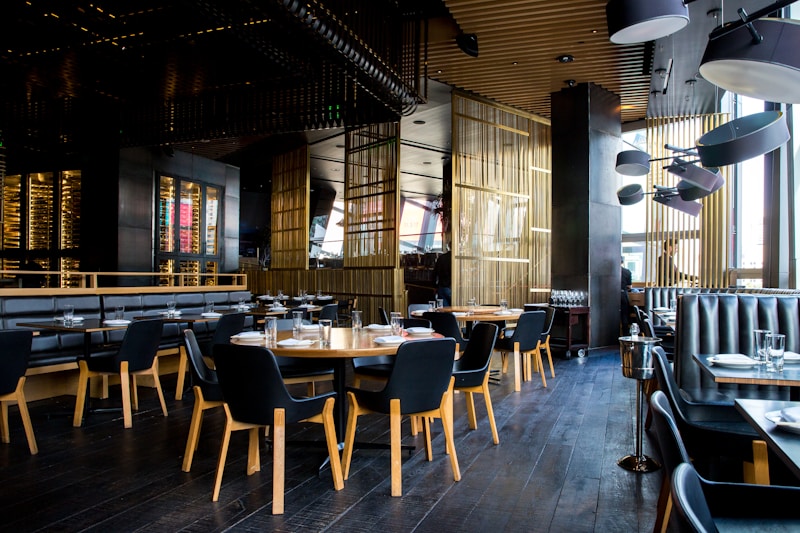 Real numbers from a 120-seat casual dining restaurant's digital menu transition
Let's examine actual results from a casual dining restaurant that converted to QR menus:
Restaurant Profile
- Type: Casual dining
- Seats: 120
- Monthly covers: 4,500
- Average check:
$38 - Monthly revenue:
$171,000 - Monthly food cost:
$51,300(30%)
Before Digital Menus
- Menu printing:
$350/month - Specials printing:
$120/month - Server labor (order-related):
$3,200/month - Order error costs:
$410/month - Total related costs:
$4,080/month
After Digital Menus (Month 3)
- Software cost:
$69/month - Menu printing:
$0/month - Server labor savings:
$680/month - Order error reduction:
$290/month - Cost savings:
$1,301/month
Revenue Impact
- Average check increase: 11%
- Additional revenue:
$18,810/month - Additional profit (at 20% margin):
$3,762/month
Total Monthly Impact
- Cost savings:
$1,301 - Revenue profit:
$3,762 - Software cost: -
$69 - Net monthly benefit:
$4,994
8. Case Study: Quick-Service Restaurant
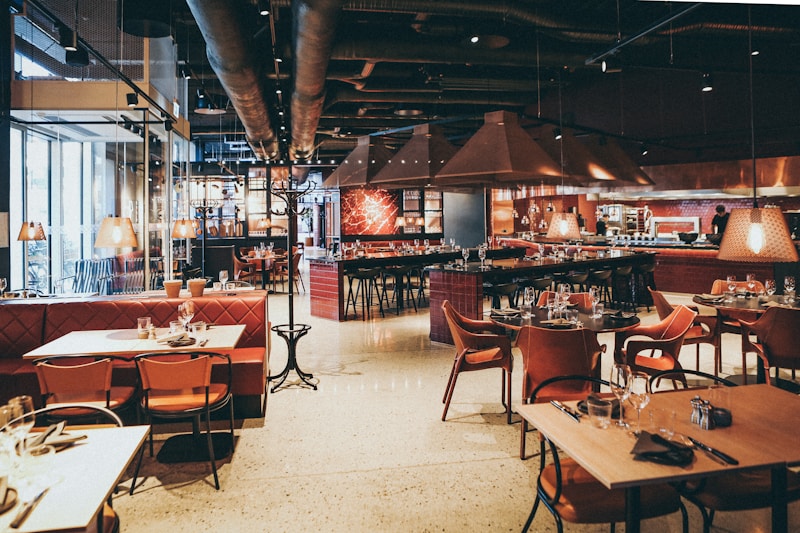 QSR environments see different patterns but equally strong ROI
Quick-service restaurants experience different savings patterns:
Restaurant Profile
- Type: Fast casual
- Daily transactions: 300
- Average check:
$14 - Monthly revenue:
$126,000
Key Differences from Full-Service
Lower labor savings: QSR staff already operates efficiently. Digital ordering saves 1-2 minutes per transaction rather than 5-7.
Higher transaction volume: More transactions mean bigger absolute numbers even with smaller per-transaction savings.
Stronger upselling impact: Digital upsells work exceptionally well in QSR where customers make quick decisions.
Results Summary
- Printing elimination:
$180/month - Labor savings:
$420/month - Error reduction:
$190/month - Upselling increase:
$9,450/month revenue (+7.5% check) - Upselling profit (25% margin):
$2,363/month - Software cost: -
$49/month - Net monthly benefit:
$3,104
9. Factors That Affect Your ROI
 Several variables determine whether you're at the high or low end of savings
Not every restaurant sees identical results. These factors influence your specific ROI:
Positive ROI Factors
High menu change frequency: Restaurants updating menus monthly see dramatic printing savings versus those changing quarterly.
Large average check: Upselling percentage gains matter more when base checks are higher. 10% on $60 beats 10% on $20.
Full-service model: More server-customer interaction means more labor savings opportunity.
Tourist location: Multilingual digital menus eliminate costly translated printing.
Negative ROI Factors
Very simple menus: If you have 10 items that rarely change, printing costs are already minimal.
Price-sensitive customers: Upselling may be less effective with highly budget-conscious diners.
Older demographic: Some customer bases resist technology, reducing adoption rates and benefits.
Low volume: Fixed software costs spread across fewer transactions.
10. Common Objections and Responses
 Addressing concerns that prevent restaurant owners from capturing digital menu savings
Restaurant owners raise valid concerns. Here's how successful adopters address them:
"My customers want printed menus"
Reality: Customer preference surveys show 60-70% of diners prefer digital menus for convenience. Offer both options during transition—most customers migrate naturally.
Solution: Keep a few printed menus for customers who request them while training the majority on QR.
"It's too impersonal"
Reality: Digital ordering doesn't eliminate server interaction—it redirects it. Servers spend more time checking on satisfaction and less time reciting specials.
Solution: Reframe digital menus as freeing servers for hospitality rather than replacing human connection.
"Setup is too complicated"
Reality: Modern QR menu platforms offer same-day setup. Upload your existing menu, generate QR codes, print them on paper initially.
Solution: Start simple. Use free platforms to test before committing to paid solutions.
"I don't trust the technology"
Reality: QR codes have existed since 1994. The underlying technology is proven and reliable.
Solution: Run parallel systems initially. Keep printed backup menus until confidence builds.
11. Getting Started: Your Action Plan
 A structured approach to capturing digital menu savings
Ready to calculate and capture your savings? Follow this sequence:
Week 1: Assessment
- Calculate current printing costs using the categories above
- Time your servers taking orders at 10 representative tables
- Estimate monthly error costs from kitchen waste and comps
- Review your average check and consider upselling potential
Week 2: Research
- Test 3-4 QR menu platforms with free trials
- Evaluate POS integration with your existing system
- Get staff input on workflow concerns
- Calculate projected ROI using your specific numbers
Week 3: Decision and Setup
- Select your platform based on features and ROI
- Build your digital menu with photos and descriptions
- Create QR codes and placement strategy
- Train staff on the new workflow
Week 4: Launch
- Soft launch with select tables or shifts
- Gather feedback from staff and customers
- Adjust and optimize based on real experience
- Full rollout when confident in the system
12. Maximizing Long-Term Returns
 Initial savings are just the beginning of digital menu ROI
The first few months establish baseline savings. Long-term optimization multiplies returns:
Menu Optimization
Digital menus provide data printed menus can't. Track which items get clicked, which photos drive orders, and which descriptions convert. Use this data to optimize both digital and operational decisions.
Customer Data Collection
Digital ordering can capture email addresses and preferences for future marketing. A 3% conversion to repeat visits creates substantial lifetime value.
Seasonal Flexibility
Change your menu instantly for seasons, holidays, or availability without printing costs. Test new items with photos and descriptions before committing to permanent additions.
Integration Expansion
Start with basic QR menus, then expand to reservations, loyalty programs, and delivery integration. Each addition compounds operational efficiency.
Conclusion: Your Savings Await
 Your path to digital menu savings
The math is clear for most restaurants: digital menus save money and increase revenue. The question isn't whether to adopt them, but which platform matches your needs and how to implement effectively.
Use the frameworks in this guide to calculate your specific ROI. Start with a free platform to test the concept. Scale into paid solutions as your confidence and volume justify.
Most restaurants see $1,000-3,000 monthly benefit within 90 days. Your numbers may be higher or lower, but the direction is almost certainly positive.
Ready to start? Check out our comparison of QR menu software platforms to find the right solution for your restaurant. Or explore our guide to creating QR menus for step-by-step implementation instructions.
ROI calculations based on industry averages. Your actual results depend on restaurant type, volume, and implementation quality.
More Articles
AI-Powered Restaurant Inventory Forecasting: Reduce Waste and Boost Profits
Discover how AI inventory forecasting predicts demand, optimizes orders, and reduces food waste. Machine learning tools for smarter restaurant inventory management.
Appetito Menu Review: Multilingual QR Menus for Restaurants

Complete Appetito Menu review covering multilingual QR menu features, pricing, setup process, and how it compares to Fuudey, Menu Tiger, and alternatives.
Best Free QR Code Menu Generator in 2025 (7+ Reviewed)

We tested 8 free QR code menu generators including Fuudey, QR Menu Creator, Menuu, ScanIt.menu, and more. Full comparison with pricing, features, and honest reviews.