
Restaurant Kiosk vs QR Code Ordering: Which Is Right for Your Business? (2026)

Self-service ordering is no longer optional — but should you invest in physical kiosks or go with QR-based mobile ordering? This comparison breaks down both options to help you decide.
Understanding the Two Approaches
Kiosks and QR ordering solve the same problem differently
Self-Service Kiosks
Physical touchscreen terminals where customers:
- Walk up to the kiosk
- Browse menu on large screen
- Select items and customize
- Pay at the kiosk
- Receive order number
Think McDonald's, Panera, and airport quick-service restaurants.
QR Code Ordering
Customers use their own smartphones:
- Scan QR code at table or counter
- Browse menu in mobile browser
- Select items and customize
- Pay on their phone
- Wait at table or for pickup
Works for any restaurant type from fast-casual to fine dining.
Cost Comparison
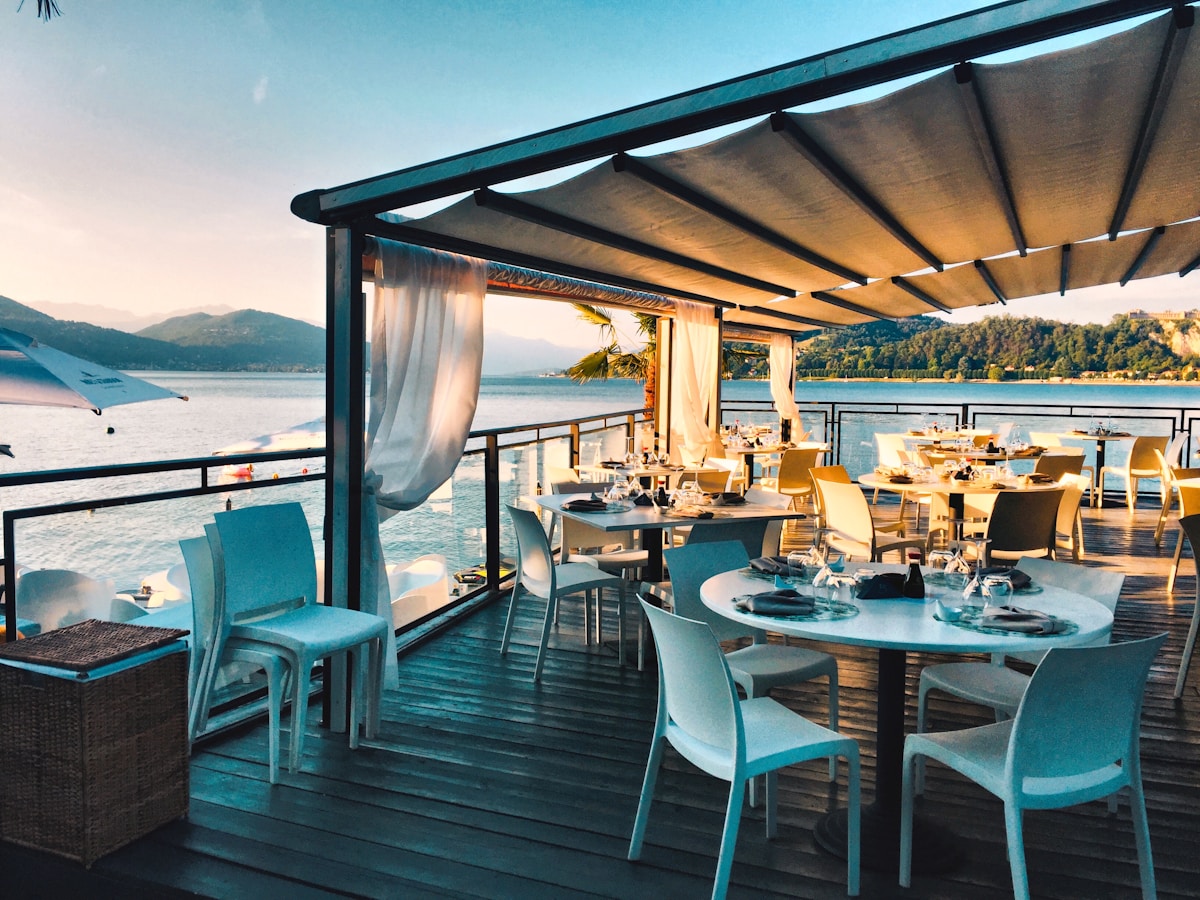 Hardware costs differ dramatically between the two approaches
Kiosk Costs
| Component | Low-End | Mid-Range | Premium |
|---|---|---|---|
| Hardware per unit | $1,500 | $3,500 | $8,000+ |
| Installation | $200 | $500 | $1,500 |
| Software/month | $50-150 | $100-250 | $200-400 |
| Maintenance/year | $300 | $600 | $1,200 |
Typical 2-kiosk setup: $5,000-20,000 initial + $100-500/month
QR Ordering Costs
| Component | Free Tier | Basic | Premium |
|---|---|---|---|
| Platform | $0 | $29-49/mo | $79-199/mo |
| QR Code printing | $50-100 | $50-100 | $100-200 |
| Table displays | $50-150 | $50-150 | $100-300 |
| Setup time | 2-4 hours | 2-4 hours | 4-8 hours |
Typical setup: $100-400 initial + $0-199/month
Bottom Line
QR ordering costs 90-95% less than kiosk systems initially, with lower ongoing costs. Even premium QR platforms cost less than basic kiosk maintenance.
Customer Experience Comparison
 Kiosks excel for quick-service; QR ordering suits table service
Kiosk Strengths
- Large screen visibility — Better for complex menus
- No personal device needed — Works for all customers
- Familiar interface — McDonald's trained the public
- No WiFi dependency — Hardwired connection
- Queue management — Clear ordering flow
Kiosk Weaknesses
- Lines form at peak — Limited by kiosk count
- Standing required — Not ideal for all customers
- Shared touchscreens — Hygiene concerns persist
- Fixed location — Customers come to kiosk
- Screen time limits — Pressure from people waiting
QR Ordering Strengths
- No lines — Every customer has their own "kiosk"
- Order from seat — Comfortable browsing
- Personal device — Familiar interface
- Unlimited capacity — Scales with customer count
- Browse privately — No pressure from others
QR Ordering Weaknesses
- Requires smartphone — Not 100% of customers
- WiFi dependent — Network issues cause problems
- Smaller screen — Phone vs. large kiosk display
- Tech learning curve — Some customers resist
- Battery/data concerns — Customer device limitations
Best Use Cases
 Choose based on your service style and customer demographics
When to Choose Kiosks
Quick-Service Restaurants (QSR)
- McDonald's, Burger King, Wendy's model
- High volume, standardized menus
- Counter pickup workflow
- Customers expect kiosk experience
Airport/Travel Hubs
- Transient customers
- No time for table service
- Clear queue management needed
- Multi-language critical
Limited Staff Availability
- Labor market challenges
- Consistent service without servers
- 24/7 operation needs
- Reduce per-transaction labor cost
When to Choose QR Ordering
Full-Service Restaurants
- Customers seated at tables
- Extended dining duration
- Personal service still valued
- Space constraints for hardware
Bars and Pubs
- Tab-based ordering
- Continuous add-ons
- Crowd management at peak
- No counter queue desired
Cafes and Coffee Shops
- Mix of dine-in and takeaway
- Lower transaction values
- Limited floor space
- Budget-conscious operation
Any Budget-Conscious Operation
- Minimal upfront investment
- Test before major commitment
- Multi-location rollout
- Flexibility to change platforms
Implementation Complexity
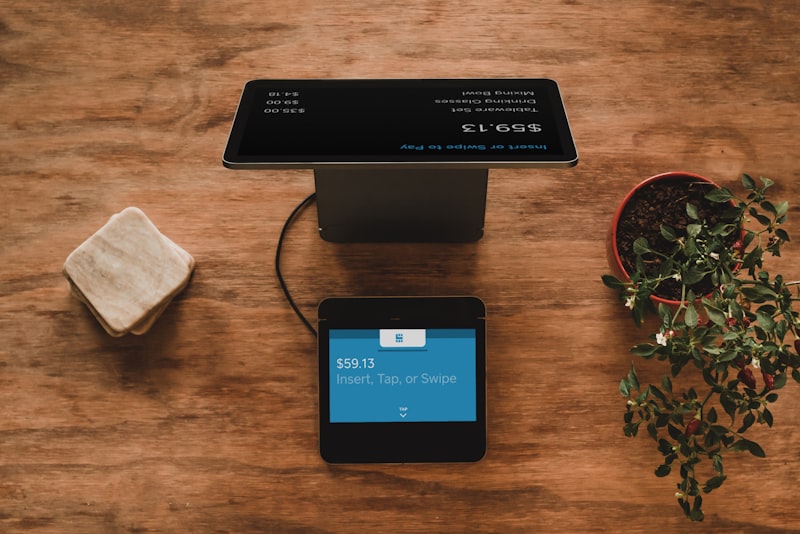 Comparing implementation complexity
Kiosk Implementation Timeline
| Phase | Duration | Tasks |
|---|---|---|
| Planning | 2-4 weeks | Vendor selection, site planning |
| Ordering | 4-8 weeks | Hardware manufacturing/shipping |
| Installation | 1-2 weeks | Electrical, network, mounting |
| Integration | 1-2 weeks | POS connection, menu sync |
| Training | 1 week | Staff and soft launch |
| Total | 2-4 months |
QR Ordering Implementation Timeline
| Phase | Duration | Tasks |
|---|---|---|
| Platform Setup | 1-2 days | Account creation, settings |
| Menu Building | 2-4 days | Items, photos, descriptions |
| QR Code Printing | 1-2 days | Design and printing |
| Staff Training | 1 day | New workflow orientation |
| Total | 1-2 weeks |
Winner: QR ordering deploys in days, not months.
Scalability Comparison
 How
How Kiosk Scalability
Adding capacity requires:
- Purchasing more hardware
- Installation at each location
- Increased maintenance burden
- Physical space allocation
Cost to add capacity: $3,000-10,000 per kiosk
QR Ordering Scalability
Adding capacity requires:
- Printing more QR codes
- Upgrading plan tier if needed
- No hardware at all
Cost to add capacity: $0-50 for more QR codes
Integration Considerations
 Both solutions need to connect with your existing systems
Kiosk Integration
Typically integrates with:
- Point of Sale systems
- Kitchen Display Systems
- Payment processors
- Loyalty programs
- Inventory management
Challenge: Kiosk vendors often lock you into their ecosystem. Switching is expensive.
QR Ordering Integration
Integration varies by platform:
- Standalone (manual entry to POS)
- Direct POS integration
- Kitchen printer direct
- Payment processor connection
Advantage: Easier to switch platforms if needed.
For integrated options, see our POS comparison — systems like Square and Lightspeed include QR ordering features.
Hybrid Approach
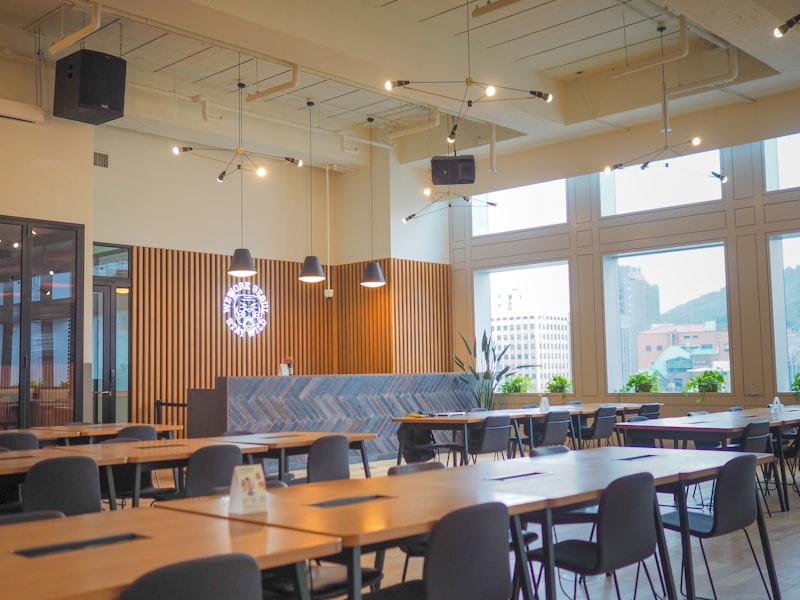 Combining kiosks and QR for maximum flexibility with TouchBistro
Many restaurants combine both:
Counter + Tables
- Kiosk at counter for quick-service orders
- QR codes on tables for dine-in
- Different customer journeys, one kitchen
Backup Systems
- Primary: QR ordering (lower cost)
- Backup: One kiosk for customers without phones
- Accessibility compliance covered
Phased Rollout
- Phase 1: Deploy QR ordering (low risk)
- Phase 2: Evaluate customer adoption
- Phase 3: Add kiosks only if needed
This approach minimizes risk while testing customer preferences.
Making Your Decision
 Choosing the right ordering solution for your restaurant
Choose Kiosks If:
✓ You're a high-volume QSR
✓ Budget allows $5,000-20,000 investment
✓ Counter-service is your primary model
✓ Customer demographics skew older
✓ You want to reduce order-taking labor entirely
Choose QR Ordering If:
✓ You have table service or mixed format
✓ Budget is limited ($100-500 max)
✓ You want quick implementation
✓ Flexibility to change is important
✓ Staff still provides value beyond order-taking
Consider Both If:
✓ You have distinct service zones
✓ Customer demographics vary widely
✓ You're piloting technology adoption
✓ Accessibility requirements demand alternatives
Frequently Asked Questions
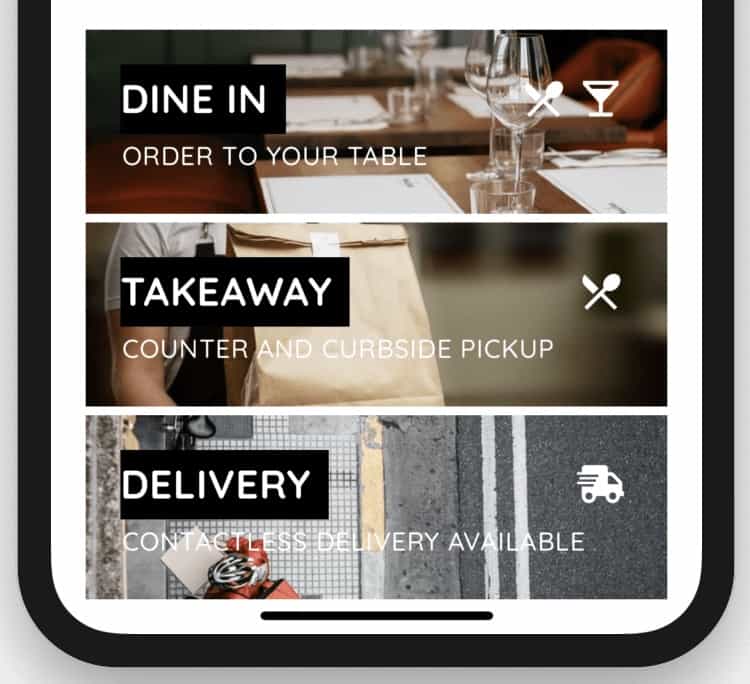 Common questions about kiosk vs QR ordering
Which has higher customer adoption?
Kiosks show 60-80% adoption in QSR environments. QR ordering varies by demographic but typically reaches 70-90% after initial launch period.
Can kiosks work in full-service restaurants?
Rarely. Full-service guests expect table attention. QR ordering maintains hospitality while adding convenience.
What about customers who can't use either?
Both solutions should maintain traditional ordering as backup. Staff can always take orders manually.
Do kiosks increase order values more than QR?
Both increase average tickets by 8-15%. Large kiosk screens may edge out slightly, but QR's lower cost delivers better ROI.
Which is better for multi-language support?
Both support multiple languages. Kiosks display on larger screens; QR ordering uses the customer's phone language settings automatically.
Conclusion
 The right choice depends on your specific operation
For most restaurants, QR ordering delivers better ROI. The 90%+ cost savings, rapid implementation, and flexibility outweigh kiosk advantages unless you're running a high-volume counter-service operation.
Quick-service chains with established counter workflows and significant budgets benefit from kiosks — they've become expected in that environment.
Everyone else should start with QR ordering. The low barrier to entry lets you test customer response before major hardware investment.
Ready to implement QR ordering? Start with our free QR menu generator comparison or see how Square's self-serve ordering works. For comprehensive restaurant technology planning, review our POS systems guide.
More Articles
AI-Powered Restaurant Inventory Forecasting: Reduce Waste and Boost Profits
Discover how AI inventory forecasting predicts demand, optimizes orders, and reduces food waste. Machine learning tools for smarter restaurant inventory management.
Appetito Menu Review: Multilingual QR Menus for Restaurants

Complete Appetito Menu review covering multilingual QR menu features, pricing, setup process, and how it compares to Fuudey, Menu Tiger, and alternatives.
Best Free QR Code Menu Generator in 2025 (7+ Reviewed)

We tested 8 free QR code menu generators including Fuudey, QR Menu Creator, Menuu, ScanIt.menu, and more. Full comparison with pricing, features, and honest reviews.